
TP Link Cloud wont connect

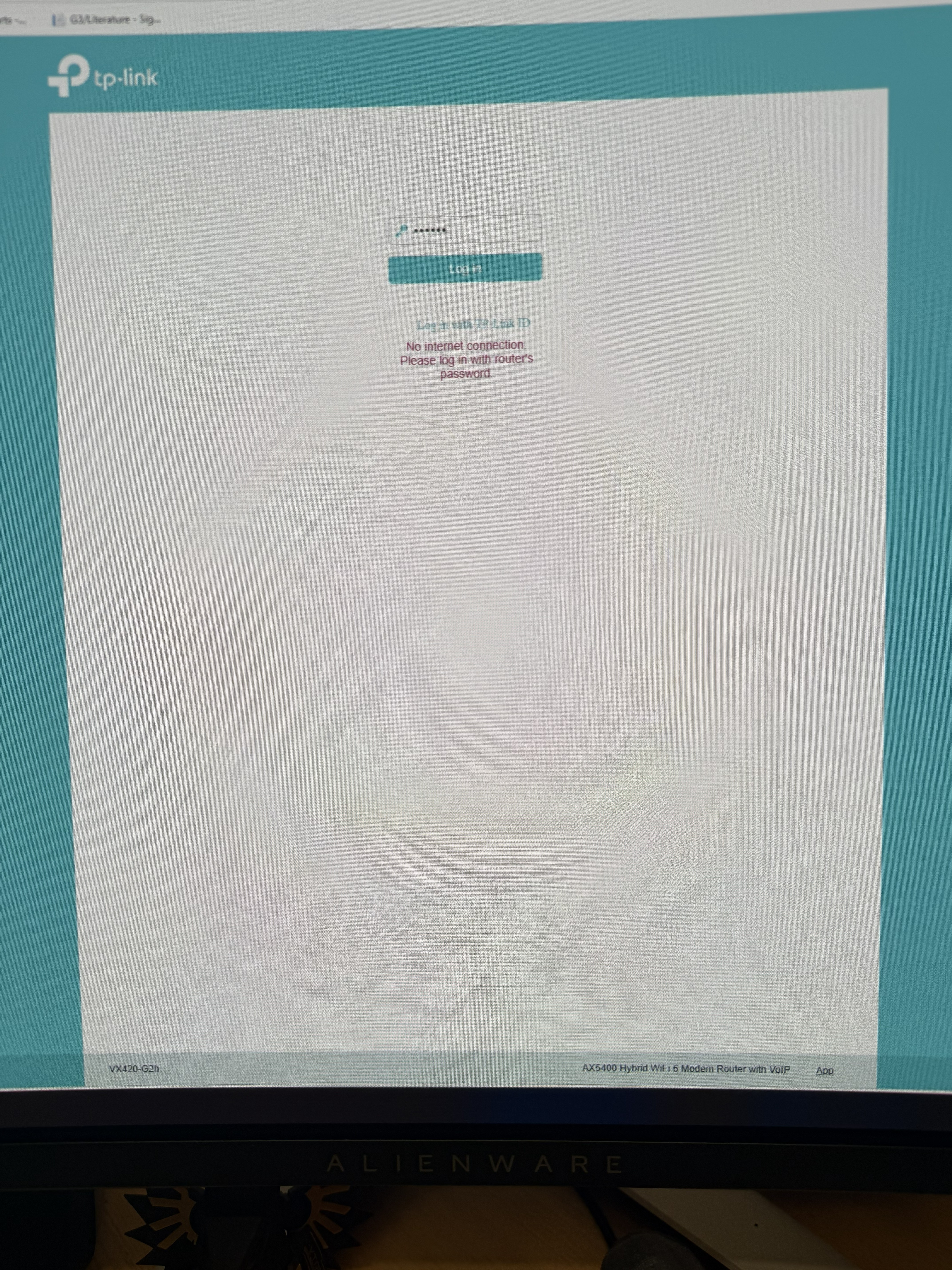
My router is provided by my ISP and I can not connect to TP-link Cloud...the router just will not allow it but it has the function
ISP says it is Tp link's problem......TP Link say it is the ISP problem...I dont care whose problem is it I just want to be able to use it as advertised
Thanks for your help
- Copy Link
- Subscribe
- Bookmark
- Report Inappropriate Content


Hello @Eors71 ,
The VX420-G2h Supports TAUC (TP-Link Aginet Unified Cloud), please install the Aginet App for a try.
How do I set up an ISP-Customized DSL modem router on the Aginet app?
- Copy Link
- Report Inappropriate Content

You should use the router's local administrative password.
In order to login, you should know your router's administrative password - hopefully provided by your ISP.
In the end, your ISP is obligated to help you with this - they have provided a router for you - its firmware has been customized for them.
- Copy Link
- Report Inappropriate Content
- Copy Link
- Report Inappropriate Content
- Copy Link
- Report Inappropriate Content
I want to be able to log the router in with my TP link id so it is accessible from the tether app....mr archer router at my other premises is able to be logged in remotely...this one cant unless i am on the same wireless network
- Copy Link
- Report Inappropriate Content
In general, the steps should be:
Login the router, configure your TP-Link ID in the router WebGUI. Save the settings and Logout.
On the next login screen select:
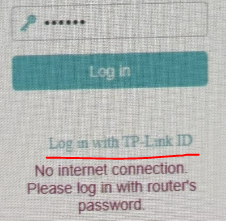
Login with your newly configured TP-Link ID.
If that doesn't work for you, then most probably the reason is a customized router FW.
- Copy Link
- Report Inappropriate Content
- Copy Link
- Report Inappropriate Content
Depending on the service you use from your iSP, you may have the opotubity to get a third-party router (even a TP-Link branded).
Using this third -party router you'd have the opportunity to manage it remotely.
That's because it would be with a stardardized firmware release, which you would even update via the TP-Link cloud.
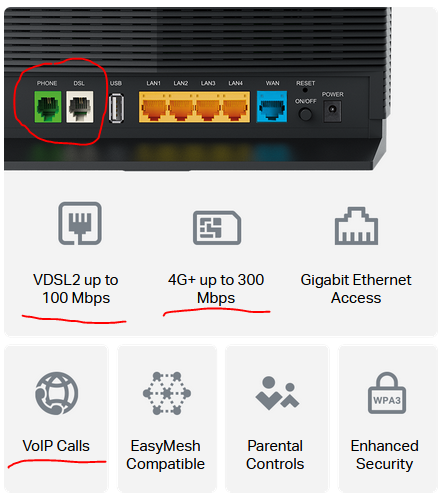
Keep in mind that vx420-g2h is a modem router that supports DSL (up to VDSL2 Profile 17a), along with 4G cellular access through the SIM slot. and if you're using any of these services, they won't work with an ordinary wireless router:
- Copy Link
- Report Inappropriate Content
Hello @Eors71 ,
The VX420-G2h Supports TAUC (TP-Link Aginet Unified Cloud), please install the Aginet App for a try.
How do I set up an ISP-Customized DSL modem router on the Aginet app?
- Copy Link
- Report Inappropriate Content
Information
Helpful: 0
Views: 392
Replies: 8
Voters 0
No one has voted for it yet.