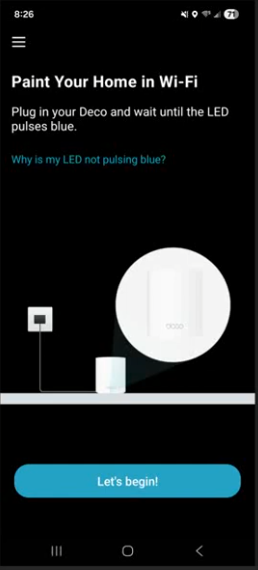
Cannot get TP-Link Dec

So, what I've been through.
Starting from a known good port on the broadband router and a working wifi router connected to that broadband router, so literally I am only swapping out the current working wifi router with the Deco setup.
First pass, got through to change wifi name and add password, failed to connect to internet. Rebooted. App got itself into a fit where it then wanted to go back to the default name but that name was no longer on the wifi list. Factory reset tried again but keep hitting getting to the failure to connect to internet.
Tried 3 cables between broadband and the mesh router. The longer cable I wanted to use, the cable that came with the Deco, and then the cable known to work between the port on the broadband router and the router the Deco was to replace. So, it's not the cables and it's not the port on the broadband router.
Deleted app, re-installed. Factory reset everything and started again with same problems, worse in places, could not connect to Deco. Tried another of the three got the same issues.
Skipped over the problem and found I could add the other two Deco to the "network" (is it a network if it isn't connecting to the internet). Added them. The location naming function was flaky and took multiple attempts to "save" the device location and have it show up on the network map. Then tried rebooting boxes. They all came up OFFLINE and wouldn't connect again. The menu that previously had the reboot option had different options while the units were offline including remove from network. So it turns out "managers" cannot use any of the options in the menus that are available when devices is offline.
On a hunch (I am or was a test engineer at one point) I connected the old router to the broadband router and had one spare port on that so I connected that to the Deco main. Not really a lot of point doing that if the point was to replace the old wifi router. That did not seem to make any difference. I bumbled onto the reset network option. Did that and nothing improved. For no rhyme or reason I rebooted the network again and it seemed to come up, but with Deco connected to spare port on old wifi router but not port on broadband router.
I may be rusty but WTFO. 4 hours of my day and I've still no trust this will work if I sneak the cable back to the port on the broadband router.
Being really brave, said yes to a firmware update. Half expect I'm now bricking all three Deco, absolutely no trust.