
Network Security Key

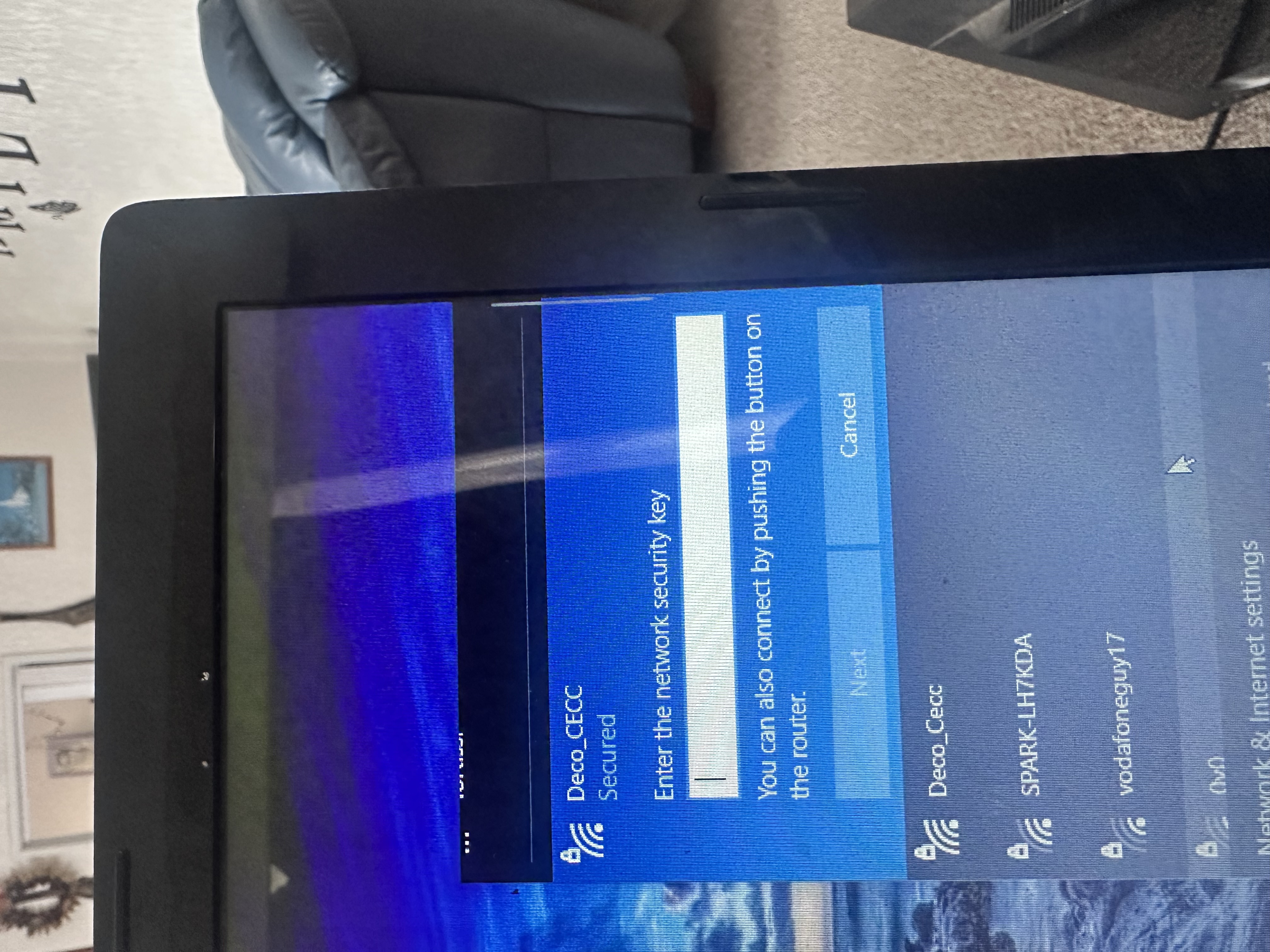
Hi there
i need help of where can I find the network security key when trying to connect my laptop to the wifi
this is frustrating
cant find anything on the router and package
I don't know why this is needed
- Copy Link
- Subscribe
- Bookmark
- Report Inappropriate Content

- Copy Link
- Report Inappropriate Content

Have you actually set up the Deco using the app on your mobile device?
If you haven't, you won't get anywhere until you have.
As I can see "Deco_CECC" in your list of available connections, at least one of your Deco nodes has not been set up.
- Copy Link
- Report Inappropriate Content
If you haven't set it up with the deco app yet please follow the directions in the post below
https://www.tp-link.com/us/support/faq/1592/
If you set it up before posting on the forums where you able to log in?
- Copy Link
- Report Inappropriate Content

Hi, welcome to the community.
If you have not set up your Deco X50, please refer to the instructions below.
If you have set up your Deco X50, please go to the Deco app > More > Wi-Fi settings to find your wireless password(network security key).
How to Change Your Deco Wi-Fi Name, Password, and other Settings
Best Regards
- Copy Link
- Report Inappropriate Content
Information
Helpful: 0
Views: 80
Replies: 4
Voters 0
No one has voted for it yet.