Unable to optimise channels/congestion on Android app

Unable to optimise channels/congestion on Android app

Unable to optimise channels/congestion on Android app
Yesterday
Model: Archer AXE75  
Hardware Version:
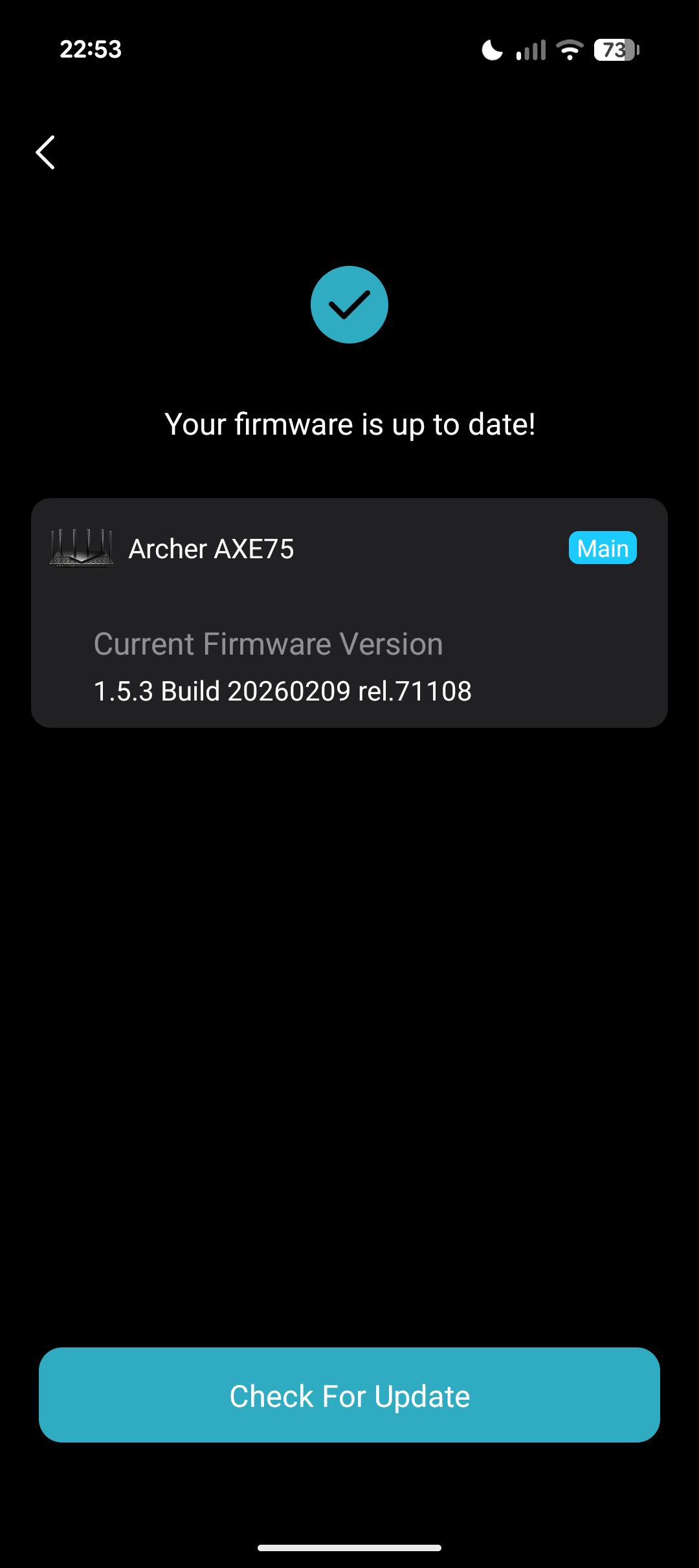
Firmware Version: 1.5.3 Build 20260209 rel.71108

Hello all, 


I have been experience an issue on the Tether Android app for a number of years now. 


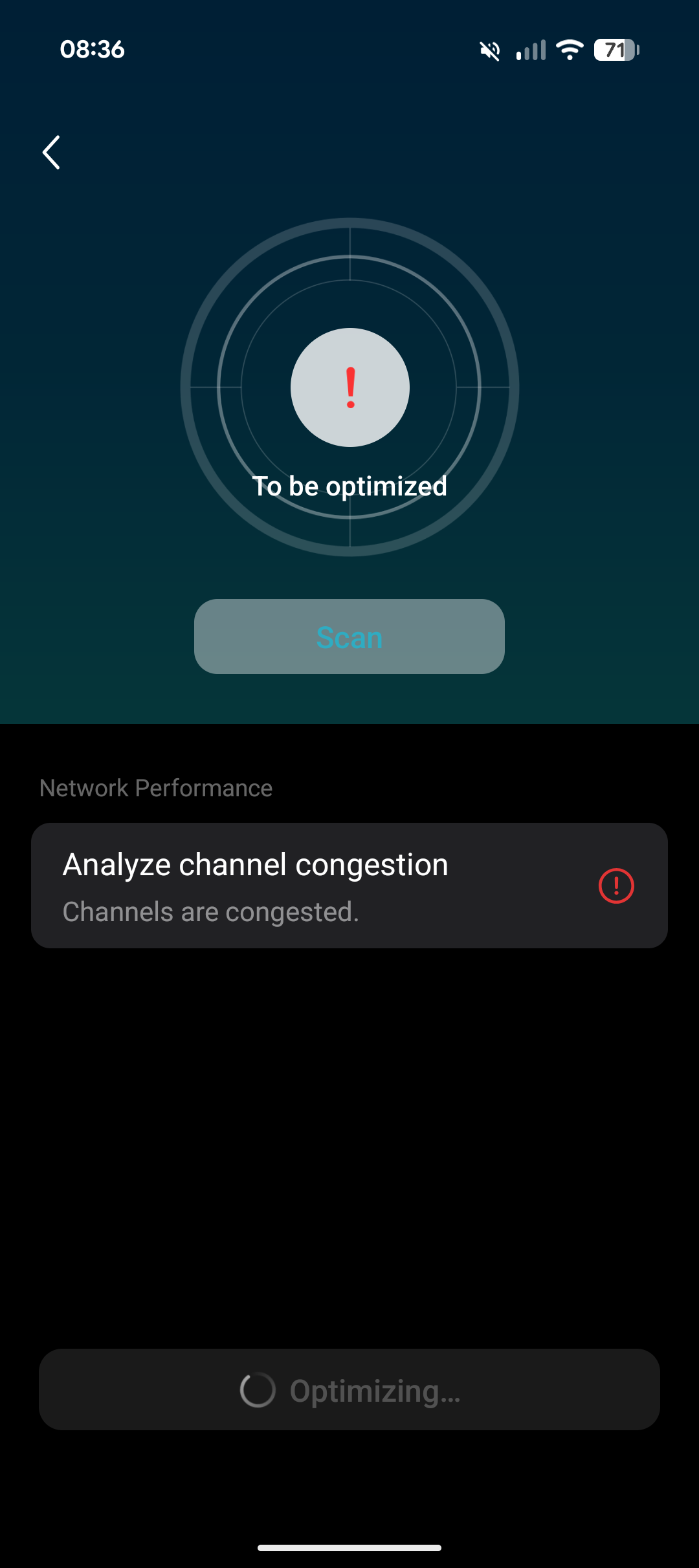
For some reason, I am unable to optimize my network congestion using the app. 


When i press optimize it gets stuck on Optimizing and never completes the action. 


On my iOS devices I am able to optimize the network back to Perfect. 


Its odd why I am unable to do this on my Android app. 


I factory reset my Archer AXE75 and it is updated to the latest version. 
Any help would be appreciated thank you!

  0      
  0      
#1
Options
1 Reply
Re:Unable to optimise channels/congestion on Android app
11 hours ago

Hello @MathersMahmood ,

May I know the App version and the model of your Android phone? Please update to the latest version of the App, then connect to your local Wi-Fi network and scan again.

Welcome to Community! Get the latest posts: △New Firmware for Archer GE550/GE650 V1 Introduces AI-QoS, EasyMesh IoT Expansion, and More! △New Firmware Releases for Archer BE805 V1/BE450 V1 to Support VPN Merge, New ECO Mode, and More! More posts, please see: △ Get the Ongoing Pre-release Firmware for Wi-Fi Routers Here— Subscribe for Updates! Urgent problems with your Wi-Fi Router, Range Extender, or DSL Modem? Please reach out via private Messages or @Joesph-TP in your new thread directly. Click Or ☆Recommended Solution if the post/answer helps.
  0  
  0  
#2
Options