Remote Desktop

Remote Desktop
Hi all,
I a have a Windows PC connected via ethernet cable to the M8550 router.
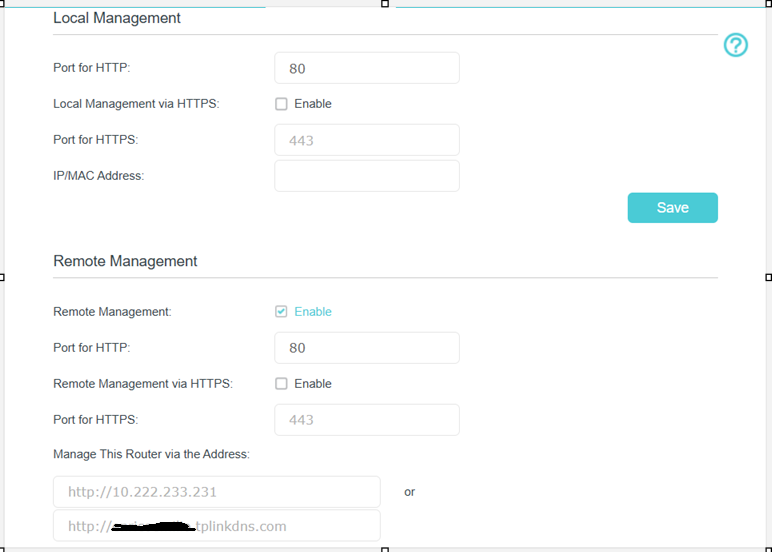
I have also a registered TPLink DDNS record xyzk.tplinkdns.com. My target is to access my PC via Remote Desktop from Internet.
I enabled a Virtual server working on port TCP 3389 towards the IP address assigned to my PC.
I have also disabled Windows defender under the Windows PC.
I provide xyzk.tplinkdns.com under the Remote desktop connection and after some seconds nothing happens.
There is no way to get this configuration working. I don't know if some configuration is missing.
Please provide some help, thanks
Enrico