Using app casues Deco X60 to crash

Using app casues Deco X60 to crash

Using app casues Deco X60 to crash
Yesterday - last edited 23 hours ago
Model: Deco X60  
Hardware Version: V3
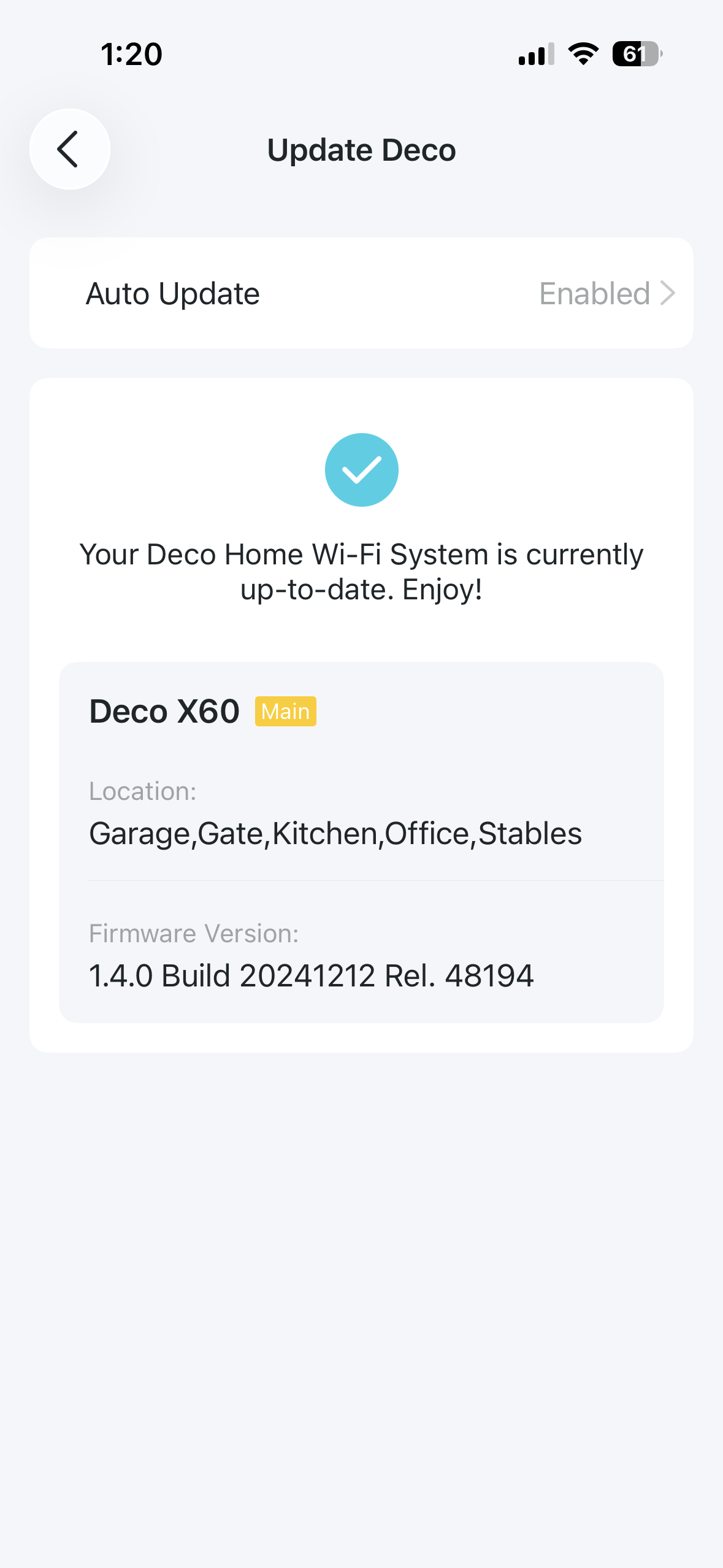
Firmware Version: 1.4.0

I'm getting the same issue as described in this thread https://community.tp-link.com/en/home/forum/topic/705756?sortDir=ASC&page=4, but I have an X60 rather than X55. Thread is locked so can't post there, hence starting a new thread.


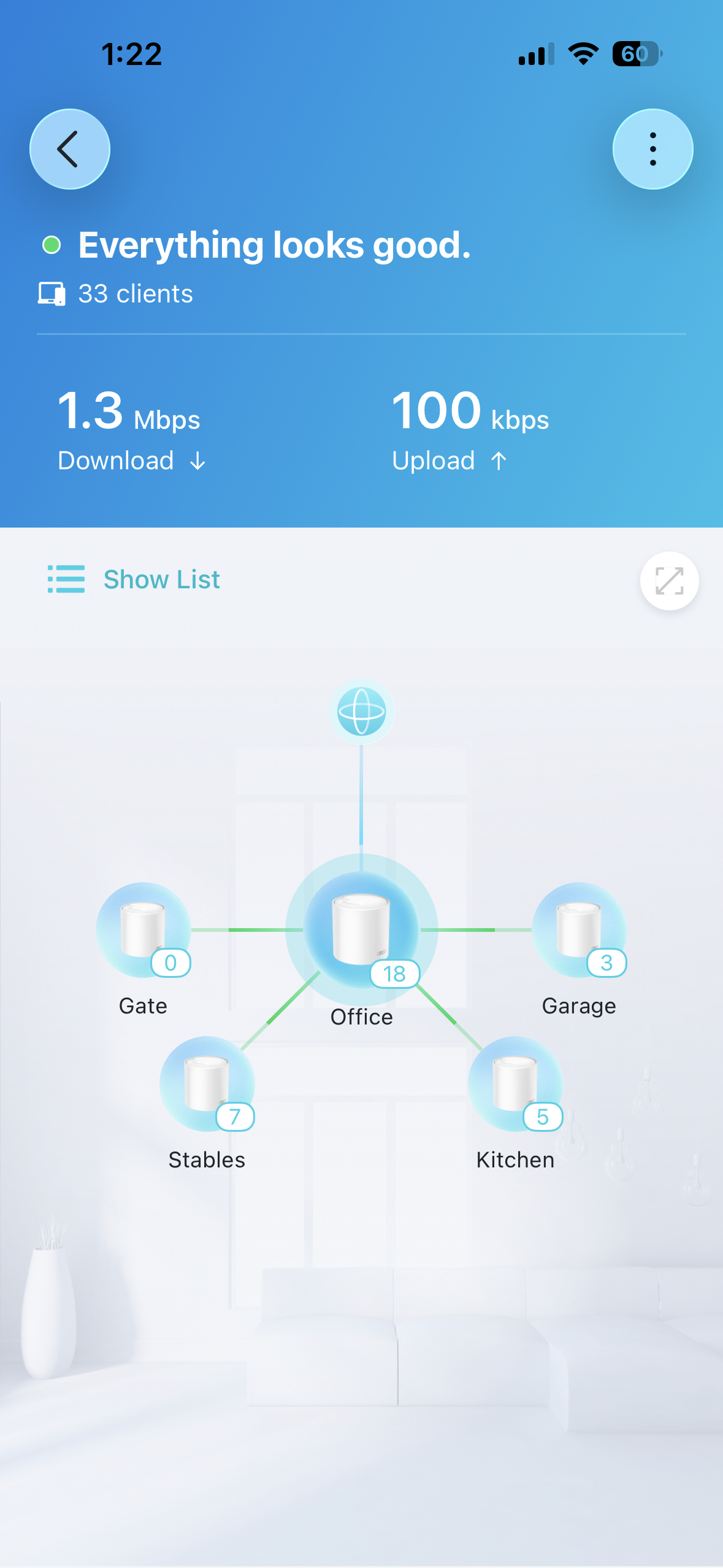
Whenever I use the Deco app (IOS), after 20-30 seconds the Deco crashes and takes a couple of minutes to reboot itself and recover. Consistently happens 100% of the time when I use the app, although if I use a part of the app that doesn't have real time updates / metrics showing it seems to avoid it crashing the Deco. Has been happening for a while now, but since I rarely need to use the app it's not something that keeps me awake at night.


The app says the firmware is up to date, although it lists the firmware as v1.4.0 which isn't even listed on https://www.tp-link.com/uk/support/download/deco-x60/v3.20/#Firmware.


Hardware says it's v3.2.


thanks, Arron


  0      
0
#1
Options
2 Reply
Re:Using app casues Deco X60 to crash
8 hours ago

  @arronharden 

Hi, 
Here is a new firmware (v1.6.12) for the Deco X60 V3.2. Please try updating it via Deco's web UI and check if it helps in your case. Please also ensure that the Deco app is up to date.
How to Update TP-Link Deco Firmware
 

If the same phenomenon persists, please provide the following information for further analysis.
  1. When you use the Deco app, do all the Deco nodes reboot themselves every 20-30 seconds after rebooting, or do they reboot only once?
  2. What changes in the LED status on the Deco nodes when it reboots?
  3. Please provide your Deco app's version info.


Best Regards

  0  
0
#2
Options
Re:Using app casues Deco X60 to crash
6 hours ago

  @Solla-topee thanks, I'll try that and report back

  0  
0
#3
Options