Tapo iOS Widget issue - Empty and unable to add devices

Tapo iOS Widget issue - Empty and unable to add devices

Tapo iOS Widget issue - Empty and unable to add devices
a week ago - last edited Tuesday
Model: Tapo L530E  
Hardware Version:
Firmware Version: 1.4.2 Build 260113 Rel.172011

Hi all, I need some help with the Tapo widget on my iPhone. My iOS is up to date and currently running iOS 26.5.
 

I’m fairly sure the Tapo widget was working a while ago, but I recently noticed that the widget on my home screen is completely empty. When I tap on it, I’m unable to add any of my Tapo devices, and no devices are listed at all. I've a few Tapo devices, few lightbulbs and a wifi camera. 
 

Just to clarify, the Tapo app itself is working fine, and all of my devices appear and function normally inside the app. The issue is only with the iPhone widget.
 

I’ve tried restarting my router, uninstalling and reinstalling the Tapo app, re-adding my devices, and following the “How to Use” instructions for adding and activating widgets. Unfortunately, none have made any difference. No Tapo devices appear as available options for the widget at all. 
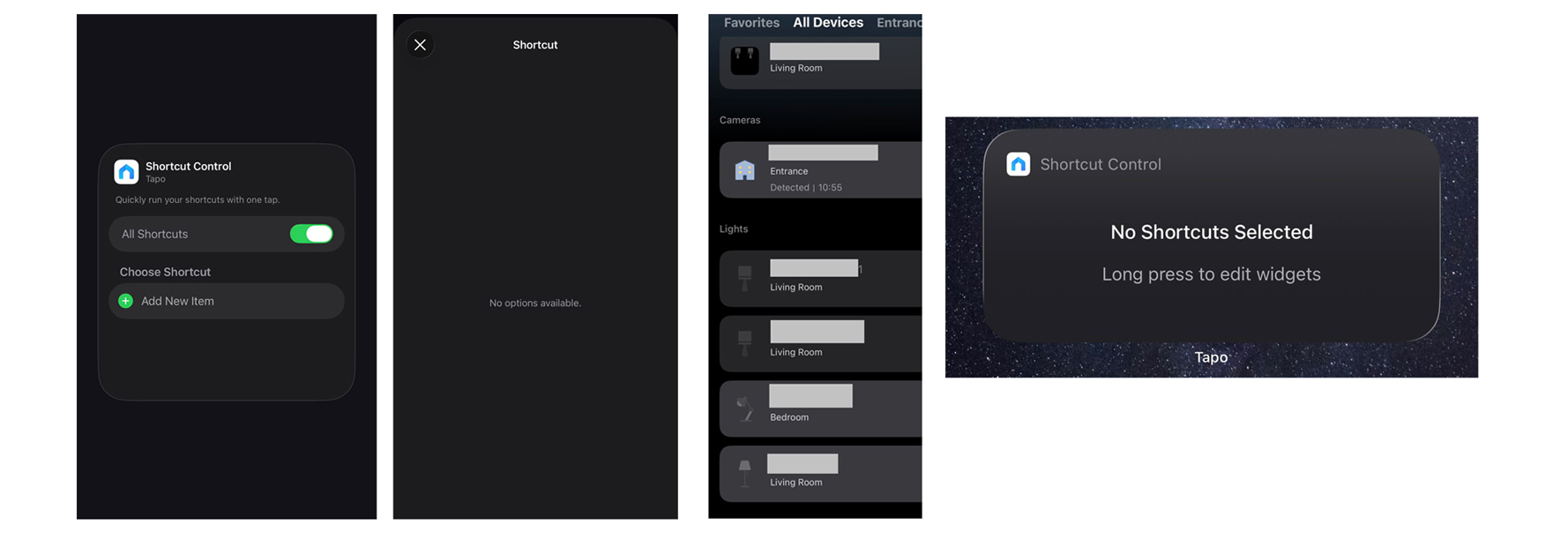
 

Image above shows the different screens on my iPhone.The Tapo widget is blank and does not display anything. I'm not able to add any of my devices to the widget because no devices appear in the list.


Any help is much appreciated, thank you!

  0      
0
#1
Options
1 Accepted Solution
Re:Tapo iOS Widget issue - Empty and unable to add devices-Solution
a week ago - last edited Tuesday

  @m-f 


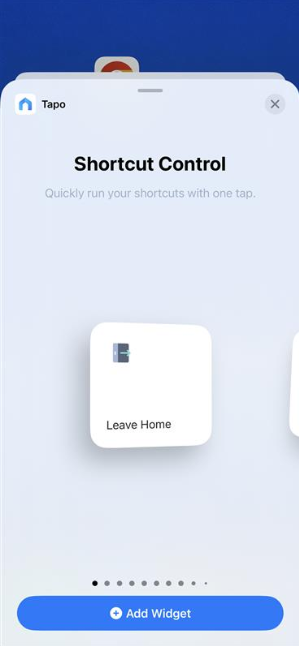
There are different kinds of widgets available. You have selected the 'Shortcut' widget, and since you don't have any shortcuts created in your Tapo app, the list will be empty.


If you want to control a smart device or check its status via a widget, select the other types widgets -- when you're in Tapo Widget page, simply swipe left and you will see more widgets. How to use Widgets to control Tapo Devices and Tapo Shortcuts


CES 2026 Meet TP-Link AI Assistant and More New Products!
Recommended Solution
  0  
0
#3
Options
4 Reply
Re:Tapo iOS Widget issue - Empty and unable to add devices
a week ago

anyone has any ideas on this issue, please?

  0  
0
#2
Options
Re:Tapo iOS Widget issue - Empty and unable to add devices-Solution
a week ago - last edited Tuesday

  @m-f 


There are different kinds of widgets available. You have selected the 'Shortcut' widget, and since you don't have any shortcuts created in your Tapo app, the list will be empty.


If you want to control a smart device or check its status via a widget, select the other types widgets -- when you're in Tapo Widget page, simply swipe left and you will see more widgets. How to use Widgets to control Tapo Devices and Tapo Shortcuts


CES 2026 Meet TP-Link AI Assistant and More New Products!
Recommended Solution
  0  
0
#3
Options
Re:Tapo iOS Widget issue - Empty and unable to add devices
a week ago

OMGGGG im such a klutz 


thank you so much for this, i didn't realize this at all, i thought all the widgets were the same and it differs only in design, thank you so much! Solved 

  0  
0
#4
Options
Re:Tapo iOS Widget issue - Empty and unable to add devices
Tuesday

  @m-f  No problem at all, i'm glad to help!

CES 2026 Meet TP-Link AI Assistant and More New Products!
  0  
0
#5
Options