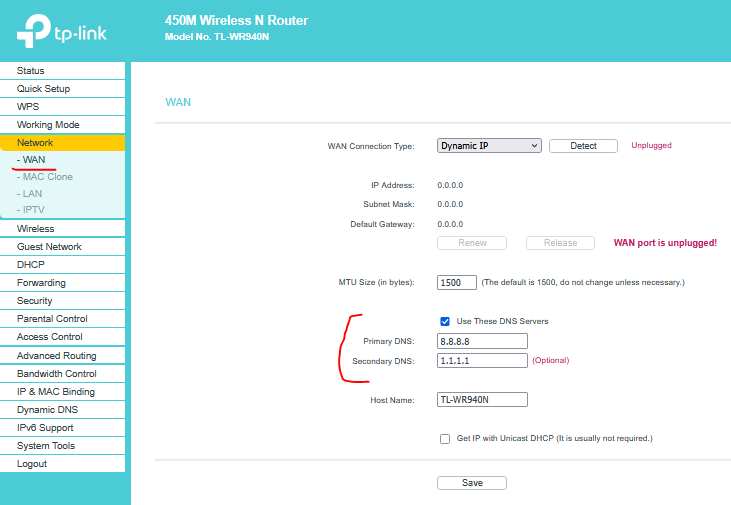
WR940N - second router, connected no internet. Why, why, why.

Apologies in advance for what is probably a stupid question but I am not tech-ie and have no understanding of routers, access points or whatever they are. Indeed what is the difference?!
I have a Telekom Speedport 4 as my primary router and the TP-Link connected for VPN. Working perfectly for the last 18 months until last week when the TP suddenly shows as "connected without internet". From one day to the next. Why?!
Based on some suggestions found online, I have rebooted both, changed the ethernet cable, even tried another TP Link but still the same. Somebody said to take the info from Dynamic IP and enter it under Static IP. Whatever that means. But I did it anyway and there was no change.
Struggling to understand why this randomly happened but even more so, how to fix it. I need help please. In layman's terms. Thanks so much!