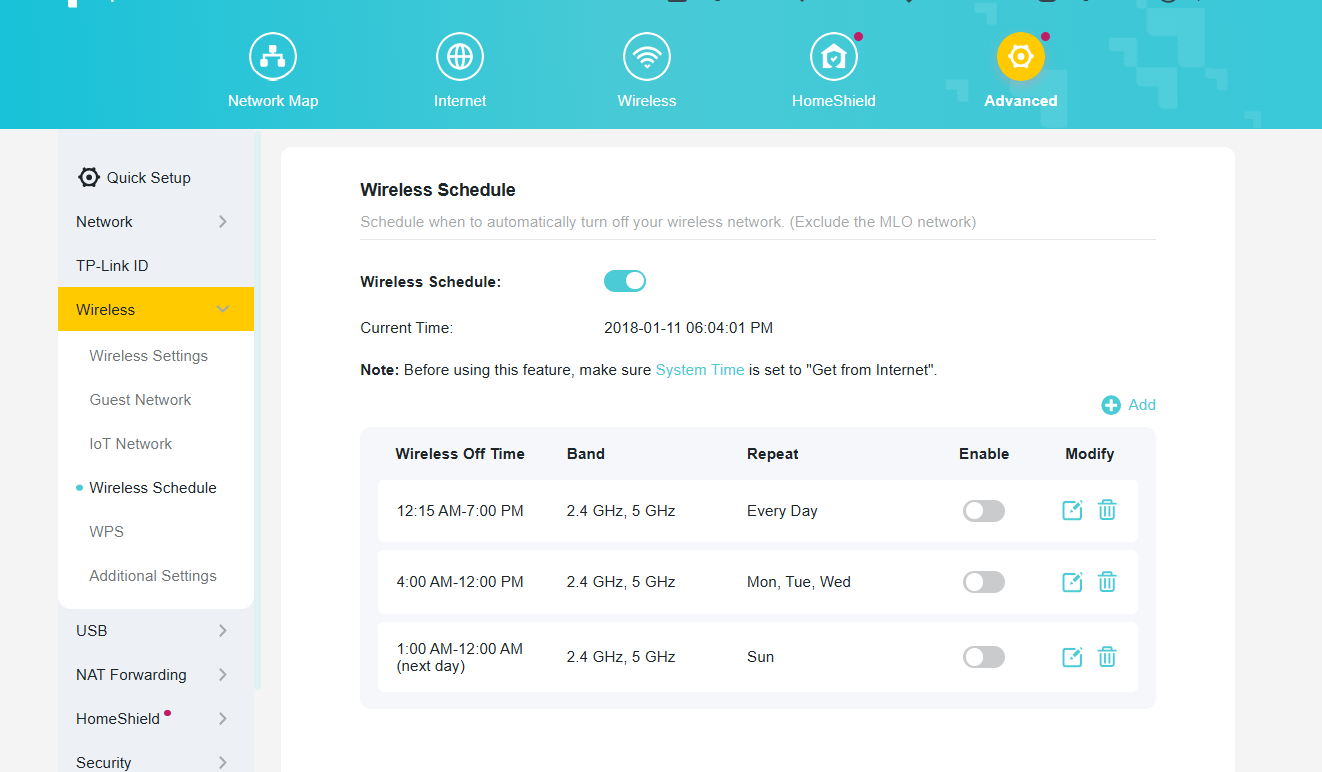
Issue with TP-Link Archer AX3600 Router - 2.4GHz Band Devices Not Connecting After Some Time

Dear TP-Link Technical Support,
I am writing to report a problem with my TP-Link Archer AX3600 WiFi router. The router has the latest firmware installed and was working flawlessly for about six months after purchase. However, starting yesterday, out of nowhere, my Tapo camera and other devices that use the 2.4GHz band stopped functioning. I discovered that the router is no longer detecting or connecting to any of these 2.4GHz devices.
I restarted the router, and after the restart, all the affected devices began working again normally. Unfortunately, approximately 12 hours later, the same issue occurred again—the 2.4GHz devices disconnected and became undetectable until another restart.
I have tried basic troubleshooting steps, such as ensuring no interference from other devices and confirming the firmware is up to date, but the problem persists.
Could you please advise on what might be causing this? Is this likely a hardware fault that requires warranty repair or replacement, or could it be a firmware-related issue? Any suggestions for further troubleshooting or a potential fix would be greatly appreciated.
Thank you for your assistance.