
Super Admin : Access related

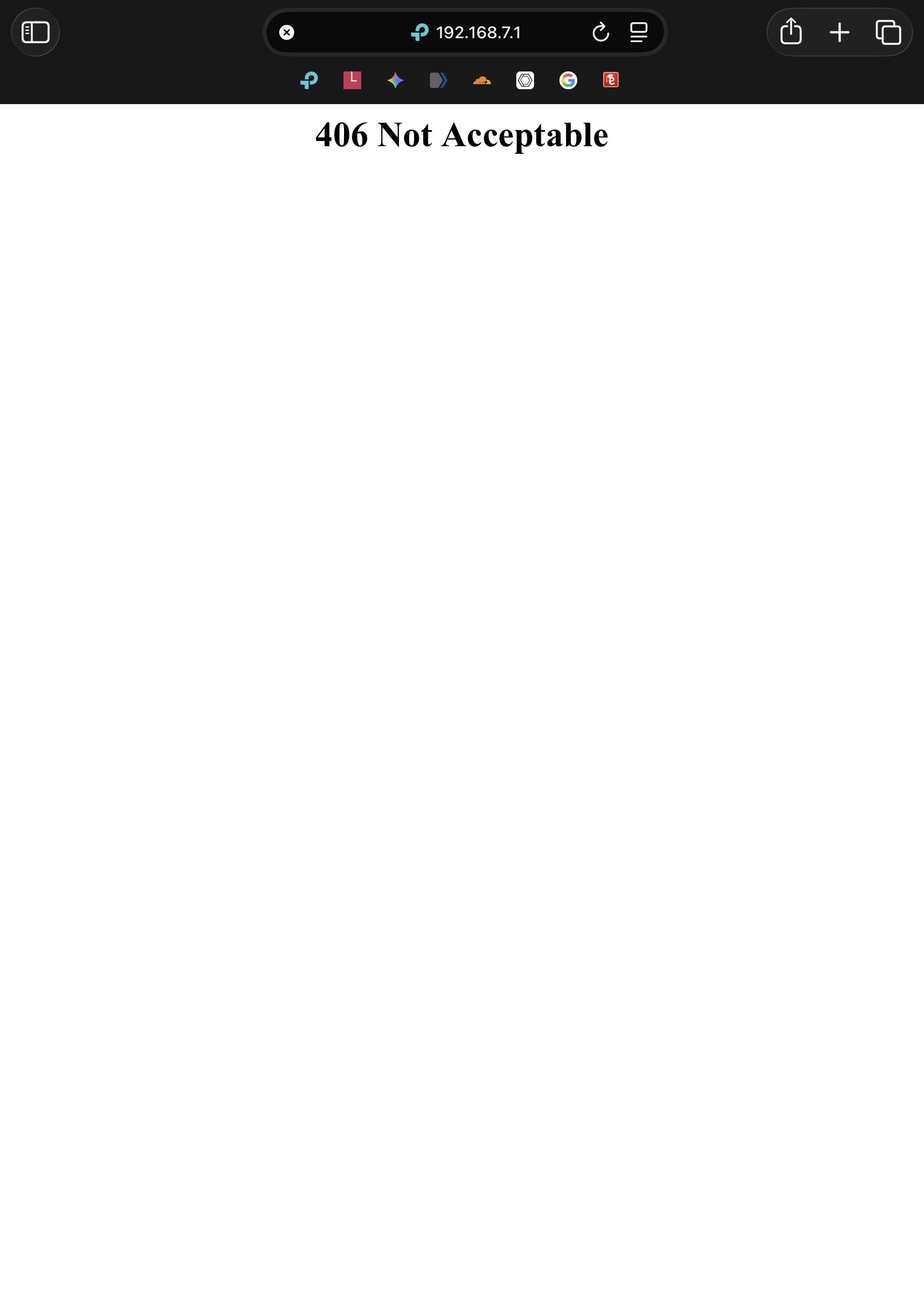 After a recent firmware update, I can no longer access the router’s superadmin panel. Previously, navigating to http://192.168.7.1/superadmin worked, but now it consistently returns a 406 Not Acceptable error. The standard admin interface at http://192.168.7.1 still loads normally, so the router itself is reachable. I have already tried different browsers, private mode, and forcing desktop view, but the issue persists. It appears the firmware may have changed how the superadmin endpoint is handled or restricted access entirely. Has anyone experienced this after a firmware upgrade on a similar router, and is there a known workaround or new method to access superadmin (e.g., HTTPS, different path, or header requirement)?
I am noticing many necessary features are hidden along...


