
Firmware update by tether which is not listed in official website

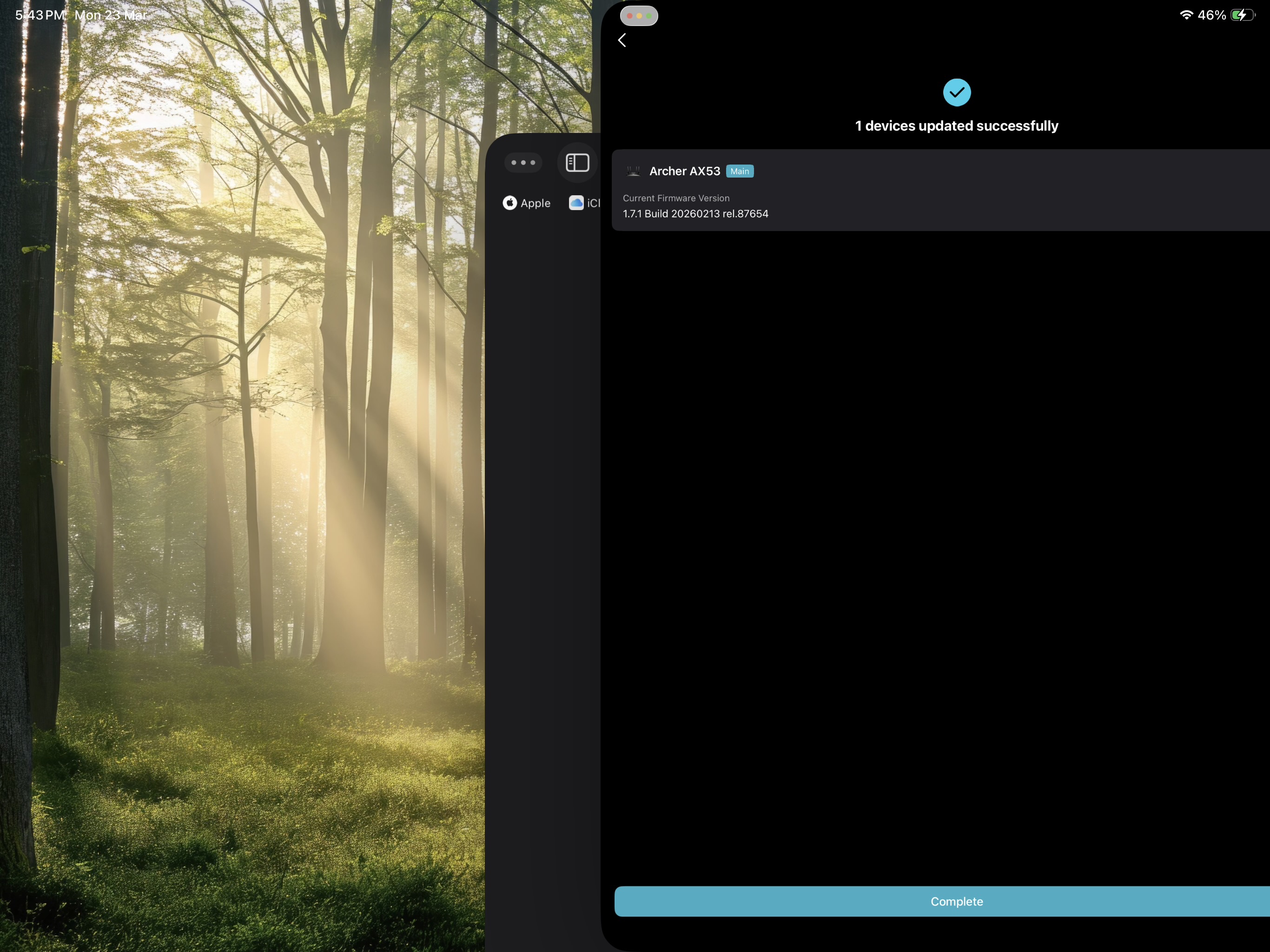 I have just received an update from the Tether app but I cannot find a former version of the router on the website of my region
- Copy Link
- Subscribe
- Bookmark
- Report Inappropriate Content

This is normal and it happens when a new FW has been released, but it's not published on the global support portal yet.
- Copy Link
- Report Inappropriate Content

It's quite often the case that certain regional websites of TP-Link list new firmware versions sooner than others.
https://www.tp-link.com/tw/support/download/archer-ax53/v1/#Firmware
- Copy Link
- Report Inappropriate Content
This is normal and it happens when a new FW has been released, but it's not published on the global support portal yet.
- Copy Link
- Report Inappropriate Content

I asked for the latest FW to be published last September on the AX73 V2, checking today the old one from April is still the latest you can download.
The solution is or it was for me anyway is to change brands and visit a second hand shop or eBay to get rid of a product they intentionally or not have broken trust with.
Don't expect a straight answer as you won't get one you'll just be asked to go round in circles, I stayed brand loyal to them for many years and many routers but the sheer lack of the latest FW to be published says they aren't taking it seriously and if they aren't taking this seriously what else are they winging it about as well, as I said the trust is gone and so am I.
- Copy Link
- Report Inappropriate Content
It's quite often the case that certain regional websites of TP-Link list new firmware versions sooner than others.
https://www.tp-link.com/tw/support/download/archer-ax53/v1/#Firmware
- Copy Link
- Report Inappropriate Content

After updating to this firmware my router speed capped to 250mbps from 1000mbps, how can i fix it now? my QOS feature gone from the web interface after this update and checked on tether app and QOS is disable, need to fix ASAP, how is it possible now?
- Copy Link
- Report Inappropriate Content
@BanglaShoppers use tether app
- Copy Link
- Report Inappropriate Content
@Pankajuuuuu QOS is disable so where is the speed cap is happening?
- Copy Link
- Report Inappropriate Content
@BanglaShoppers idk bro my speed is fine and the bufferbloat also
- Copy Link
- Report Inappropriate Content
@Pankajuuuuu Yeah bro something wrong, not sure If I should try a factory reset?
- Copy Link
- Report Inappropriate Content
@BanglaShoppers I have also performed a factory reset because in my unit i was facing some overheating issues, still, it it have not resolved
- Copy Link
- Report Inappropriate Content
@Pankajuuuuu Brother, I figured out all the issues with the firmware, please read here - https://community.tp-link.com/en/home/forum/topic/860666?page=1
- Copy Link
- Report Inappropriate Content
Information
Helpful: 1
Views: 1480
Replies: 10
Voters 1
