
New Release Kasa KE100 – Support 0.5 Degree Increment & Three Valve Control Modes (Standard/Powerful/Gentle)


Kasa KE100 introduces two noteworthy features in its latest firmware 2.15.0 Build 260212, which bring you better control and comfort.
Let’s take a closer look at what’s new!
0.5°C Temperature Increments 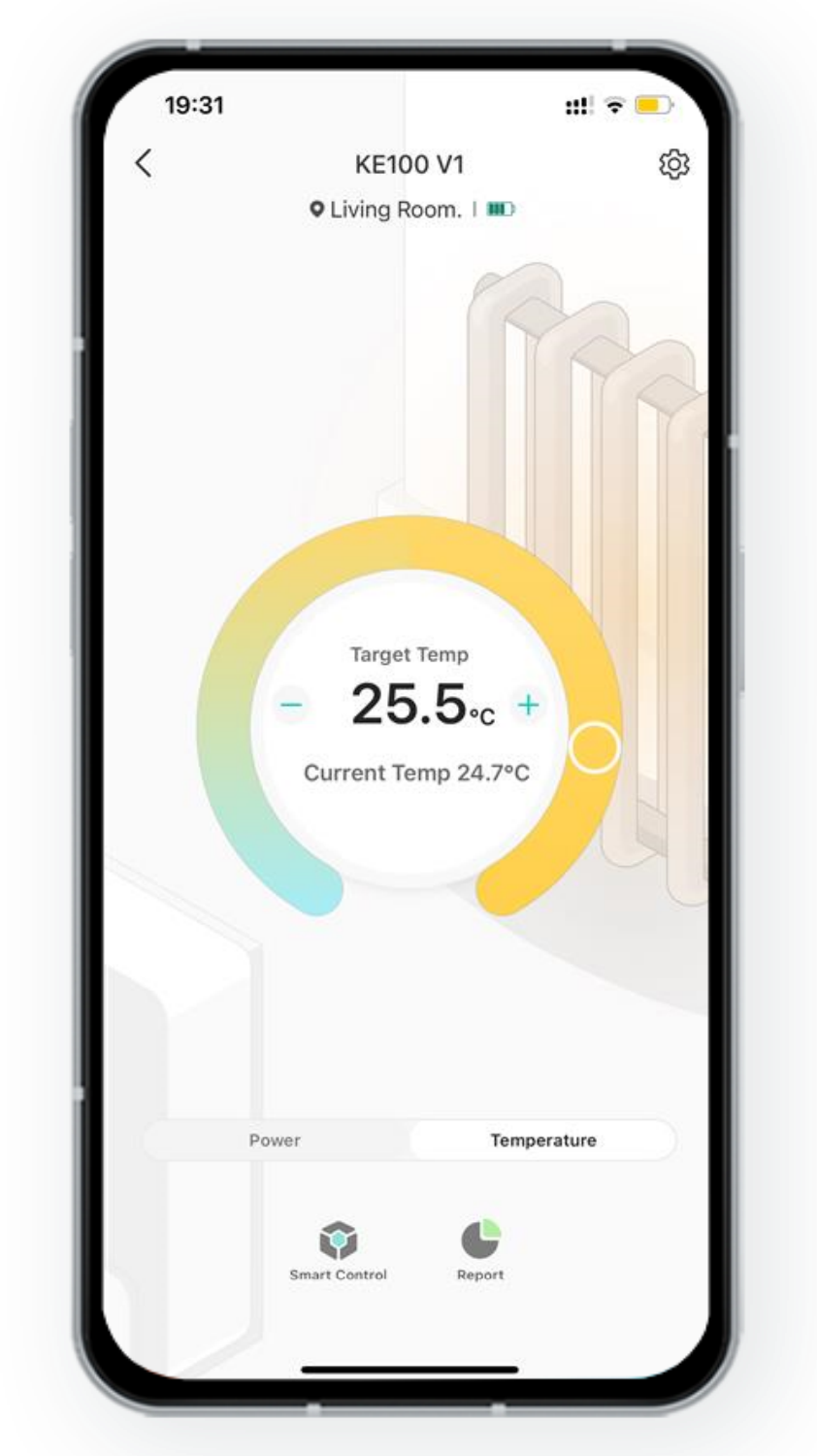
Adjust your target temperature with greater precision — the step size is now reduced from 1°C to 0.5°C. With smarter valve control, you can fine‑tune your environment for a more comfortable experience.
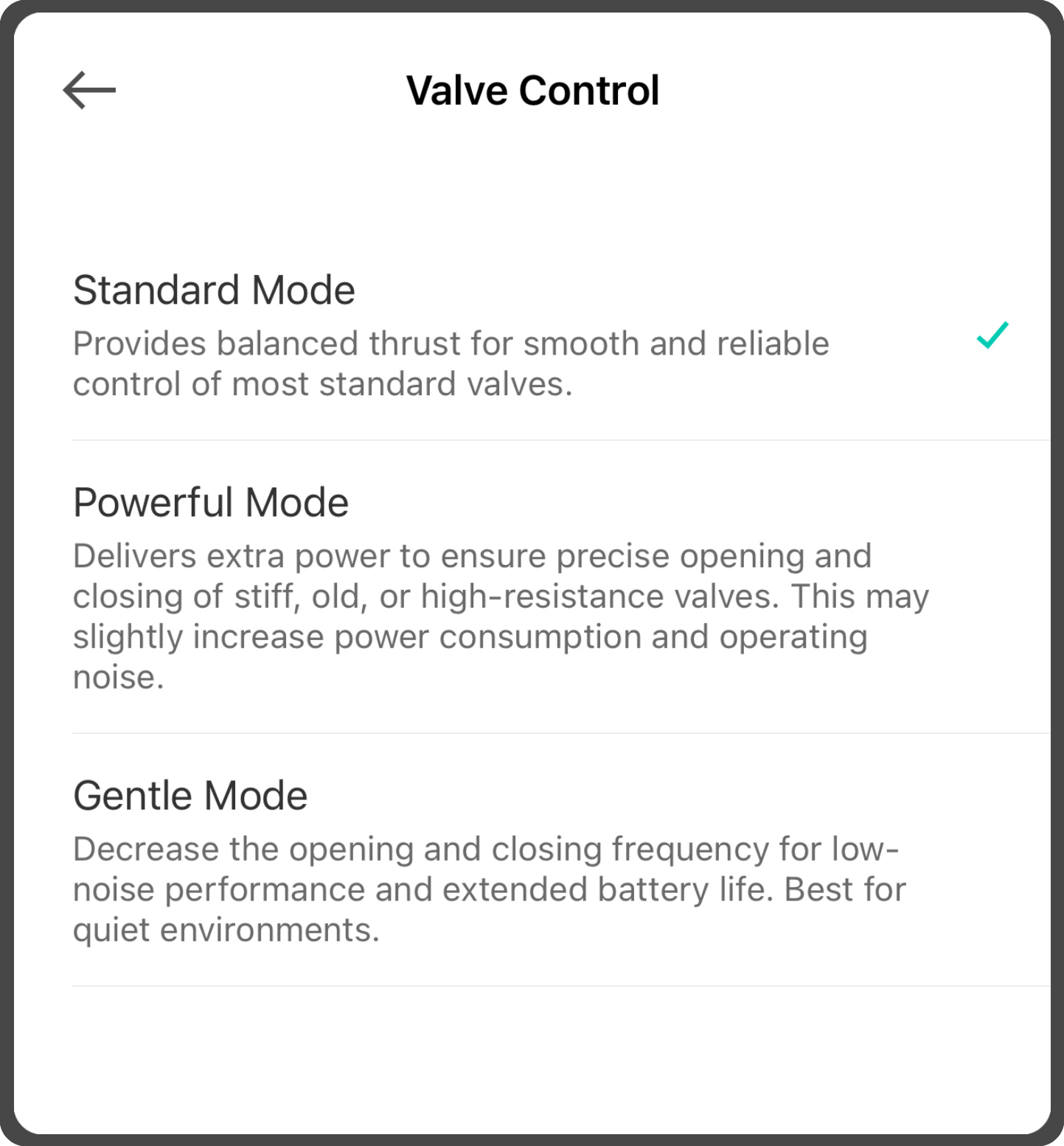
Three Valve Control Modes
Choose the mode that best fits your setup:
- Standard Mode - Offers balanced thrust for smooth and reliable operation with most common valves.
- Powerful Mode - Delivers extra torque to ensure accurate opening and closing of stiff, older, or high‑resistance valves.
-
Gentle Mode - Reduces valve movement frequency for quieter performance and extended battery life. Ideal for noise‑sensitive spaces.
How do I adjust the control mode on my Kasa KE100?
Open Kasa app, go to KE100's Device Settings page, then click Valve Control.
Tips: To ensure these features work properly, please make sure your Kasa KH100 hub linked to your device is also updated to the latest firmware version. How to update firmware of Kasa smart devices