
HS103 devices can't be found on network

HS103 devices can't be found on network

HS103 devices can't be found on network
2026-05-10 19:59:52 - last edited 2026-05-13 15:59:32
Model: HS103  
Hardware Version: V5
Firmware Version: 1.1.3

I have four HS103 V5: three of them were updated to FW 1.1.3 and now my Control4 automation can't find them anymore. The IPs are correct, they work with the Kasa app and Google Home, but my C4 director can't find them to populate the configuration. I know it's a firmware issue because one of them I didn't update. It's on FW 1.0.13 (the app shows it has an update but I'm not doing it), and it's working fine.
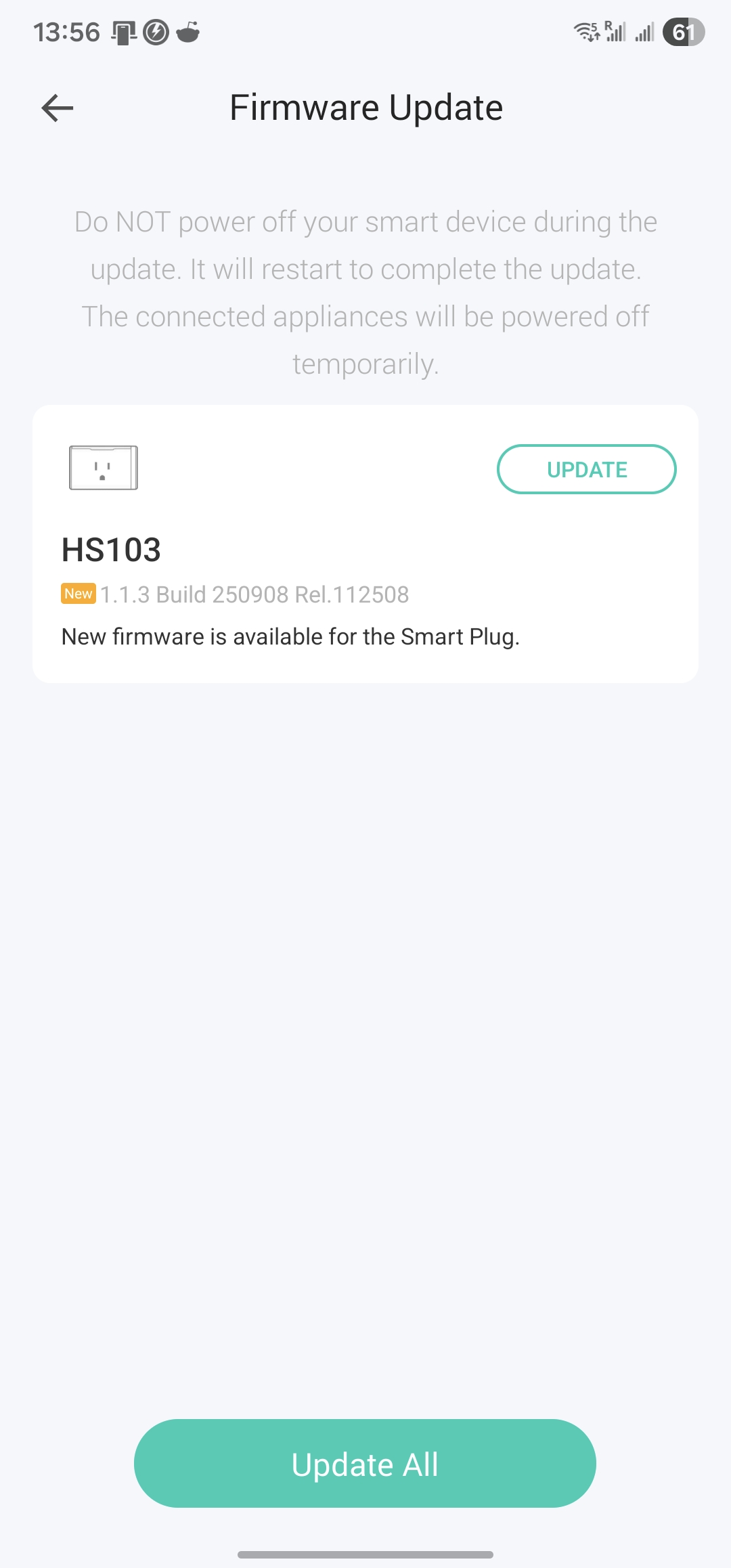


Even TP Link Smart device upgrade tool can only find the one with the old FW, as you can see below:
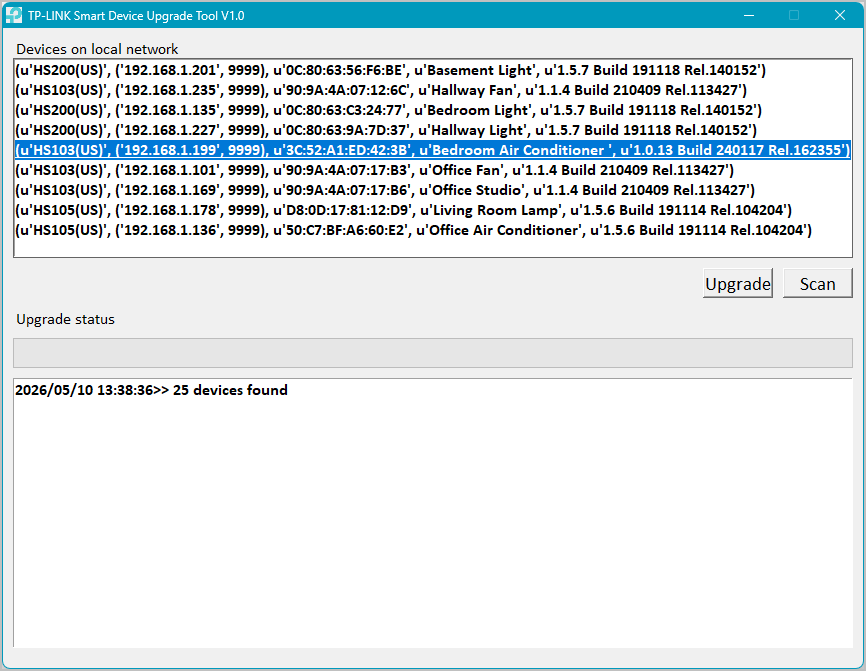
I have 28 devices, the only three HS103 with FW update can't be found. How can I restore the previous version? I tried a factory reset in one of them but it didn't work, it's still on 1.1.3.


I need these devices to power my fans and one portable air-conditioner for the summer - that's why I haven't noticed the issue until now.


  0      
0
#1
Options
1 Accepted Solution
Re:HS103 devices can't be found on network-Solution
2026-05-13 15:59:21 - last edited 2026-05-13 15:59:32

So, it seems that the FW 1.1.3 demands that, in order to use my devices with Control4, I have to turn on Third-Party Compatibility under Settings, which I've never done before. Indeed, by turning it on, the three updated devices went back to work properly with the Control4 director. I also updated the last device pending, which was a little scary, but they are working fine now.

However, the TP Link Smart device upgrade tool now can't find any device, but I don't think that would be a problem - unless it becomes one.


By all.

Recommended Solution
  0  
0
#2
Options
1 Reply
Re:HS103 devices can't be found on network-Solution
2026-05-13 15:59:21 - last edited 2026-05-13 15:59:32

So, it seems that the FW 1.1.3 demands that, in order to use my devices with Control4, I have to turn on Third-Party Compatibility under Settings, which I've never done before. Indeed, by turning it on, the three updated devices went back to work properly with the Control4 director. I also updated the last device pending, which was a little scary, but they are working fine now.

However, the TP Link Smart device upgrade tool now can't find any device, but I don't think that would be a problem - unless it becomes one.


By all.

Recommended Solution
  0  
0
#2
Options