
TP-Link Weekly Report

I am having intermittent network issues with Teams meeting calls dropping. The PC has been checked thoroughly by the vendor and NFF. I am keen to view the Weekly Report provided by the TP-Link, but I cant seem to find it. Reading the notes it looks like it is under Homeshield, but this only has 3 options, all of which require subscription payments. Is this correct? If I am doing something wrong please let me know.
Thanks
- Copy Link
- Subscribe
- Bookmark
- Report Inappropriate Content

Follow this thread.
While the baseline report covers basic network scans and connected devices for free, deeper data (such as specific site blocking, advanced traffic consumption, and app-level reporting) requires a paid HomeShield Pro or Security+ subscription.
- Copy Link
- Report Inappropriate Content
@terziyski So where do I find the report, I don't seem to have an option in the Tether app?
- Copy Link
- Report Inappropriate Content
- Copy Link
- Report Inappropriate Content
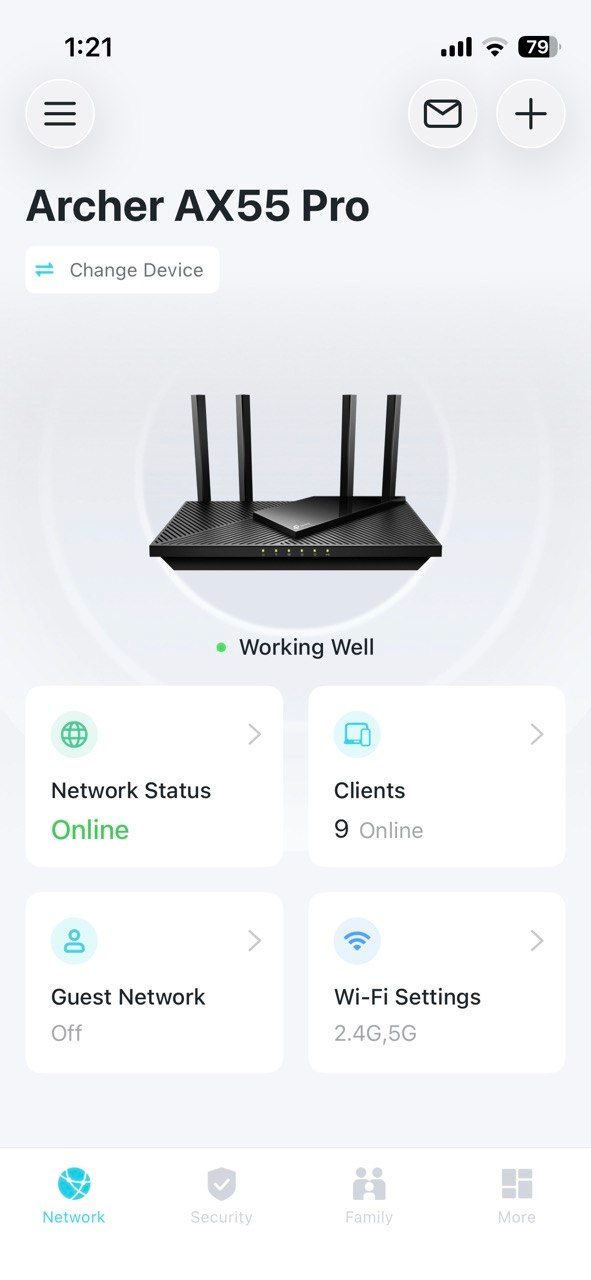
@terziyski Thanks, My app looks quite different, and there is nothing behind the Envelope. I can send that picture as well of needed.
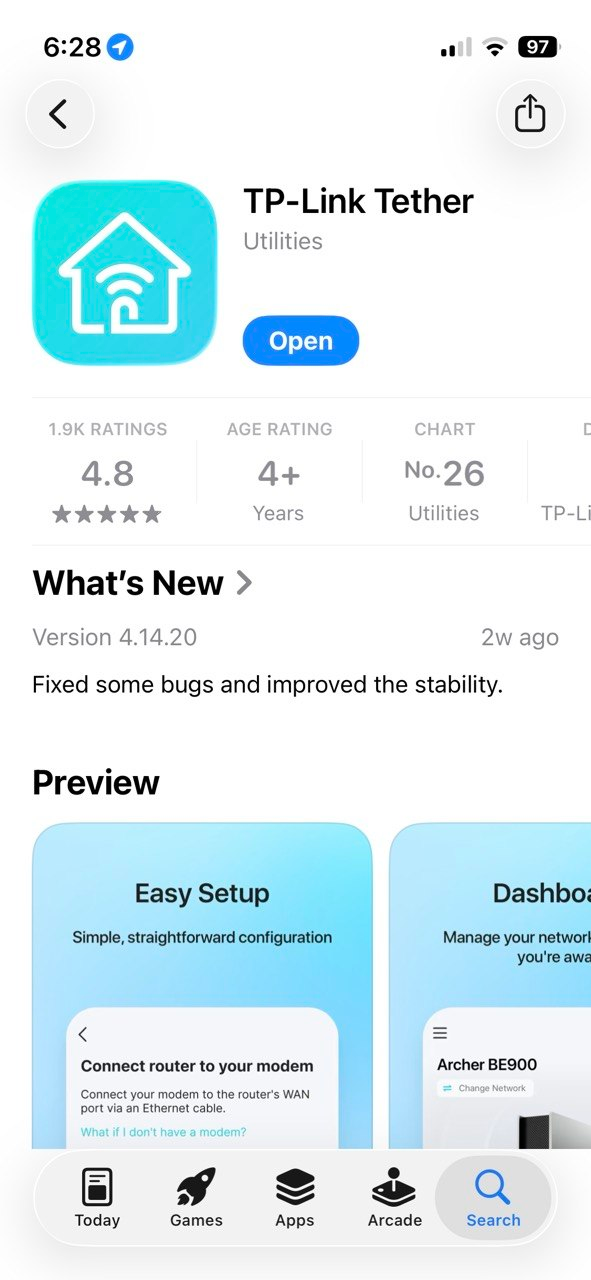
App details are Thether v 4.14.20 (Build 1653)
- Copy Link
- Report Inappropriate Content
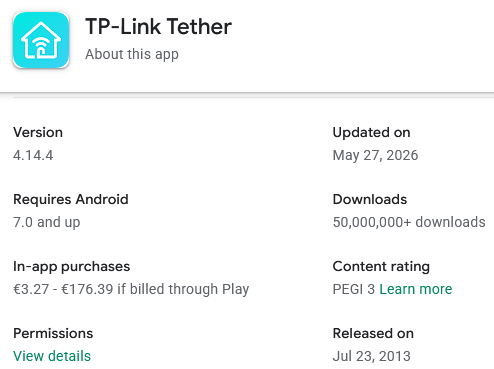
I can see that the latest version of the Tether app is v4.14.4. Try updating the app and search again.
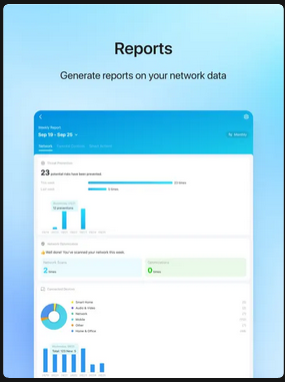
Look for HomeShield on the dashboard, and select Usage Report.
- Copy Link
- Report Inappropriate Content
- Copy Link
- Report Inappropriate Content

- Copy Link
- Report Inappropriate Content
@terziyski That is unacceptable to me. I have no desire to pay for services I don't need, however basic reporting should not require a paid subscription.
- Copy Link
- Report Inappropriate Content
Neither do I and I don't. That's called a company policy. If you can't find the Weekly Report in the Homeshield basic version, that means it's a paid feature.
- Network Security Scans: A summary of whether any basic network risks or security vulnerabilities were detected.
- New Device Notifications: A tally of any new client devices that connected to your Wi-Fi over the past 7 days.
- Internet Use Overview: The most frequently visited types of web content by your family.
- Online Time Analysis: Exactly how many hours specific family members or devices spent online each day.
- Browsing History: A list of specific websites visited and malicious URLs that were successfully blocked.
- Traffic Statistics: Deeper data tracking which devices consumed the most bandwidth over the week:
- Open the Tether App.
- Tap the HomeShield icon at the bottom of the screen.
- Look for the Tools or More section to find Comprehensive Reports / Weekly Reports.
- Copy Link
- Report Inappropriate Content
@terziyski Ok, so here goes, there is no Homeshield Icon on home screen, there is a "More" icon. but there is nothing in there about Reports of any kind.
The only place where HomeSHield comes up is if I go to the "Hamburgeer" on the top left, there is shows HoemShield, but only 3 paid subscriptions types, nothing else.
Screenshots below.
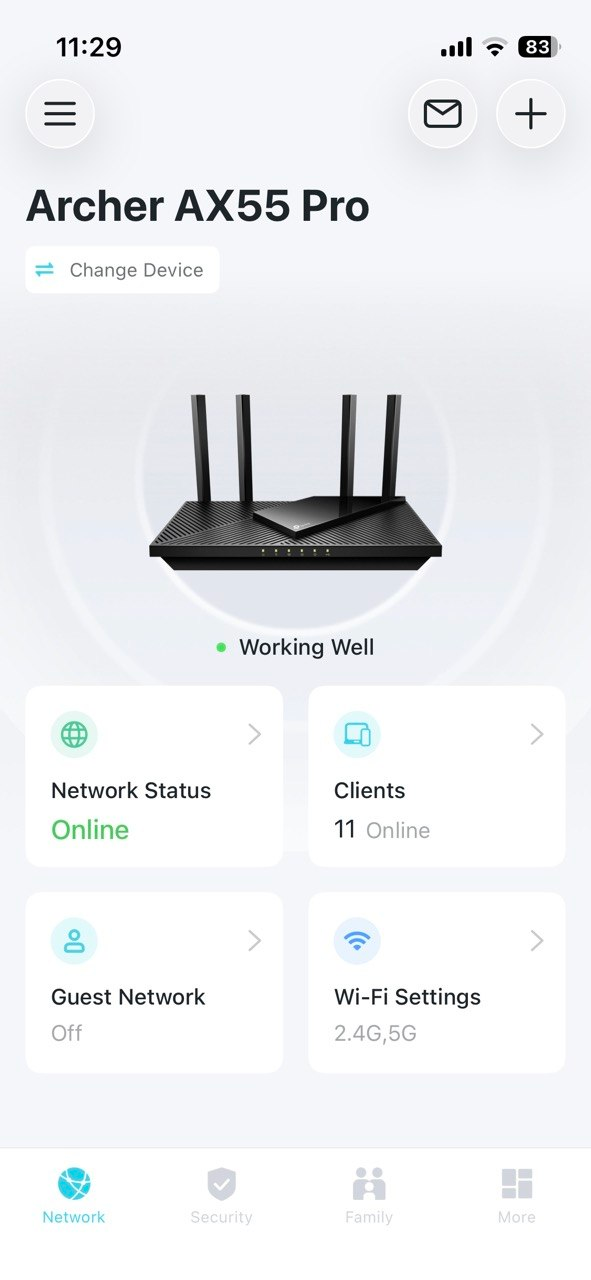
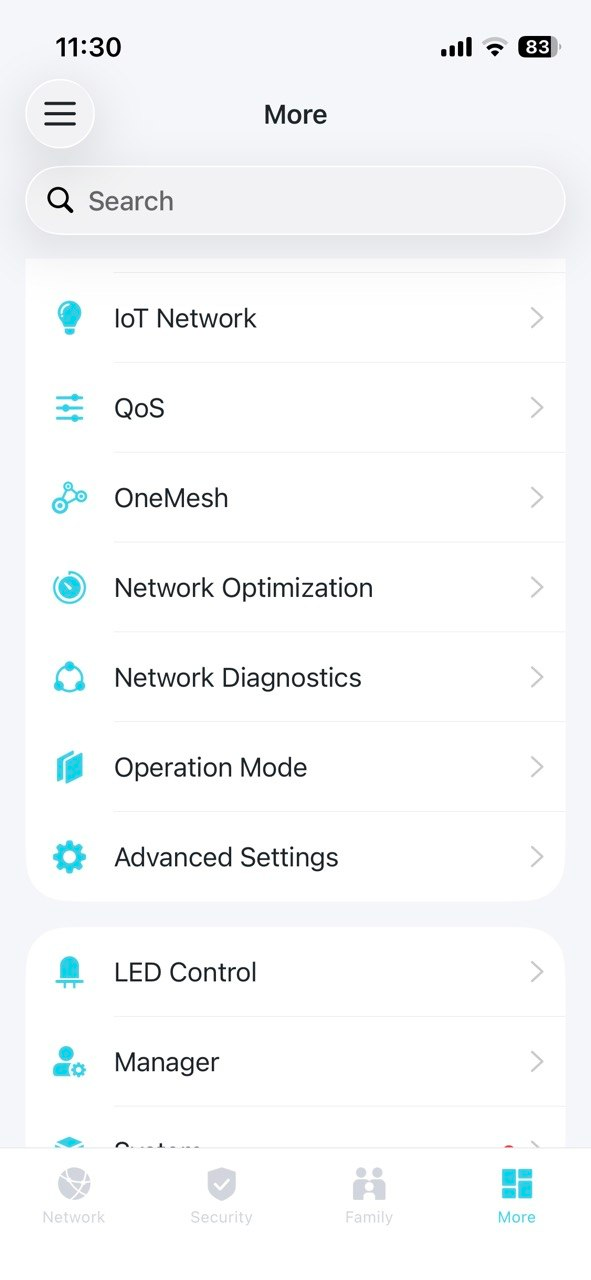
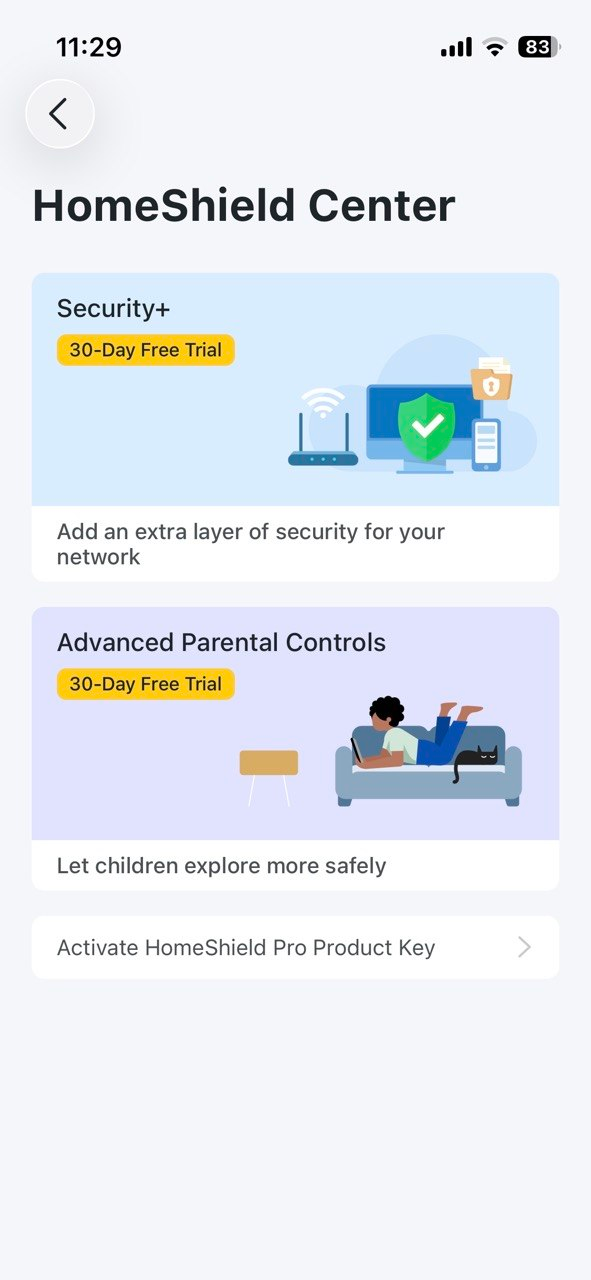
So as fare as I can tell there is nowhere I can find that has any reports available.
Any suggestions?
- Copy Link
- Report Inappropriate Content
Information
Helpful: 0
Views: 186
Replies: 22
Voters 0
No one has voted for it yet.