
Timestamps not updating to correct time in camera

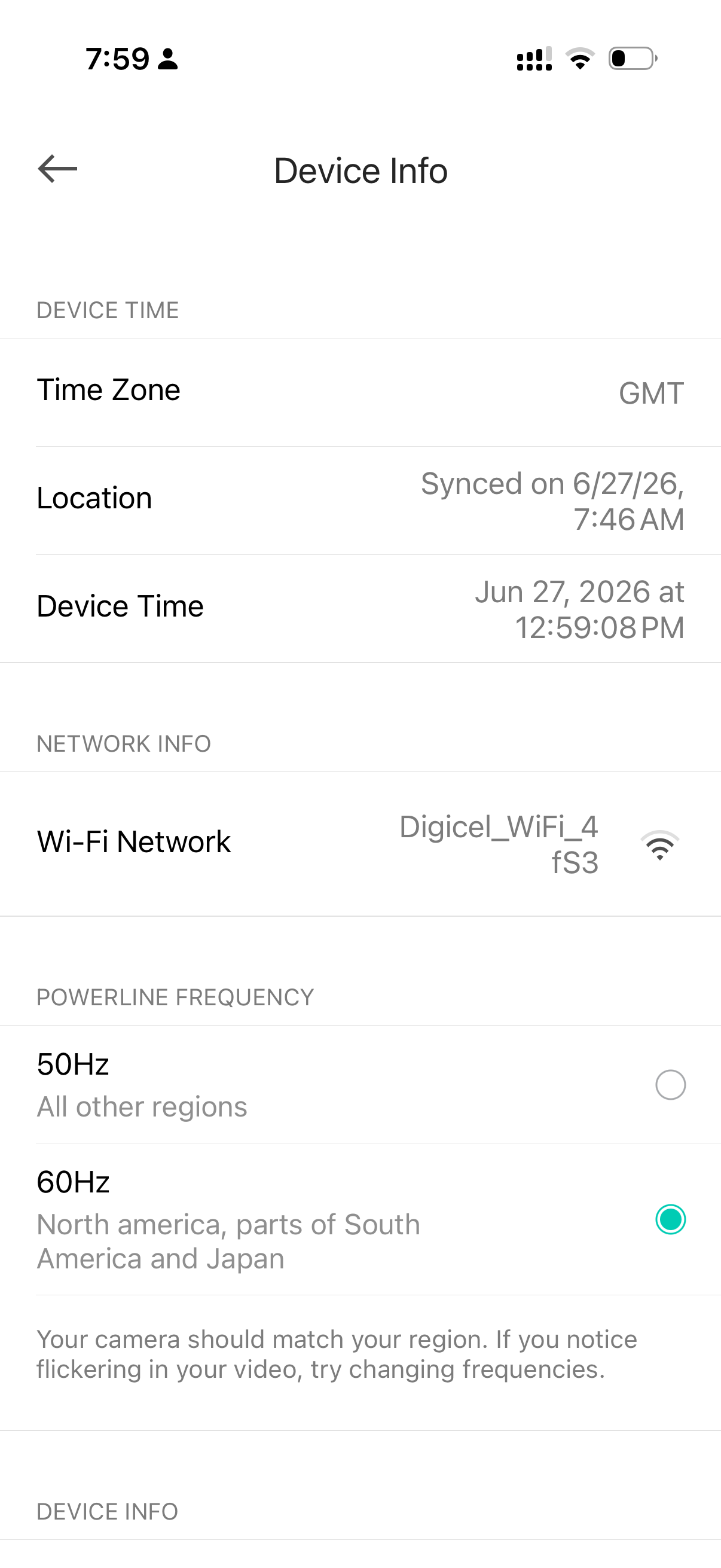 The camera is shown the incorrect time. Rebooted several times and updated the timezone location in the app. Nothing works.
- Copy Link
- Subscribe
- Bookmark
- Report Inappropriate Content


Hi,
If your Kasa camera shows the wrong date and time on the Live View page, please review the following troubleshooting steps:
1. Ensure both the camera and Kasa app firmware are up-to-date: How to Update Kasa Device Firmware via the Kasa App
2. Set the correct Time Zone for your camera in Kasa app > Me > Location and Time page: How to Adjust Time Setting in the Kasa APP
3. Turn off NVR or third-party software if the camera is connected, and then reboot the camera.
4. Change the router's DNS to 8.8.8.8/8.8.4.4.
5. Turn off your modem or router's firewall if there is one.
If the problem persists, contact our customer service team for further assistance.
- Copy Link
- Report Inappropriate Content
Information
Helpful: 0
Views: 504
Replies: 1
Voters 0
No one has voted for it yet.