
D130 image quality
 This thread has been locked for further replies. You can start a new thread to share your ideas or ask questions.
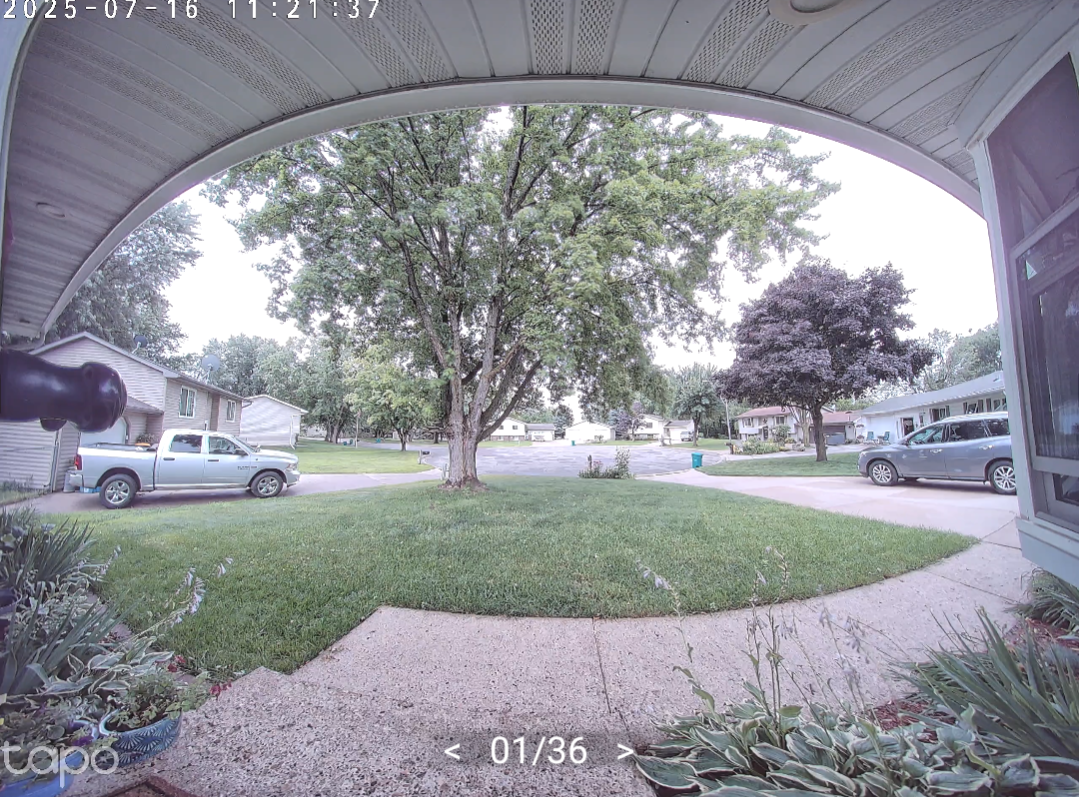
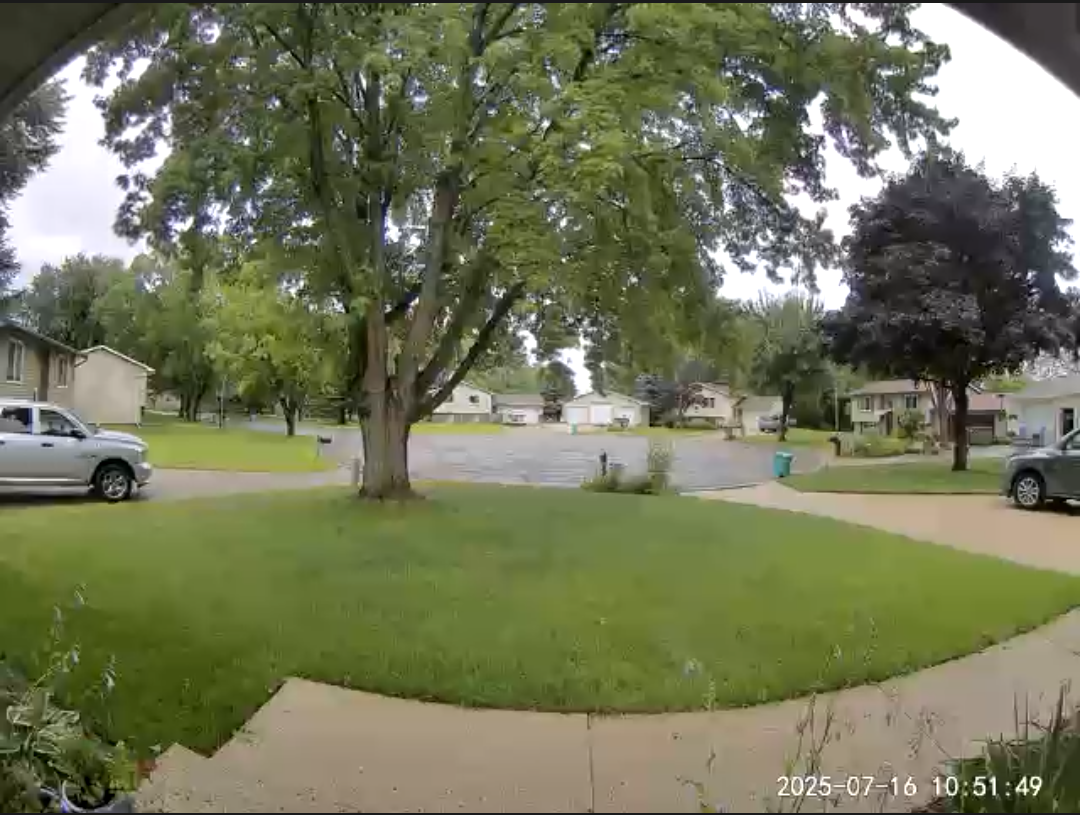
I'm wondering if there is a way to correct the image quality on the D130 doorbell. I replaced another brand doorbell and the colors were far more accurate. The D130 is very washed out also as if it's brightness setting is too high.
D130 image:
Other brand image:
- Copy Link
- Subscribe
- Bookmark
- Report Inappropriate Content


As I understand, there is no relevant feature option regarding the image parameters. You may email the technical support team, see if they can provide any solution.
- Copy Link
- Report Inappropriate Content

@Cloud12077 I agree. A tad washed out. This is bothering me at night where it's a bit harder to discern things cuz it's all pretty grey. I'd like some more contrast at least.
- Copy Link
- Report Inappropriate Content
@meagain1 Customer support was able to build me a different firmware that solved my washed out image, but they also told me not to update the firmware after upgrading to the custom firmware. Contact them to see if they can give you the same firmware they gave me to see if that helps.
Version 1.1.11 Build 250815 Rel.42704n
Hope that helps!
- Copy Link
- Report Inappropriate Content
@Cloud12077 OMG that's amazing they did this for you! Really glad I went with Tapo.
How is IR night vision also? A bit more contrast? Gosh thank you!
- Copy Link
- Report Inappropriate Content
@meagain1 I don't use any IR. I have a street lamp close enough that provides enough light so that I keep it set to day mode all the time.
- Copy Link
- Report Inappropriate Content
Information
Helpful: 0
Views: 638
Replies: 5
Voters 0
No one has voted for it yet.