
Confused by Kasa widget for ios 26 - iPhone and CarPlay

Confused by Kasa widget for ios 26 - iPhone and CarPlay
I'm trying to use a Widget on CarPlay so that I can turn on my porch lights, connected to a Kasa Outdoor Smart Plug, from my car. I don't understand how the widget works.
I created a widget from the CarPlay settings adding 2 devices. Both are SmartPlugs. I just want to be able to turn the sockets on & off from my car. (I created a similar widget on my iPhone just to see it that worked any beeter, but it is equally confusing)
Here's what I see:
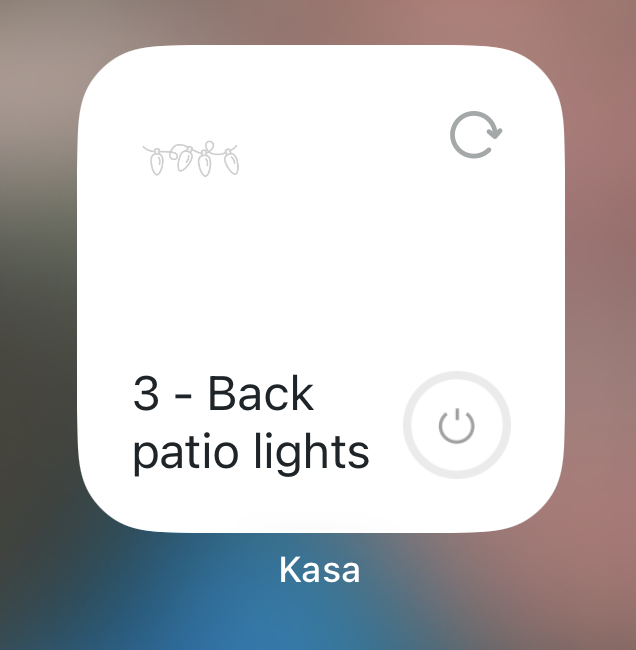
My questions:
- How does this work?
- What does the circular arrow do? When I click on it, it changes to a checkmark, but doesn't seem to do anything.
- If I click on the power icon in the lower right, it does seem to turn on the plug (and the lights attached), but not sure it's consistent.
- Why do I only see one of my devices? How to I access the 2nd device? I can't figure out how to control the other plug.

