
KL125 and Smartthings

I've added 2 KL125 bulbs to the TP-Link/Kasa app but they do not show up in the Smartthings app even though I've unlinked and linked the service several times. Any suggestions?
- Copy Link
- Subscribe
- Bookmark
- Report Inappropriate Content

@RBeckert same here and just cant get to anything but alexa to run it.
- Copy Link
- Report Inappropriate Content
@nomadss1 Yeah...I wonder what Smartthings is thinking!
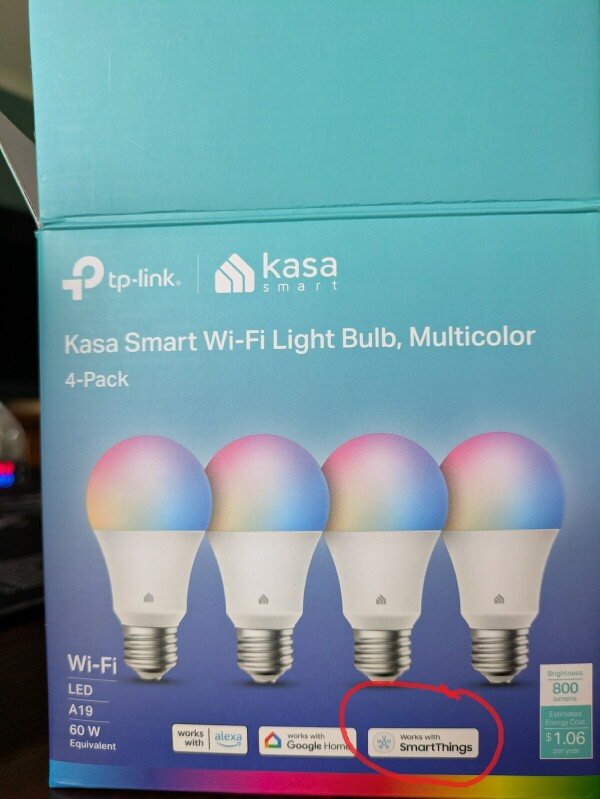
- Copy Link
- Report Inappropriate Content

Please refer to this instruction to ensure everything is done correctly. How to configure Tapo / Kasa devices to work with Samsung SmartThings
Additionally, if you are using the Tapo app to manage Kasa devices, when syncing them to SmartThings, you must select Kasa as the brand, not Tapo.
- Copy Link
- Report Inappropriate Content
@Wayne-TP I'm guessing that you mean 'Partner devices' when you say in your Reply '...when syncing them to SmartThings, you must select Kasa as the brand...'. Kasa is not listed in 'Partner devices' in the Smartthings app.
- Copy Link
- Report Inappropriate Content

RBeckert wrote
@Wayne-TP I'm guessing that you mean 'Partner devices' when you say in your Reply '...when syncing them to SmartThings, you must select Kasa as the brand...'. Kasa is not listed in 'Partner devices' in the Smartthings app.
Please search Kasa, not the product model. If there are indeed no results, please share a screenshot here.
Make sure the SmartThings app is updated. (What's the current version?) You can try to delete and reinstall it, just in case the app store didn't show the new updates.
- Copy Link
- Report Inappropriate Content
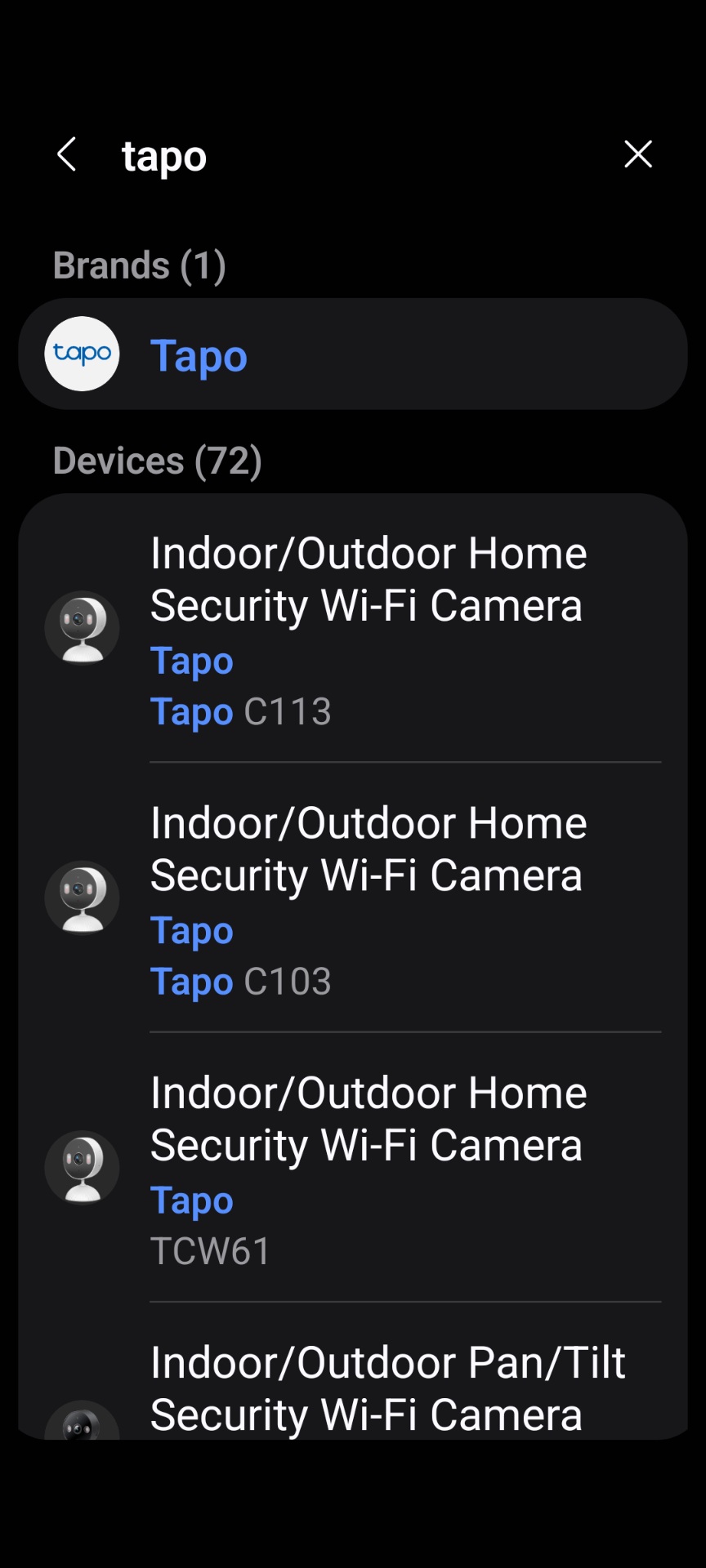
@Wayne-TP Here are the screen shots. I uninstalled the Smartthings app and reinstalled the latest version (Sep 16, 2025, Version 1.8.37.23) from the GOOGLE Play Store and it made no difference locating 'kasa'.
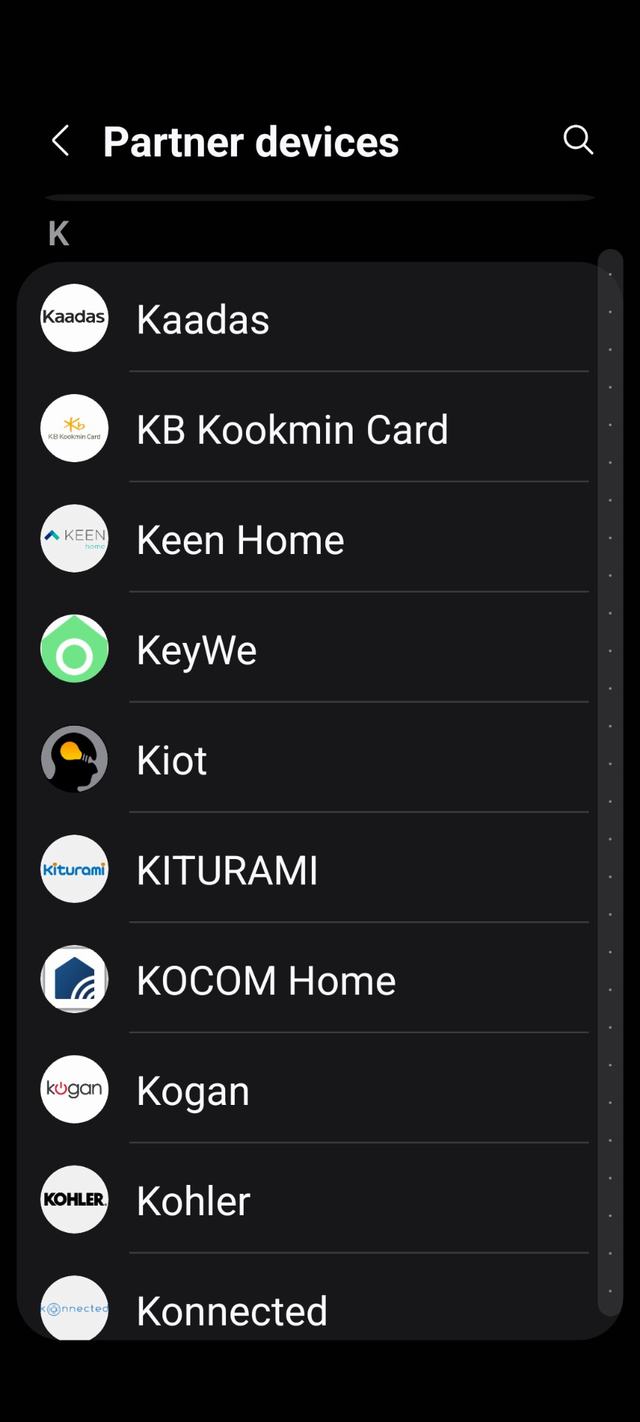
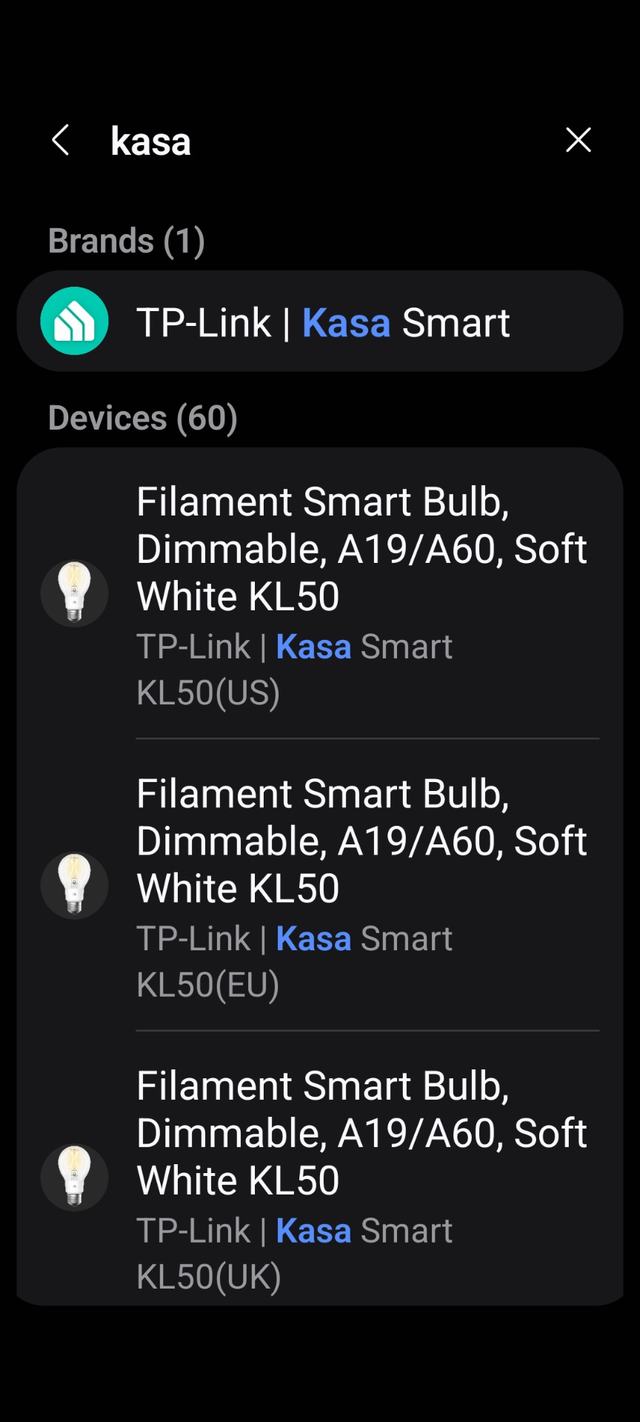
- Copy Link
- Report Inappropriate Content
- Copy Link
- Report Inappropriate Content
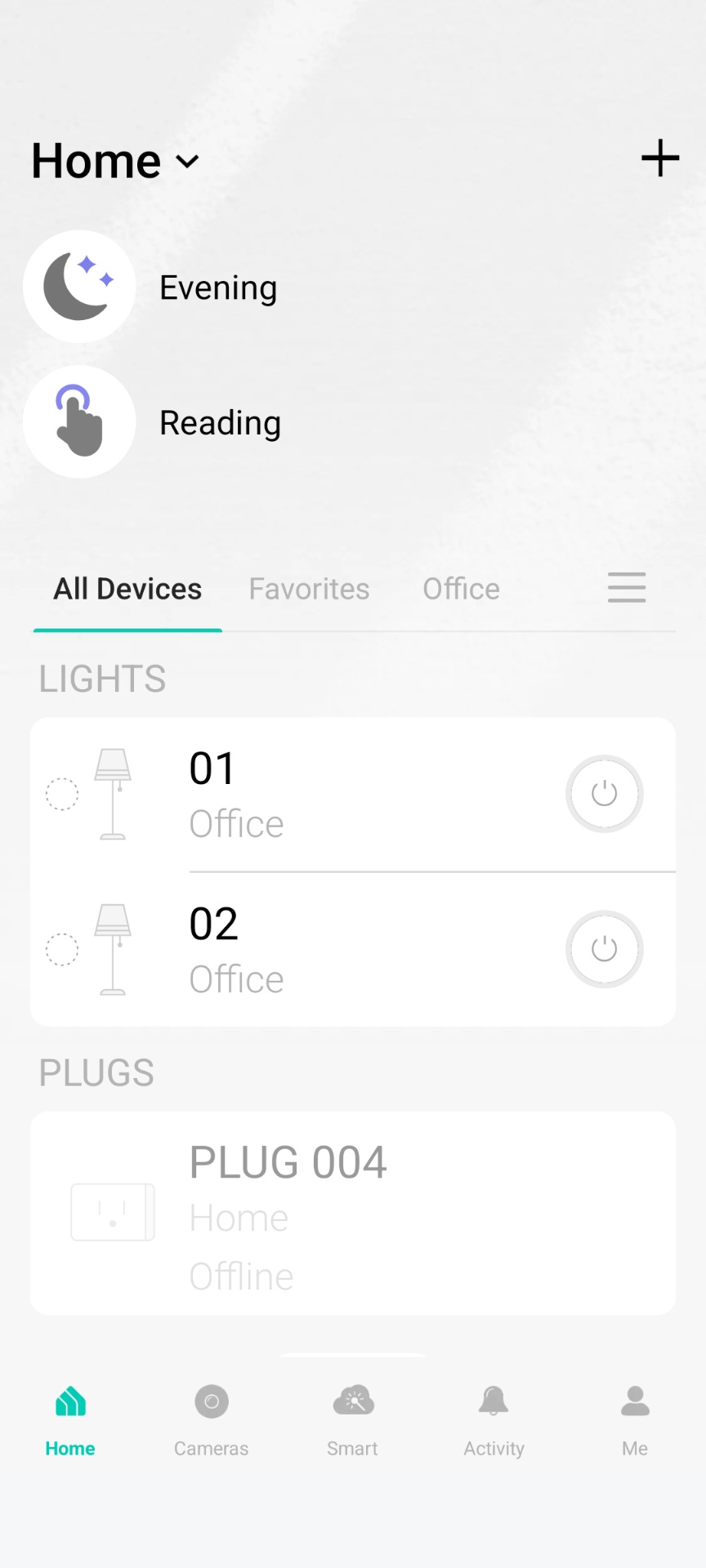
@Wayne-TP The KL125 bulb is not listed in the Smartthings app in the KASA screen. I tried several times earlier to add the KL125 to Smartthings via the 'TP-Link | Kasa Smart' screen but have not been successful even though the KASA app is linked. I also have the KL125's added to the Android TAPO app which is linked to Smartthings but the TAPO/KASA/TP-LINK devices do not show on the Smartthings 'View linked services'.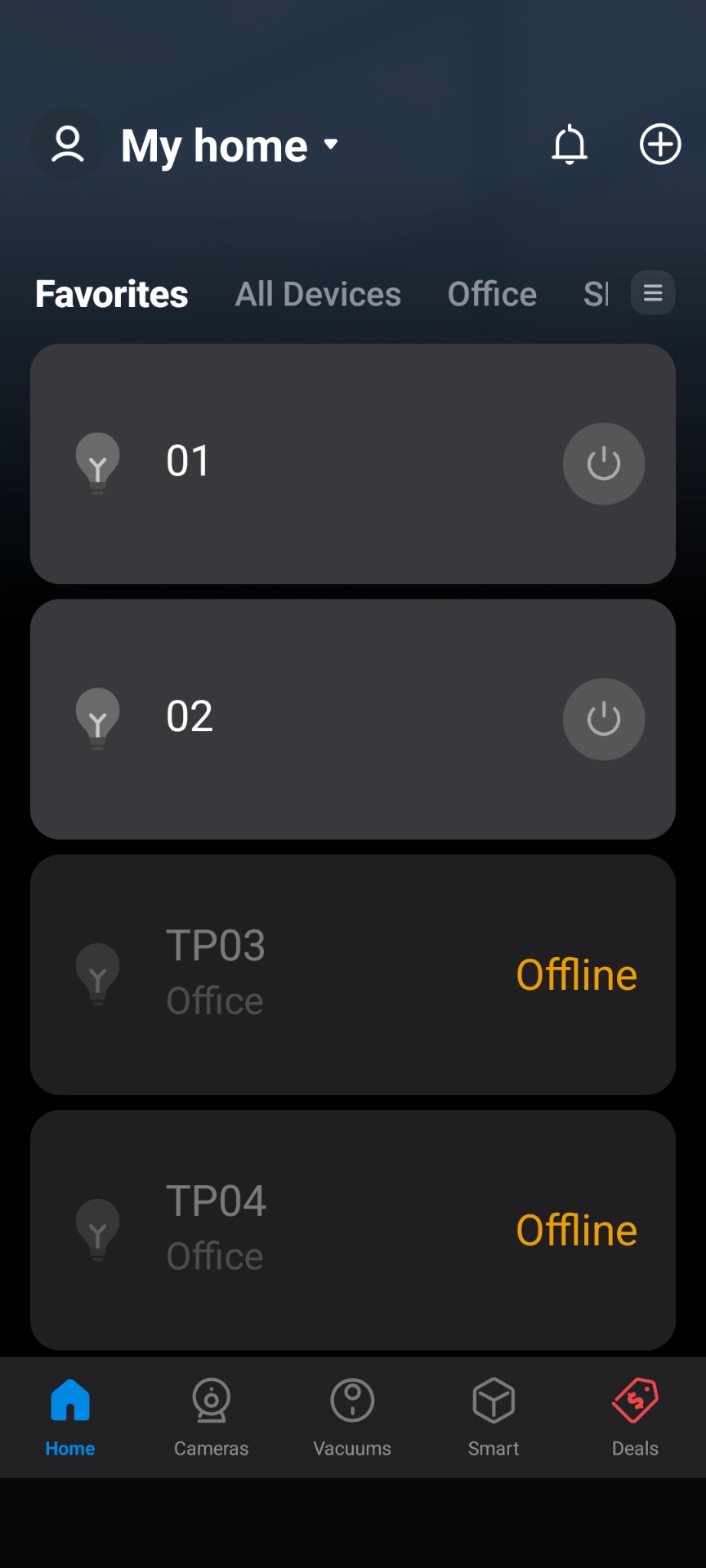

- Copy Link
- Report Inappropriate Content
Please discover devices under Kasa, not Tapo. And you don't need to add the devices by models, once the Kasa is linked with SmartThings, the supported devices should be synced to SmartThings automatically. If you're using Tapo app to manage the Kasa devices, you need to link Tapo with SmartThings as well.
If no devices are found, try to disconnect and reconnect the Kasa skill, then rediscover devices. *Again, you don't need to search the model.
- Copy Link
- Report Inappropriate Content
Information
Helpful: 0
Views: 592
Replies: 9
Voters 0
No one has voted for it yet.