
Desktop + Ethernet can't open management UI

Desktop + Ethernet can't open management UI

Desktop + Ethernet can't open management UI
Wednesday
Model: RE715X  
Hardware Version: V2
Firmware Version: 1.2.10 Build 20250627 Rel. 66328

Desktop + Ethernet can't open the management UI.


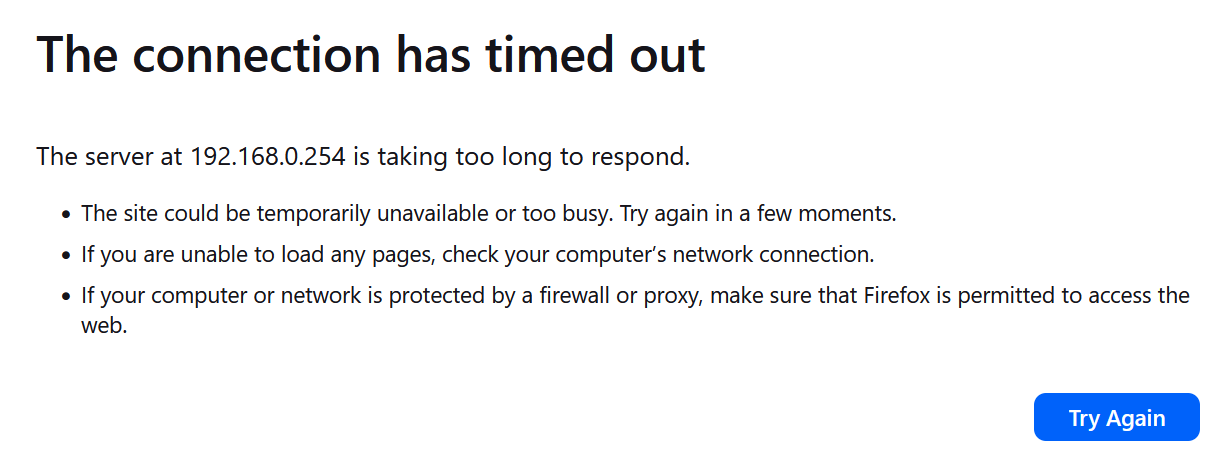
When visiting 192.168.0.254, I got this error:
 

9cdfb889086e4811abd7763e41b294d0


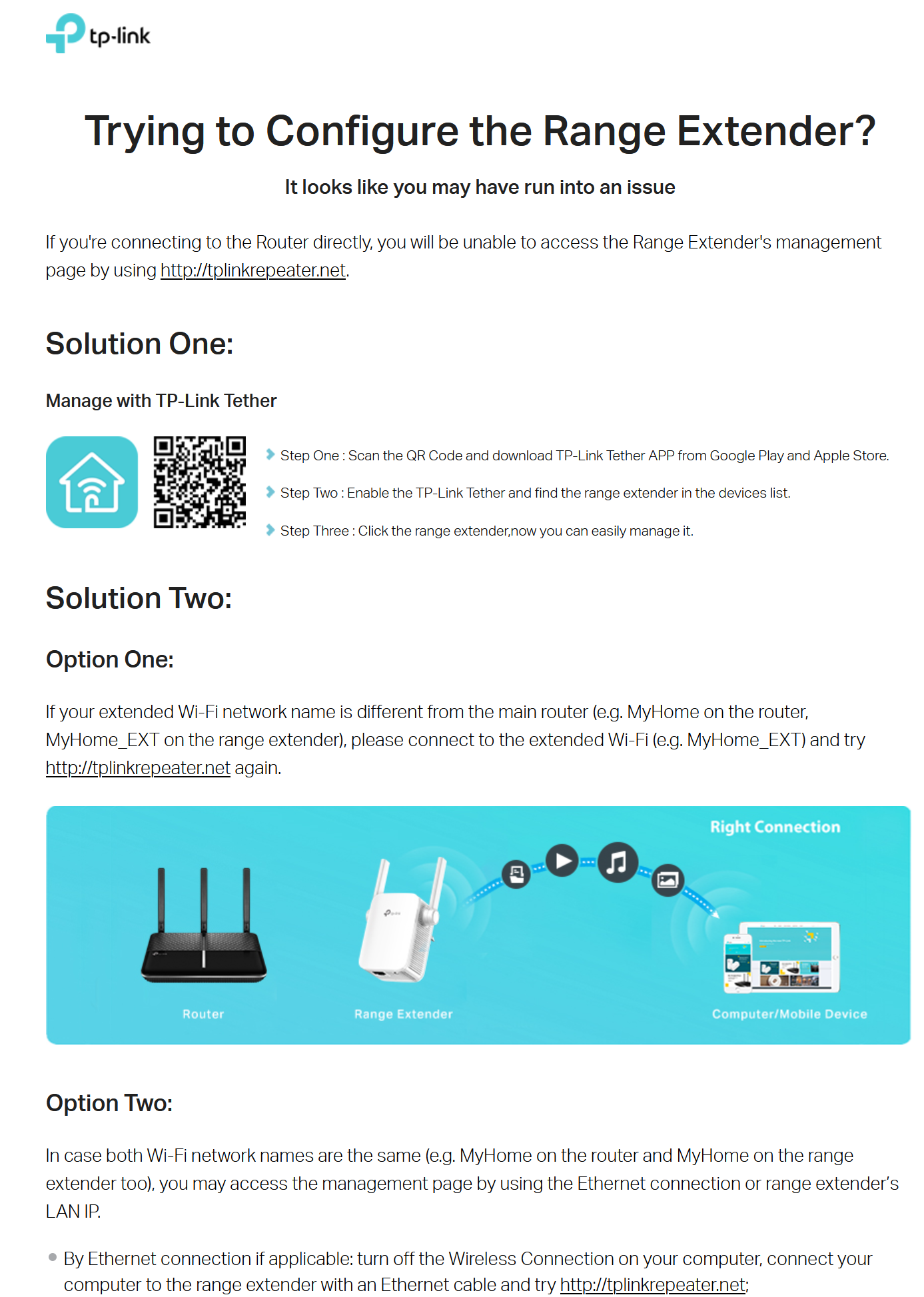
When visiting tplinkrepeater.net, I got this error:
 

6677a9db5ae543f18ee50932bbc9b26c


The solutions therein has nothing to do with my issue.


Except this issue, all others are properly set up (so don't ask me "can you connect with wifi?" I can, and it has nothing to do with my issue).


I hope you could try to solve my issue, instead of trying to elude or change my issue (like say "don't use desktop + Ethernet". It is written clearly in the manual that users can use Web Browser to open management UI).

 
  0      
  0      
#1
Options
2 Reply
Re:Desktop + Ethernet can't open management UI
Wednesday

  @zzzhhh Do you connect the range extender to your router with Ethernet or is it wireless backhaul?  You'll want to look in your router client list, find the RE715X, and enter that IP address as they typically get assigned an IP address in whatever subnet your router happens to use.


TP-Link Deco BE95 uses 192.168.68.xxx - 192.168.71.yyy by default

ASUS newer routers use 192.168.50.zzz by default.

  0  
  0  
#2
Options
Re:Desktop + Ethernet can't open management UI
Wednesday

  @zzzhhh 


I solved the problem myself. The 192.168.0.254 IP and tplinkrepeater.net URL for management UI are valid during initial setup only. 192.168.0.254 is only for connection to the extender which cannot connect to Internet (as you can see during the setup). When setup is done, this IP is no longer needed and the IP for management UI is changed to 192.168.1.x, which can be identified inside Tether App (click "working well" in the dashboard). When this IP is identified, just visit the management UI using Desktop + Ethernet without any problem.


就这么个不算难的问题,TP-LINK的所有技术支持都不会,笨的跟头猪一样的,然后瞎猜乱猜,又是要我换浏览器,又是要我按reset。底下还有个人问我extender是不是用有线连到router上,我有线连还要extender干嘛?问题中我都说了“Except this issue, all others are properly set up”。我连都不会连,怎么设置好的?你是小学没毕业看不懂英语吗?怎么这么傻逼的呢?简直就是一个白痴。白痴的特点就是认为其他人都是白痴,别人什么都不懂,就自己最懂。傻逼,你们全都是傻逼!

  0  
  0  
#3
Options