Auto-off does not work when trigger by action

Auto-off does not work when trigger by action

Auto-off does not work when trigger by action
Wednesday
Model: KP125   KP115  
Hardware Version:
Firmware Version:

Anyone notice that auto shut off smart action of a switch is not working when it is triggered via a scene?  i thought auto shutoff would work regardless of how the switch was triggered.


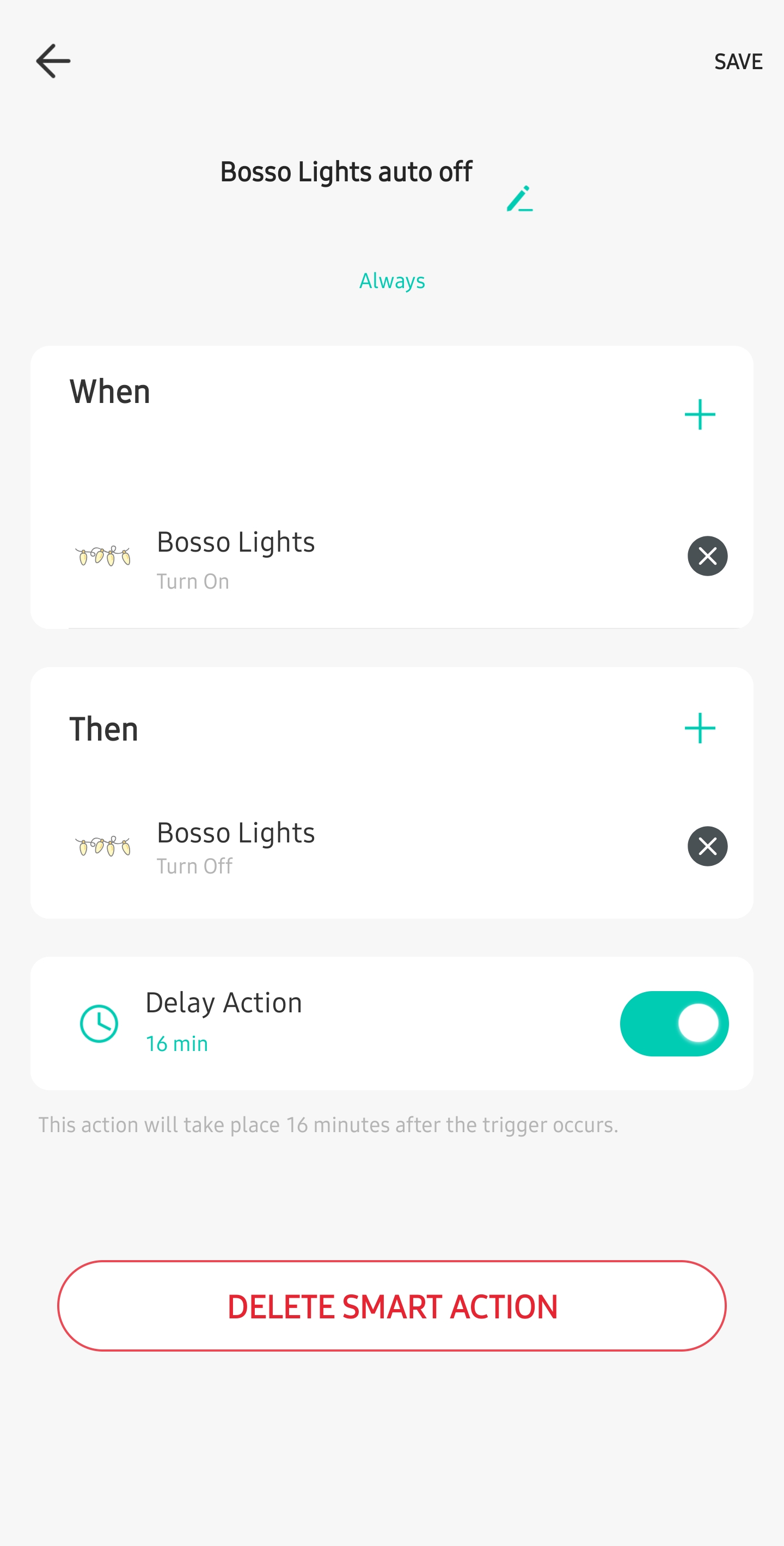
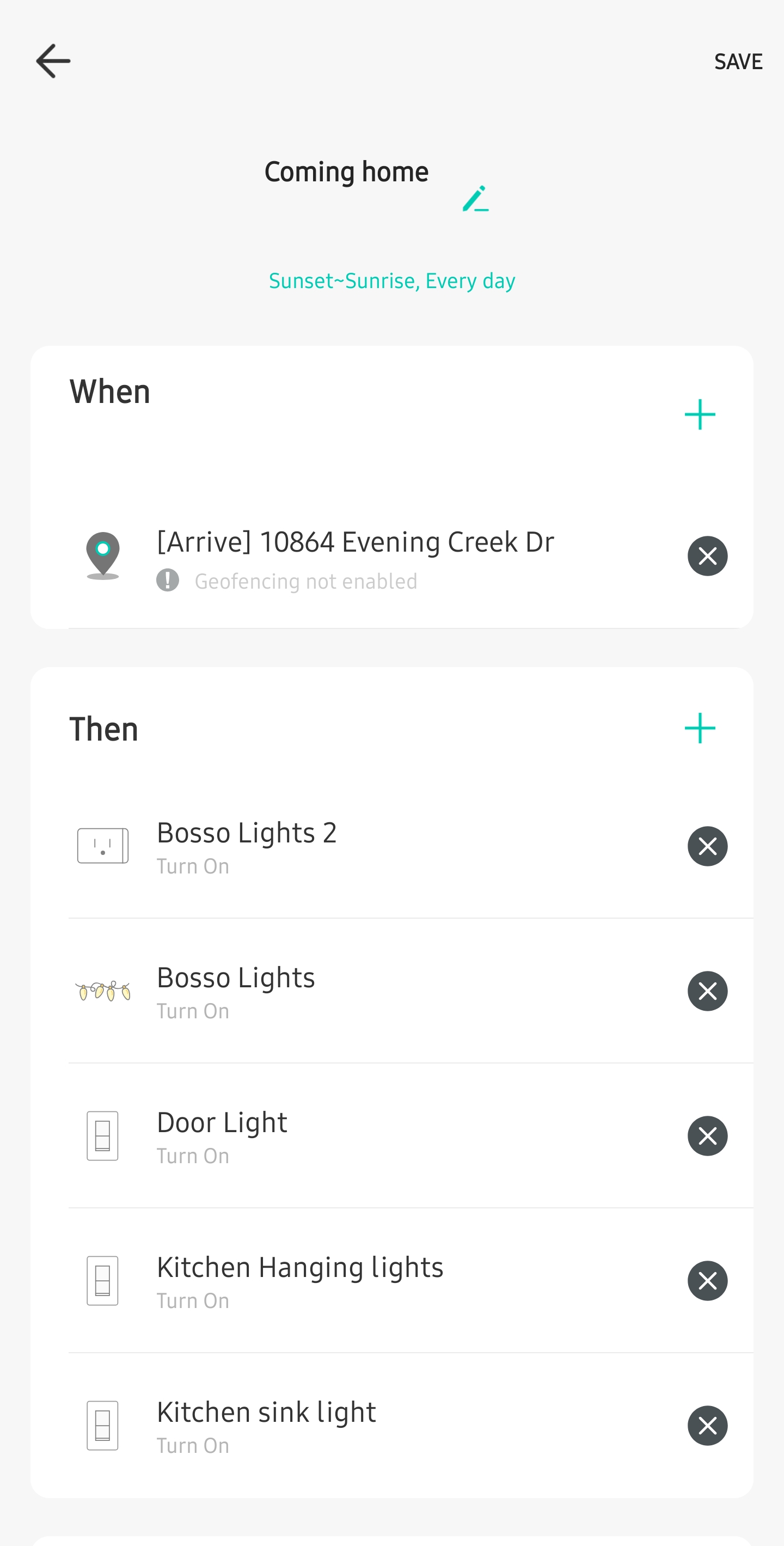
I have an geofencing action, this action will turn on some plugs.


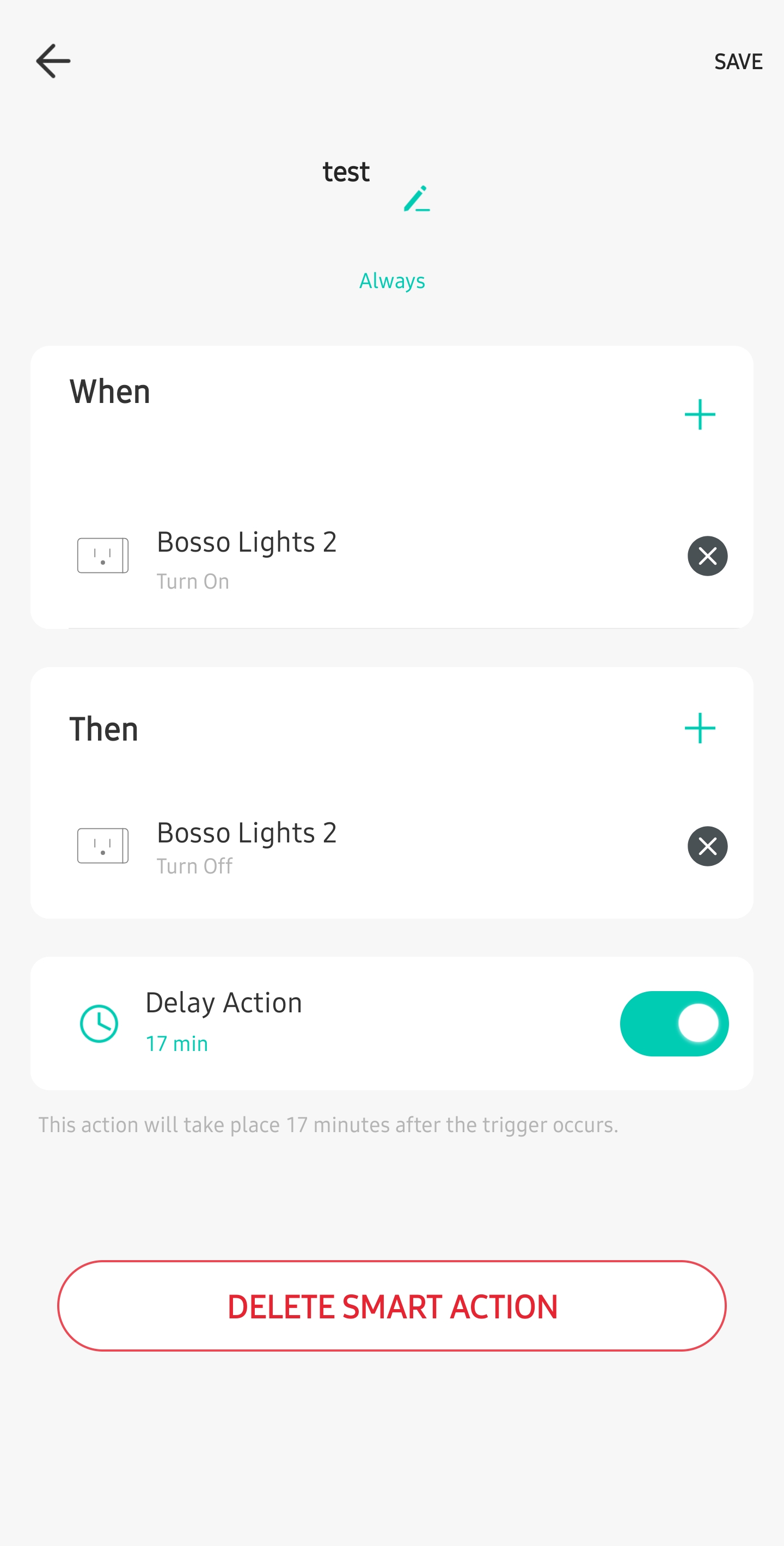
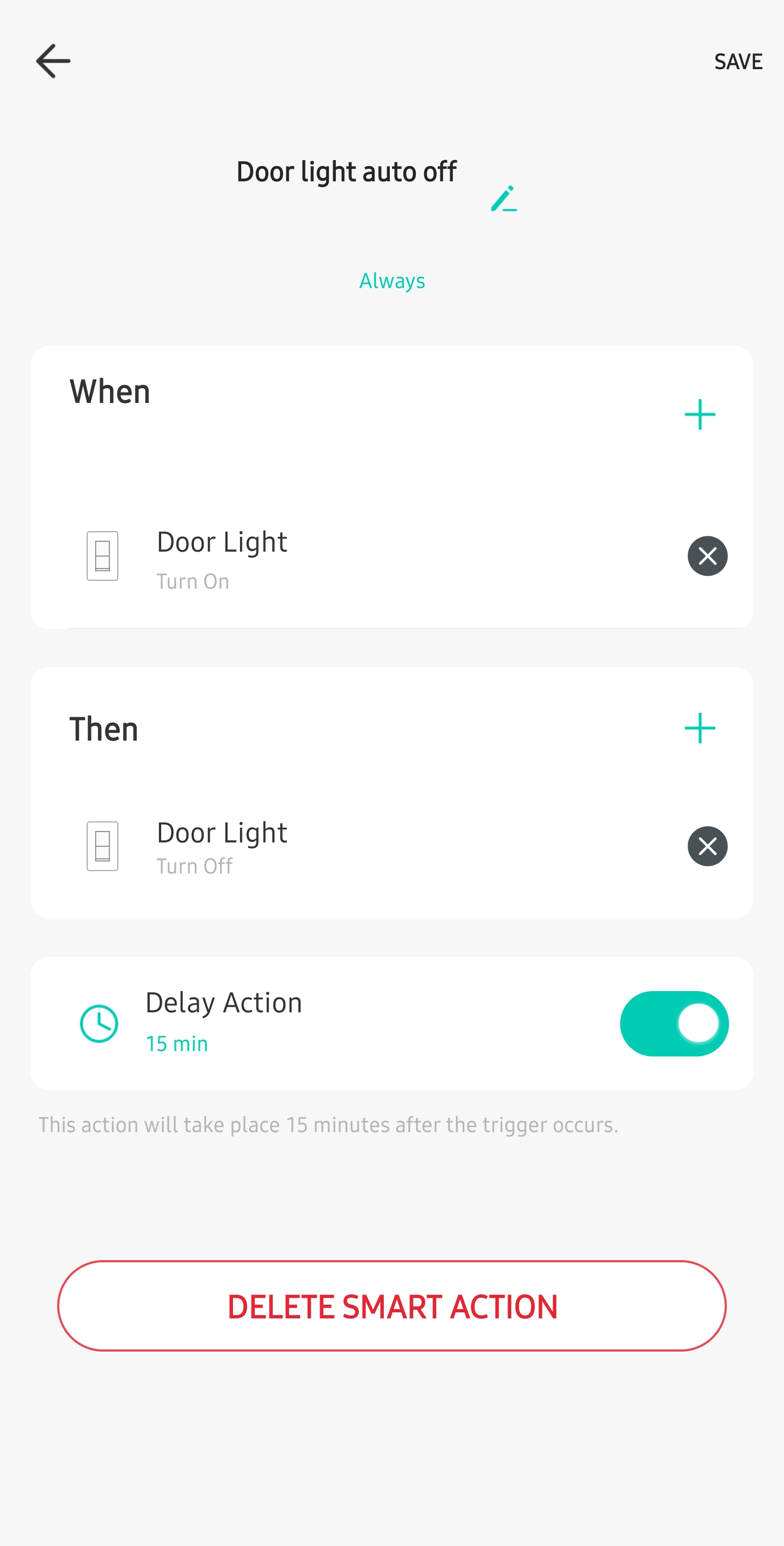
Also I have 2 auto-off (one for each plug) to turn off after 15 minutes.


After the geofencing turns on the plugs and the 15 minutes has pass the auto-off does not turn off the plus. 
 

41755683ae694bbda7f32a17ca6f0d09


764b0595287a4af8b91d516e1f8be1c9


  0      
  0      
#1
Options
1 Reply
Re:Auto-off does not work when trigger by action
Yesterday

  @PabloMartinez,

I was recently in contact with our development team about something similar on the Tapo side, which I think would also apply here.


When creating an Automation (Smart Action, Scene, Shortcut) the actions taken on devices during the inital automation will not be allowed to trigger another smart action or automation. This essentially means that you cannot loop smart actions and you cannot chain together a series of actions.


Depending on your device's features, you may see if you can set an auto off for the device, which should take effect no matter what.

  0  
  0  
#2
Options