CAn't get S200D to work with Kasa devices

CAn't get S200D to work with Kasa devices

CAn't get S200D to work with Kasa devices
Wednesday

Been using Kasa and TP-Link stuff for years and really like them. I recently saw Tapo app and the S200D button and it seems this button with the H100 hub can control my Kasa KP405 outdoor dimmable plugs.


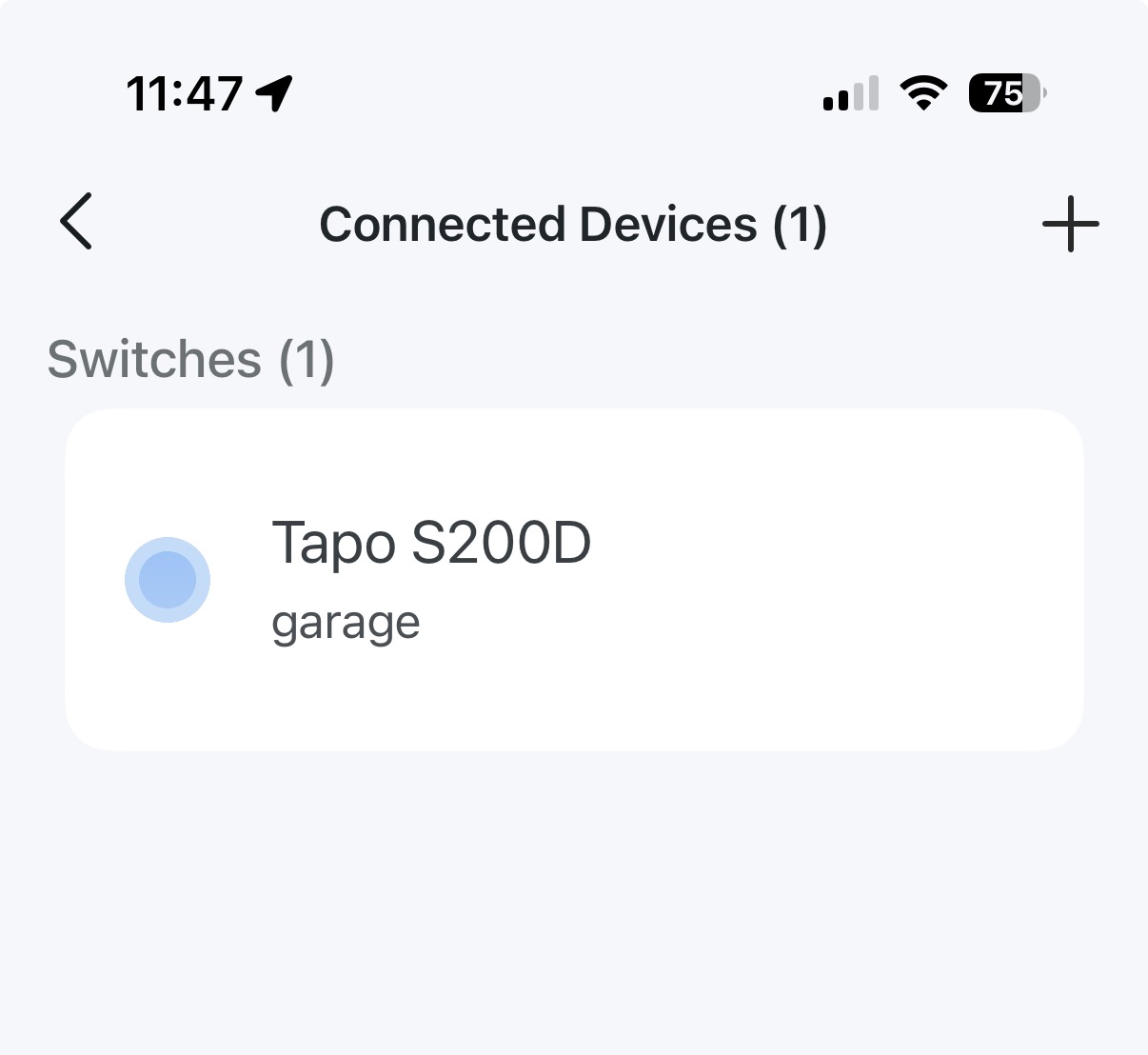
I hooked the Hub and the S200D button up today and it connected fine to my network. I see the H100 has one device connected to it - that being the Tapo S200D so all good there. The problem occurs when I try to create a smart action for the button.


I choose:

-'control one device' 

- then i select my Kasa 405 plug

- then "turn on'

- click "done'

- then click 'Create'

- type in the custom name and Icon

- then click 'done'

- then click 'Save' at the bottom of the page


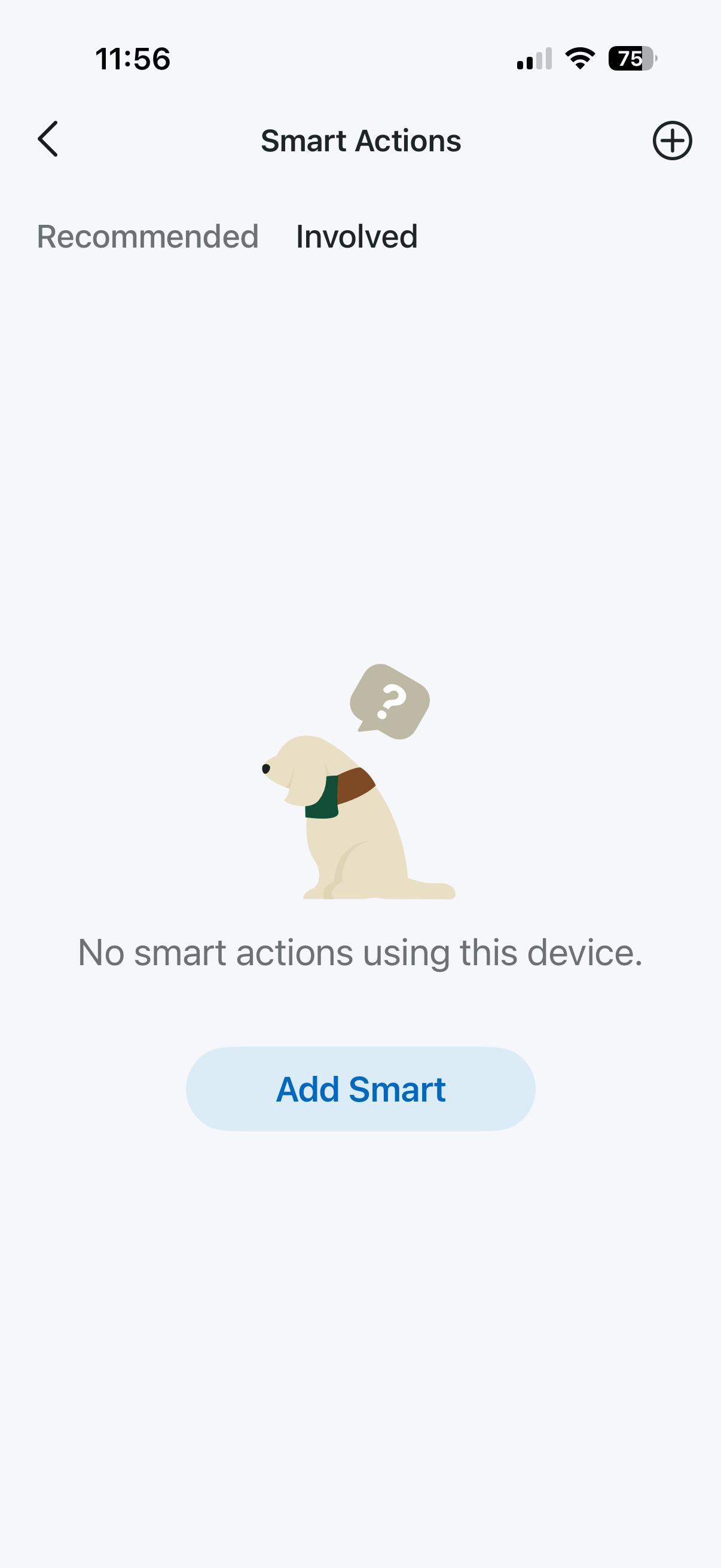
The Smart Actions window shows up but there are no actions shown and it say "no Smart actions using this device'


I tried this at least a dozen times and also tried adding shortcuts. Nothing ever shows up on the Smart actions page for the S200D. The even log shows I press the button but there are not any actions associated. 


Can anyone shed some lights on why this isn't working? 


Thanks in advance.
 

4e492b6b866f4c488e6fdb8cb7936108


accd60e2723340b69e3299e14188e0d0de90789c891c43058d03d27290bf4502


  0      
  0      
#1
Options
2 Reply
Re:CAn't get S200D to work with Kasa devices
Yesterday

  @BDOman,


I have a suspicion that the Tapo S200D cannot communicate with Kasa devices the same as it can with Tapo Devices.


With Tapo devices, the connection is actually local, meaning the hub completes the automation without the assistance of the internet/cloud.


With Kasa devices, the automation may need to pass through the cloud due to the differences in how they were developed. (Complete Guess btw) However, the action should still be possible.


---


If you are creating the smart action from the H100 hub or S200D menus, try creating it from the 'Smart' tab on the homescreen of the Tapo App. This is where your automations live overall and may be more accomodating of Kasa devices.


Also, when you first setup your Kasa plug, did you add the device directly to the Tapo app, or did you integrate your Kasa devices to your Tapo Home?


  0  
  0  
#2
Options
Re:CAn't get S200D to work with Kasa devices
21 hours ago

  @Riley_S 


Thanks for the reply - 


I previously created multiple Smart actions (they are now listed under the 'Smart' tab). None of them are activated trying to link to the S200D button.


And yes, I did link the Kasa plugs to the TP App years ago. I just recently purchased the Tapo hardware and integrated the Kasa devices to the Tapo app. 

  0  
  0  
#3
Options