C460 video download fails sometimes, needs reboot to fix

C460 video download fails sometimes, needs reboot to fix

C460 video download fails sometimes, needs reboot to fix
2026-04-17 15:37:26 - last edited 2026-04-17 15:38:38
Model: Tapo C460  
Hardware Version:
Firmware Version: 1.2.1

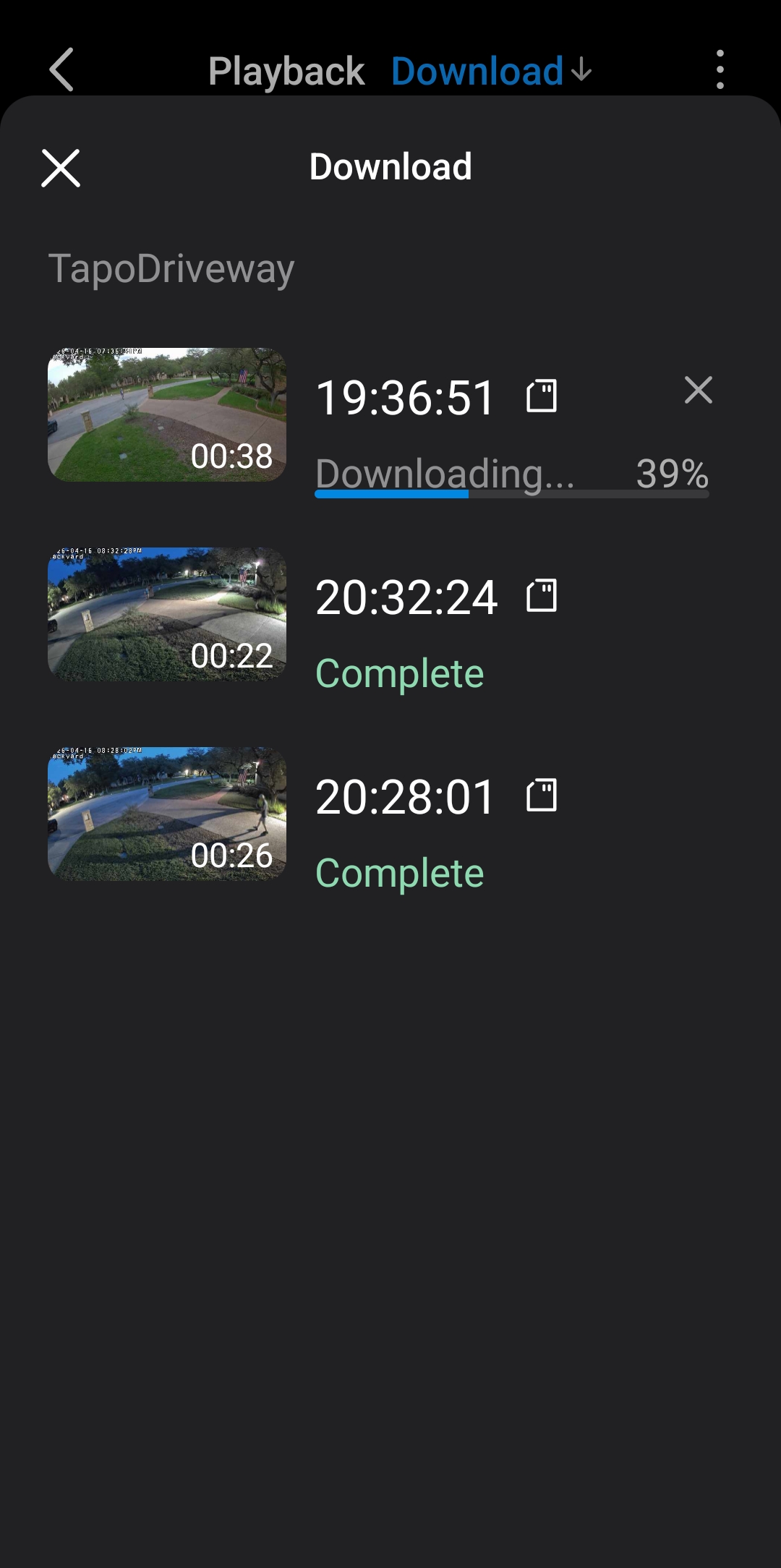
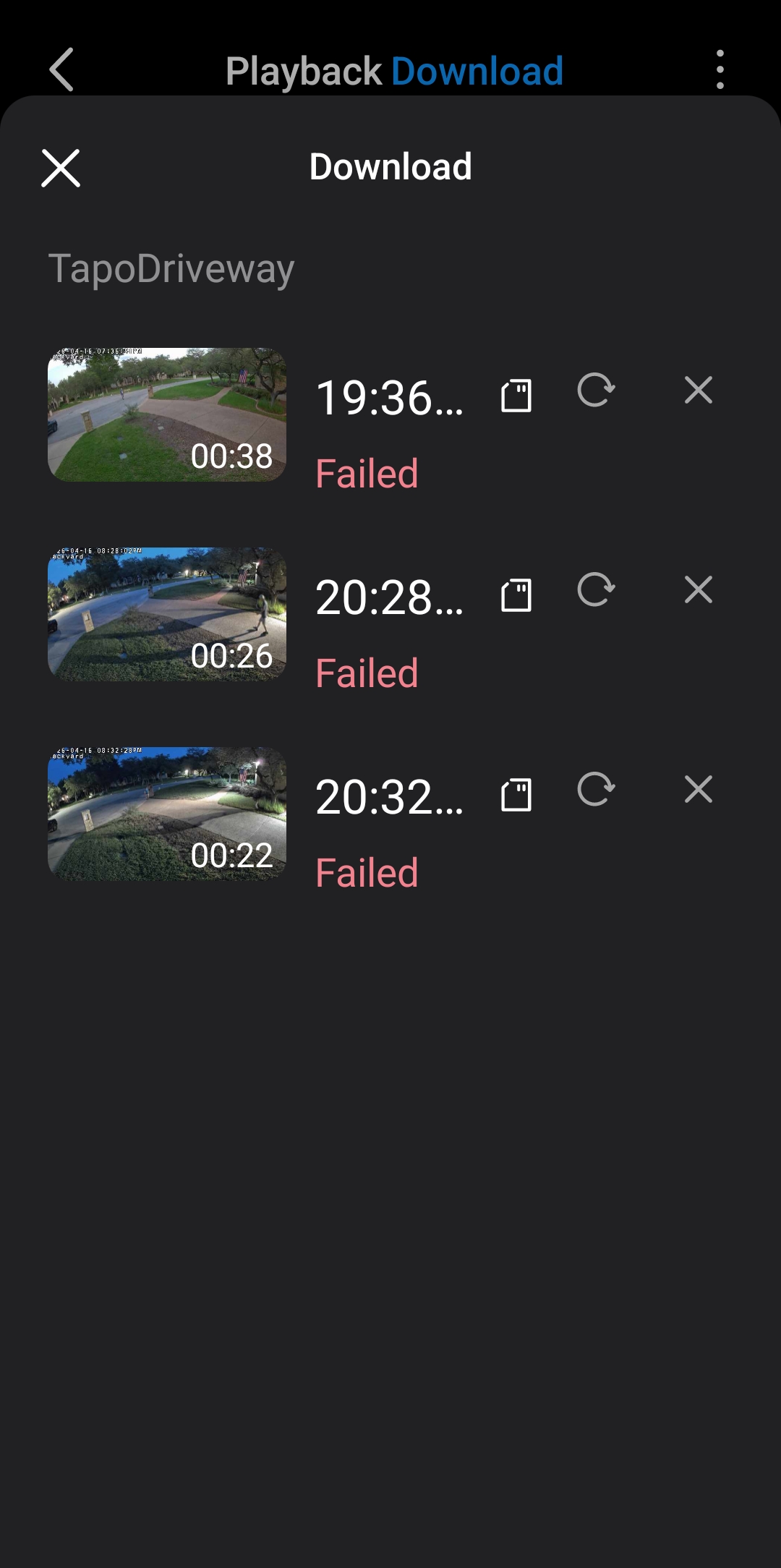
Weekly the download video option fails on CS460.  I see the video in Playback / Download, in Playback, I click the three dots and select download. I select the Download tab, and at the bottom iI see Downloading video 1/2, for example.  Then I can see a Failed next to a video.  I hit retry arrow circle and it fails again. The only thing that clears up the download is to reboot the camera.  Reseting the app cache or forcing the app to stop doesn't fix the problem. See pics.  Connect over local network.  No subscriptions. I have reformatted high quality SD cards several times via the Tapo app.
 

05930b4fe83647c791d4b2cc2784c67490df5460ecf34d6ebb21da74575cc2f0


  0      
0
#1
Options
1 Reply
Re:C460 video download fails sometimes, needs reboot to fix
2026-04-24 07:20:25 - last edited 2026-04-24 07:21:52

  @texasStrong 

Hello,
Welcome to the Tapo community, and thank you for sharing such a detailed description of the issue.


If you fail to download SD card recordings via the Tapo app, try these steps:


   1. On iOS devices, ensure "Local Network" is enabled: Why do I need to give Local Network permission to TP-Link apps in iOS devices?


   2. Temporarily disable VPN or security apps that may block connections (e.g., AdGuard, DuckDuckGo).


   3. Force-close the Tapo app and log in again.


   4. Test with another phone or tablet to check if the issue is device-related.


If the problem persists, contact our customer service team for further assistance.


Best Regards.
 

  0  
0
#2
Options