
Tapo T310 cannot be changed to other room (unlike before)
 This thread has been locked for further replies. You can start a new thread to share your ideas or ask questions.
Tapo T310 cannot be changed to other room (unlike before)
Tags:
#HomeKit
#Tapo App Related
#Matter
I noticed an unusual behaviour (bug) in which just happened out of a sudden.
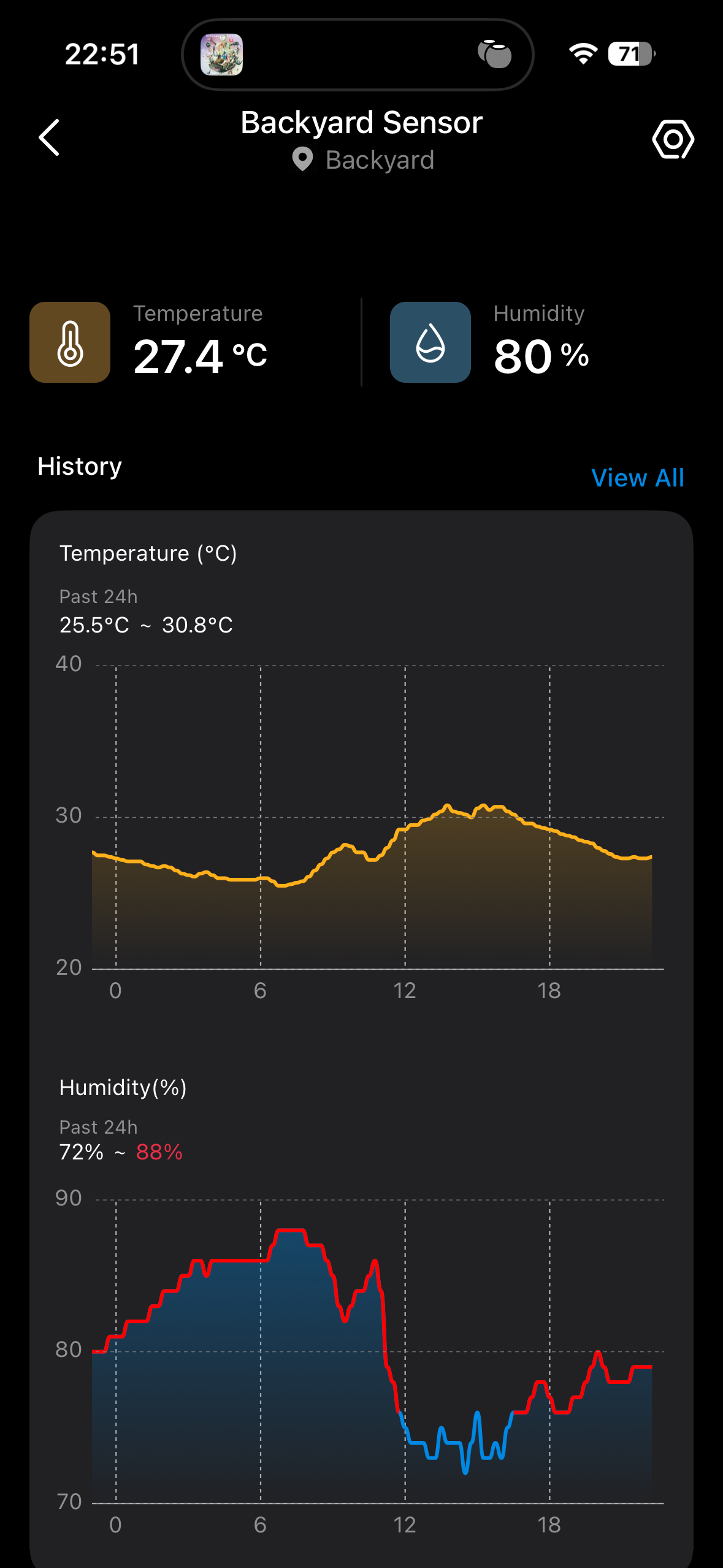
1. My T310 sensor is located in my "backyard" location. It's paired to a Tapo H110 hub located in my bedroom which is just upstairs nearby, a few metres away.
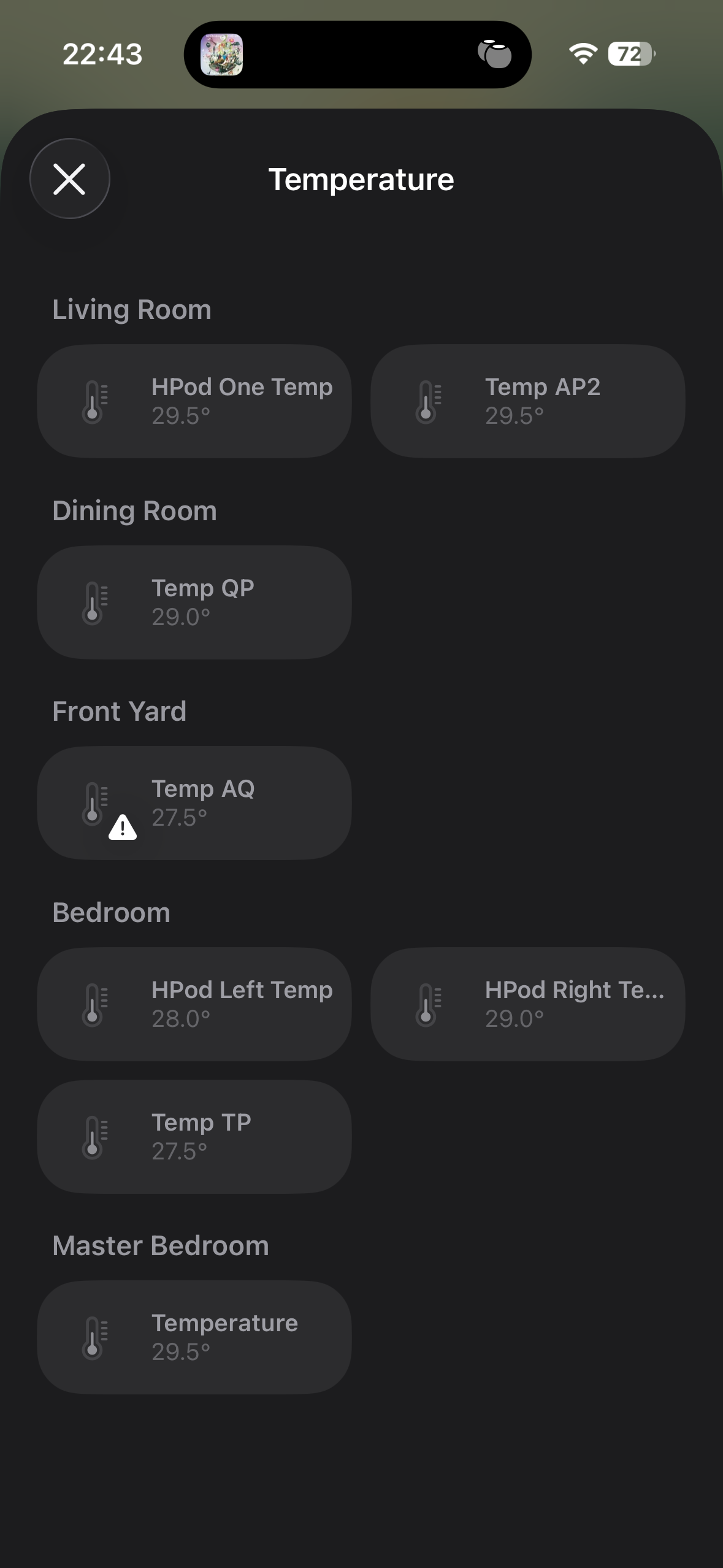
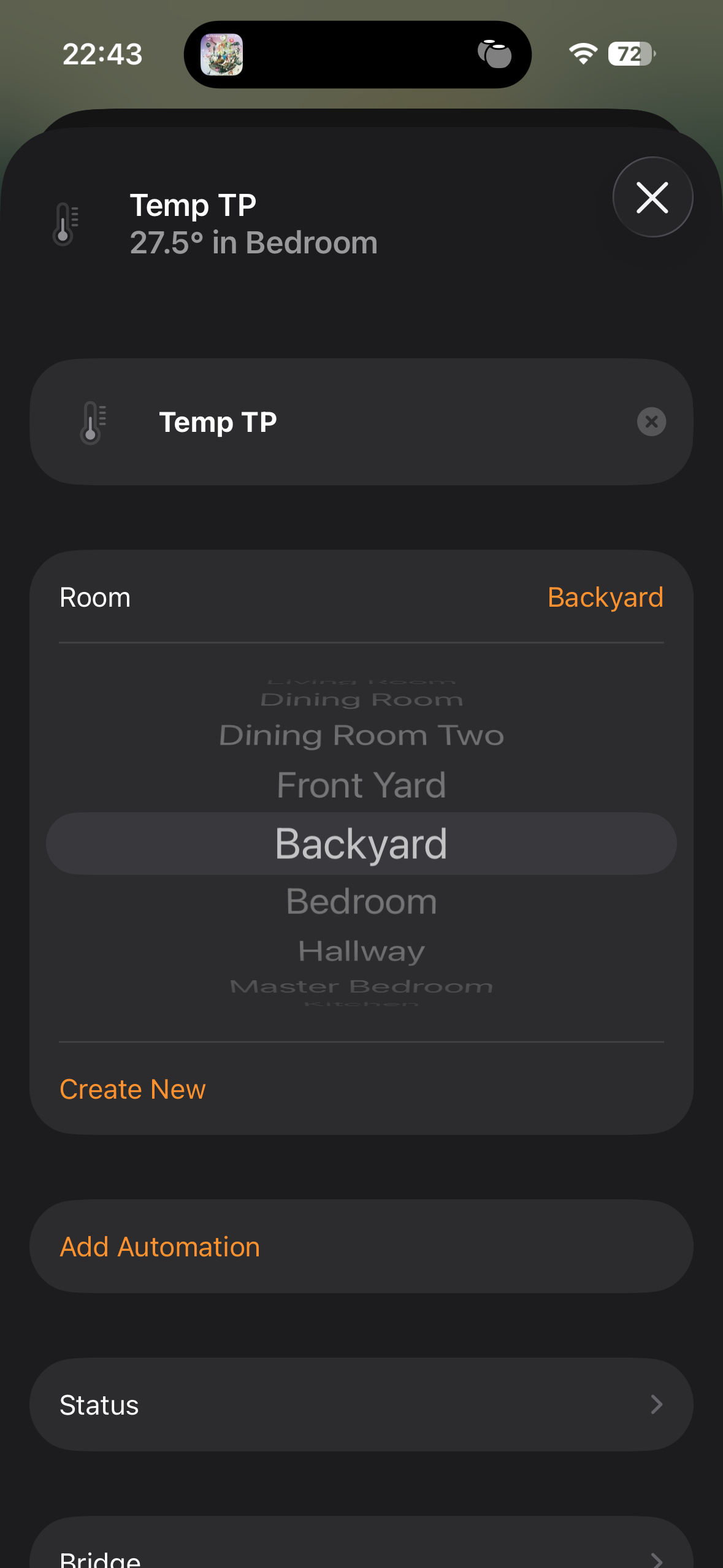
2. The T310 has always been set to "backyward". It shows backyard in the Tapo app right now but in Apple Home it's located in my bedroom. It has never happened before. It worked fine previously.
3. I tried changing location of the T310 but it never want to work and kept reverting back to bedroom.
4. In my screenshots, it's named as Temp TP (and Humi TP).
5. I'm not sure what triggered the bug. Three possibilities:
i) iOS 26 ... ii) Tapo H110 firmware update ... iii) Tapo T310 firmware update.
1 Accepted Solution

