
Can't communicate form one VLAN to another
 This thread has been locked for further replies. You can start a new thread to share your ideas or ask questions.
Hello,
I set up 3 networks
VLAN1- 192.168.42.1/24 (default)
VLAN2- 192.168.20.1/24 (guest)
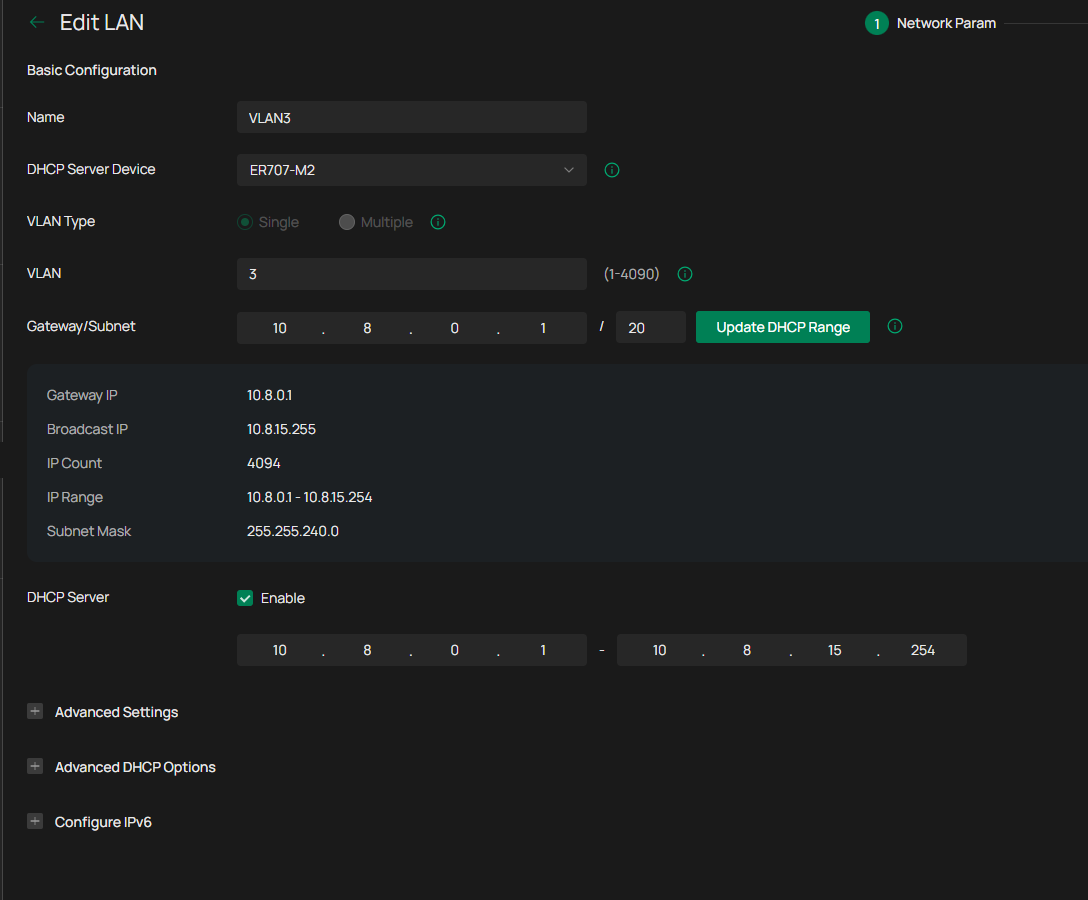
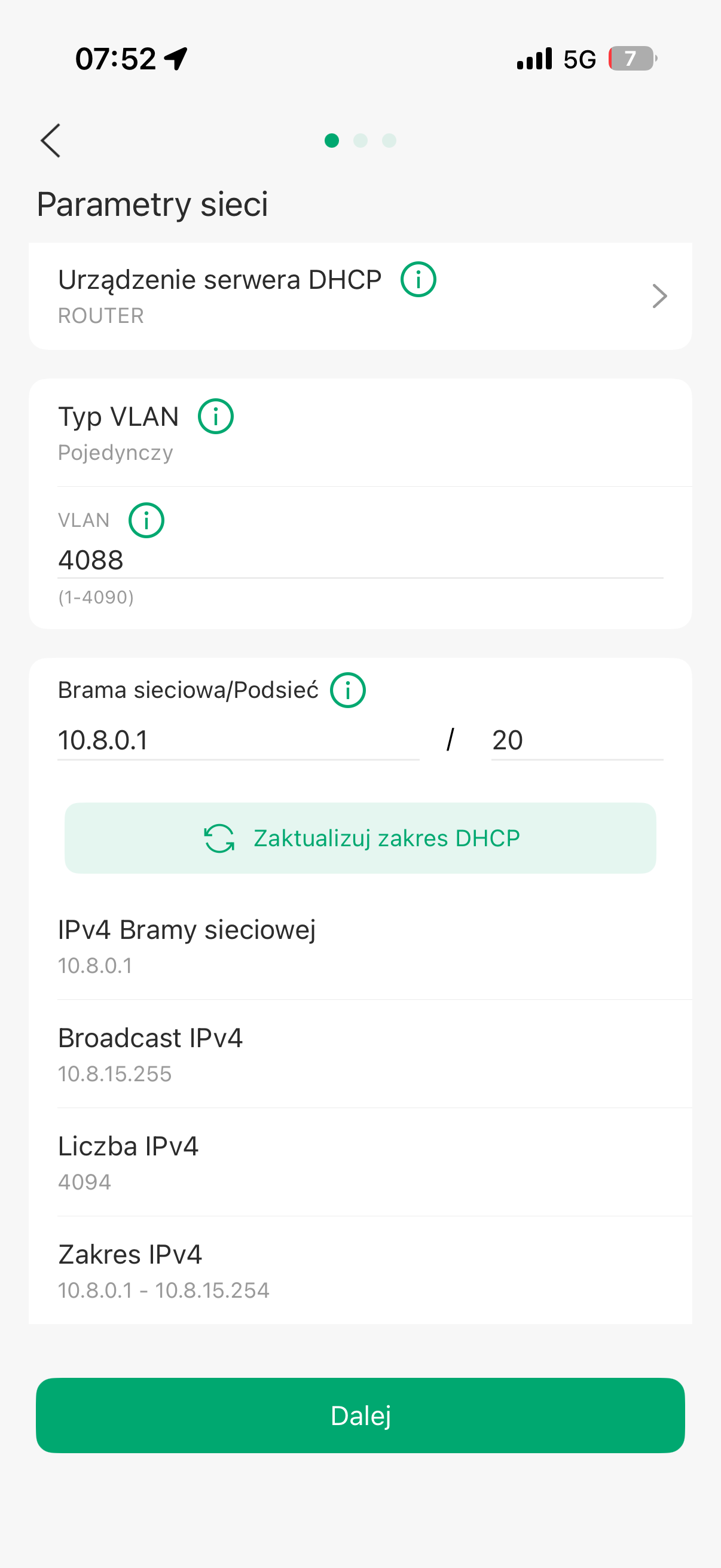
VLAN3- 10.8.0.0/20
No ACL's are set.
VLAN1 can communicate to VLAN2
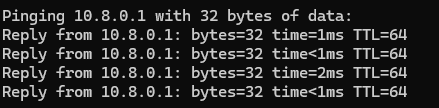
VLAN3 don't have Internet access.
But when I try to set VLAN4 (ex. 192.168.9.1) It have Internet access. (without any ACL's- just from the WLAN manager in Omada)
What is wrong with VLAN3 settings?
- Copy Link
- Subscribe
- Bookmark
- Report Inappropriate Content

Hi @PP_,
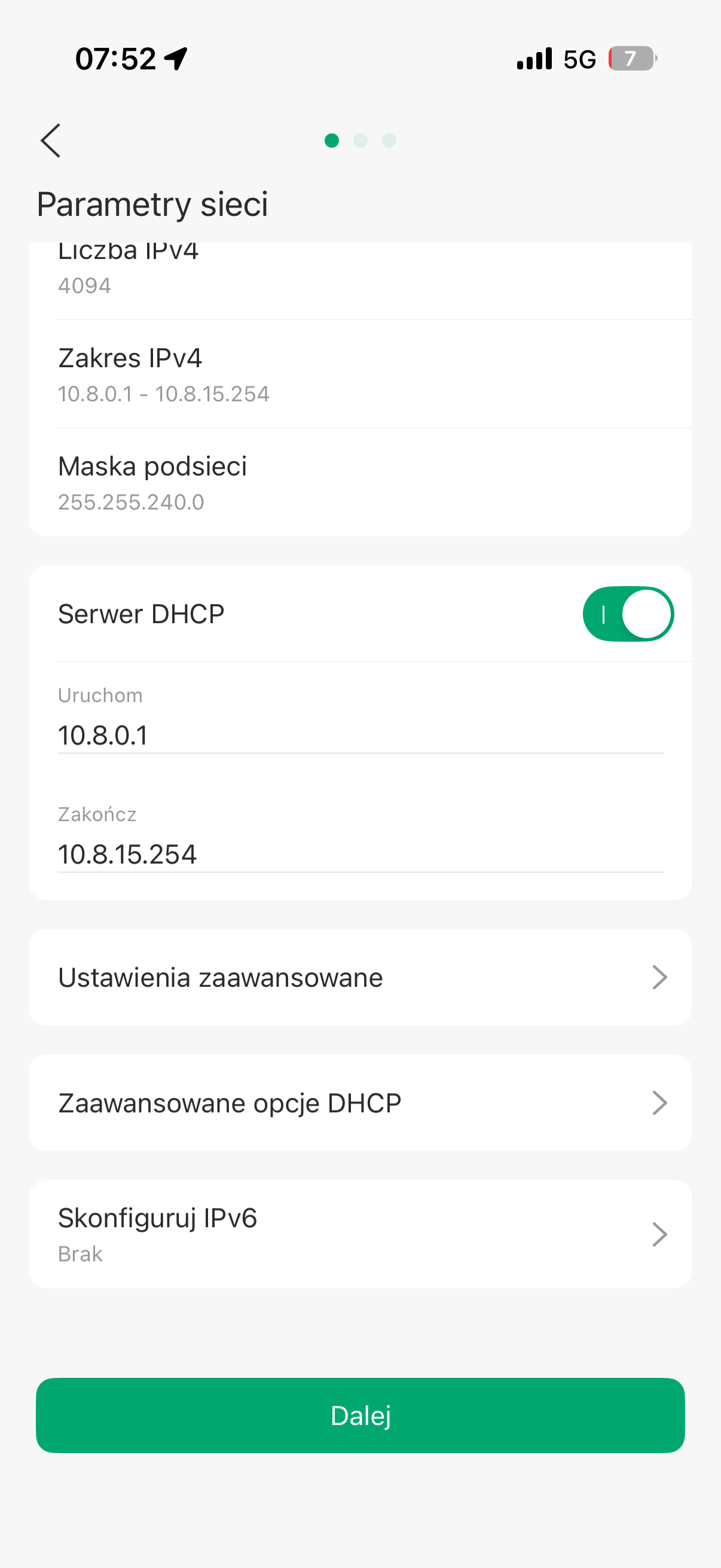
Not sure if this would cause the problem, but the interface's address is included in the DHCP range. Try setting the lower bound to 10.8.0.2 or higher. I'm actually surprised the UI even allows this.

- Copy Link
- Report Inappropriate Content

- Copy Link
- Report Inappropriate Content
- Copy Link
- Report Inappropriate Content
- Copy Link
- Report Inappropriate Content
@MR.S ER7406
- Copy Link
- Report Inappropriate Content
- Copy Link
- Report Inappropriate Content
- Copy Link
- Report Inappropriate Content
- Copy Link
- Report Inappropriate Content
- Copy Link
- Report Inappropriate Content
Hi @PP_,
Not sure if this would cause the problem, but the interface's address is included in the DHCP range. Try setting the lower bound to 10.8.0.2 or higher. I'm actually surprised the UI even allows this.
- Copy Link
- Report Inappropriate Content
Information
Helpful: 0
Views: 642
Replies: 9
Voters 0
No one has voted for it yet.