Tapi Doorbell can't connect to supplied chime

Tapi Doorbell can't connect to supplied chime

Tapi Doorbell can't connect to supplied chime
3 weeks ago - last edited Yesterday
Model: Tapo D210  
Hardware Version: V1
Firmware Version: 1.1.0

I'm trying to install the supplied chime that came with Tapo D210 doorbell but it will won't show up in the device settings.


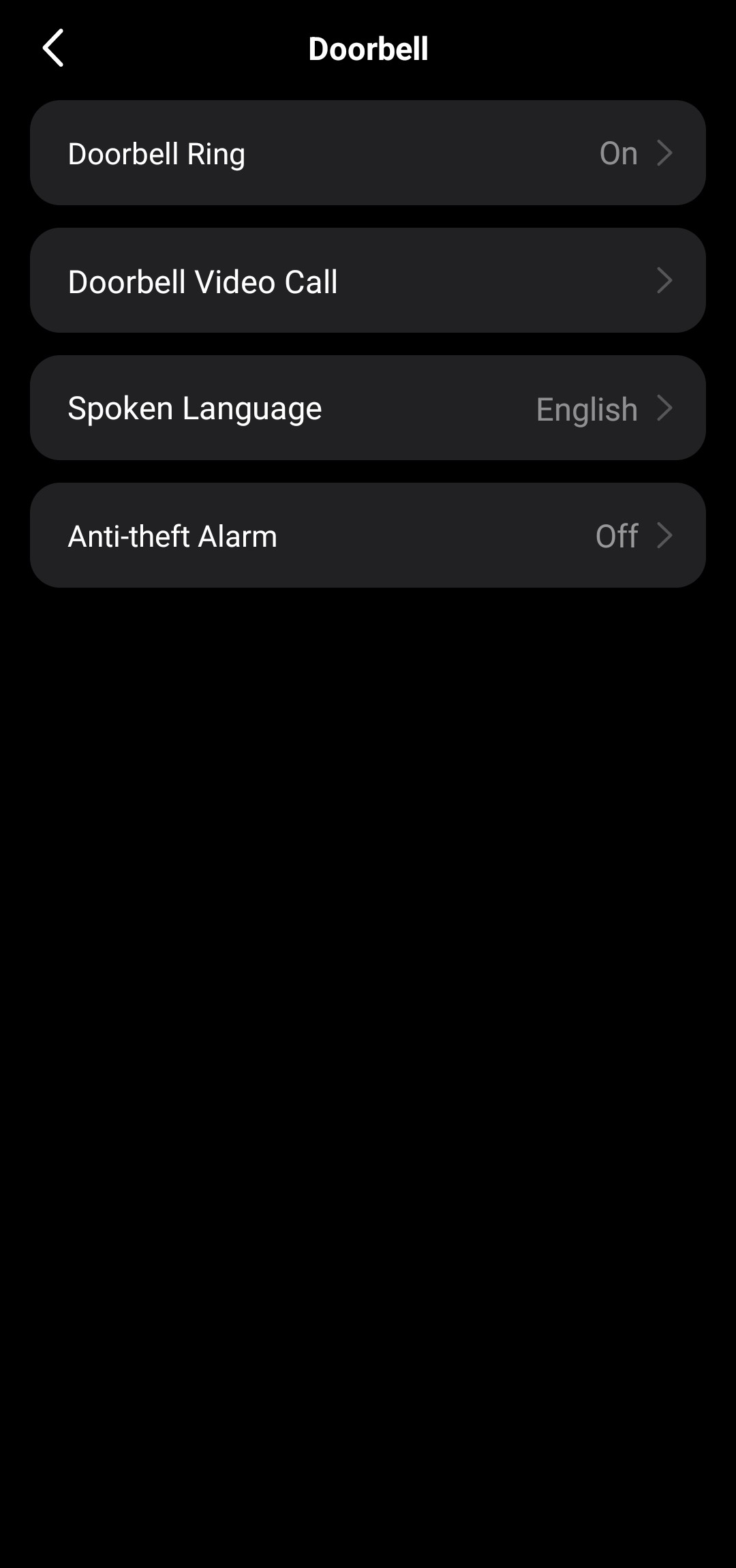
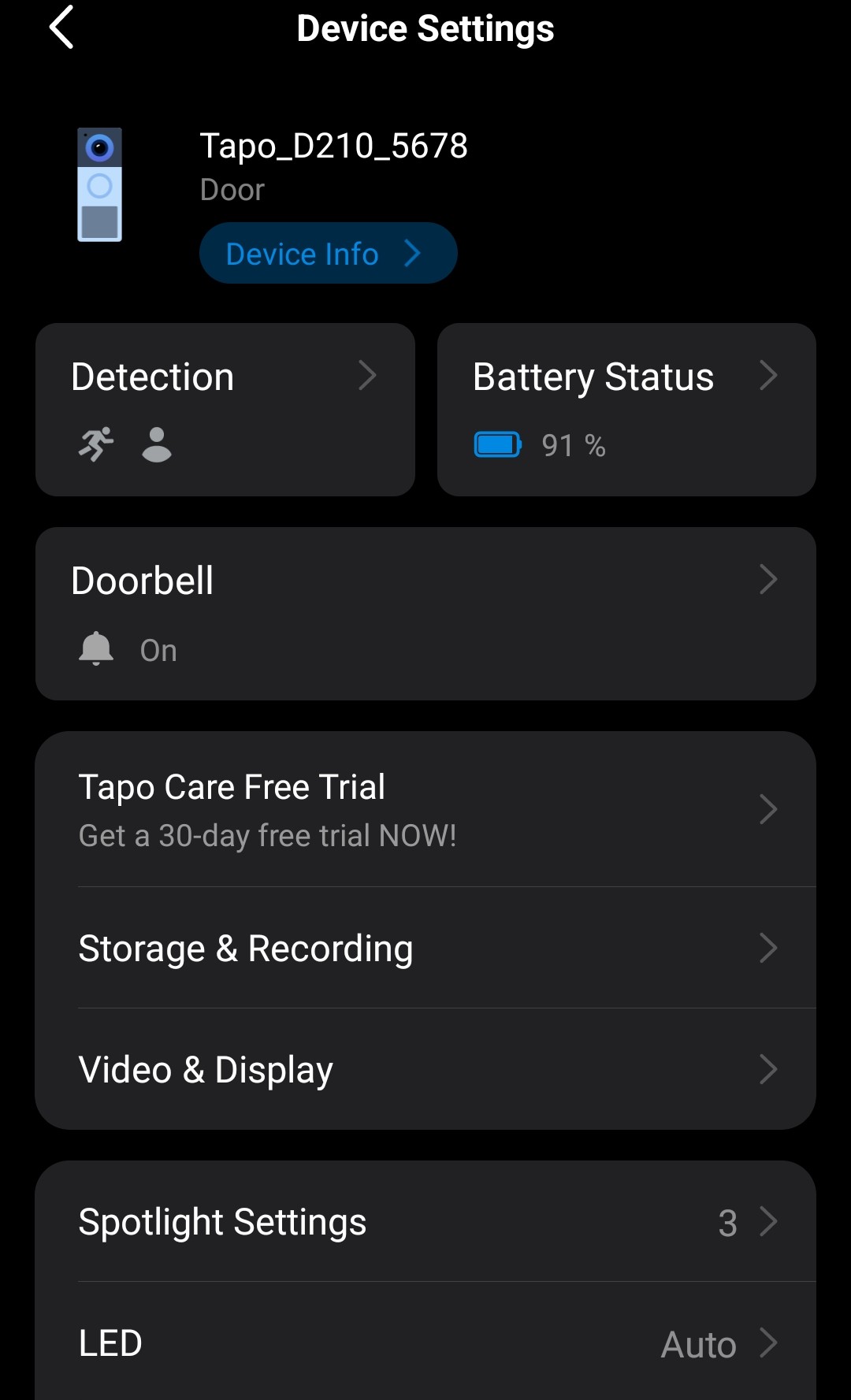
I've done everything from resetting both the doorbell and chime multiple times, uninstalled my Tapo app but "Paired Chime" option won't show up on the Device settings page. Please help.


Refer to screenshots:


  0      
  0      
#1
Options
1 Accepted Solution
Re:Tapi Doorbell can't connect to supplied chime-Solution
3 weeks ago - last edited Yesterday

  @Wpir 


Try to use another phone, see if that helps. What's the version of your Tapo app? 


If the problem also exists on another phone, submit a log in the app and reach out to the support team for further investigation. How to get the log of Tapo app Don't forget to provide the model and system version of your phone.

CES 2026 Meet TP-Link AI Assistant and More New Products!
Recommended Solution
  0  
  0  
#2
Options
1 Reply
Re:Tapi Doorbell can't connect to supplied chime-Solution
3 weeks ago - last edited Yesterday

  @Wpir 


Try to use another phone, see if that helps. What's the version of your Tapo app? 


If the problem also exists on another phone, submit a log in the app and reach out to the support team for further investigation. How to get the log of Tapo app Don't forget to provide the model and system version of your phone.

CES 2026 Meet TP-Link AI Assistant and More New Products!
Recommended Solution
  0  
  0  
#2
Options