
New Release New Features Arrived! Channel Selection and Wireless Network Mode


This Article Applies to:
Deco BE85_1.1.1 Supports WireGuard VPN,Channel Selection and Matter
Deco BE65_V2_1.1.0 Supports WireGuard VPN, Channel Selection and More
With the latest 1.1.0/1.1.1 firmware release of Deco BE85/BE65/BE63/BE11000, The historically highly-requested feature- Channel Selection has now been implemented. It allows users to manually choose the Wi-Fi channel/channel Width for the Main WiFi Network(2.4GHz& 5GHz), providing greater control over network performance in high-interference environments.
How to Configure wireless Channel Selection?
Go to Deco APP> Wi-Fi Settings, and Select 2.4GHz & 5GHz Wireless Network. You will find the option to adjust the channel and channel width settings under the Advanced section.

Furthermore, an extra feature- Wireless Network Mode is also added to further improve the overall Mesh Performance.
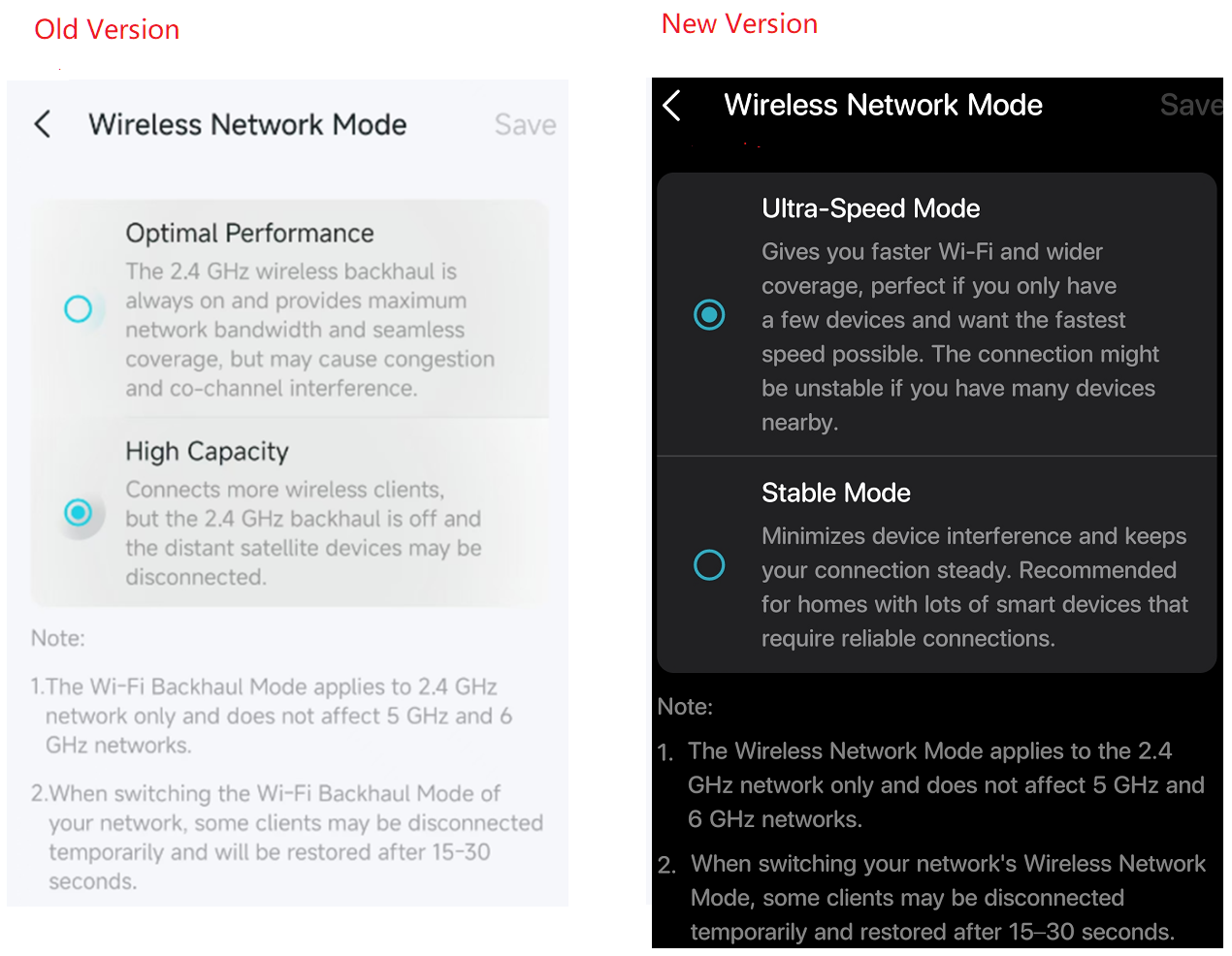
Optimal Performance/Ultra- Speed Mode- All Deco units will enable the 2.4GHz backhaul and use the same 2.4GHz channel to maximize the wireless backhaul connection speed, then improve the overall network bandwidth.
High Capacity/Stable Mode- The Deco system will disable the 2.4G backhaul and All Deco units use different 2.4GHz channels. This mode will improve the 2.4GHz wireless capacity and accommodate more 2GHz clients. So if you have plenty of 2GHz smart home devices, it is recommended to use the High Capacity mode.
We welcome your feedback on any issues you may have encountered or if you have suggestions for optimizing these two features. Your input will greatly assist in enhancing and expediting the implementation of similar features on other Deco models. Feel free to share your thoughts below!
- Copy Link
- Subscribe
- Bookmark
- Report Inappropriate Content

@David-TP Is there a beta version of the firmware for the XE5300 (v2.6) with channel selection that I could try? I have a camera that constantly disconnects from my wifi that I'm hoping being able to select the channel will resolve.
- Copy Link
- Report Inappropriate Content

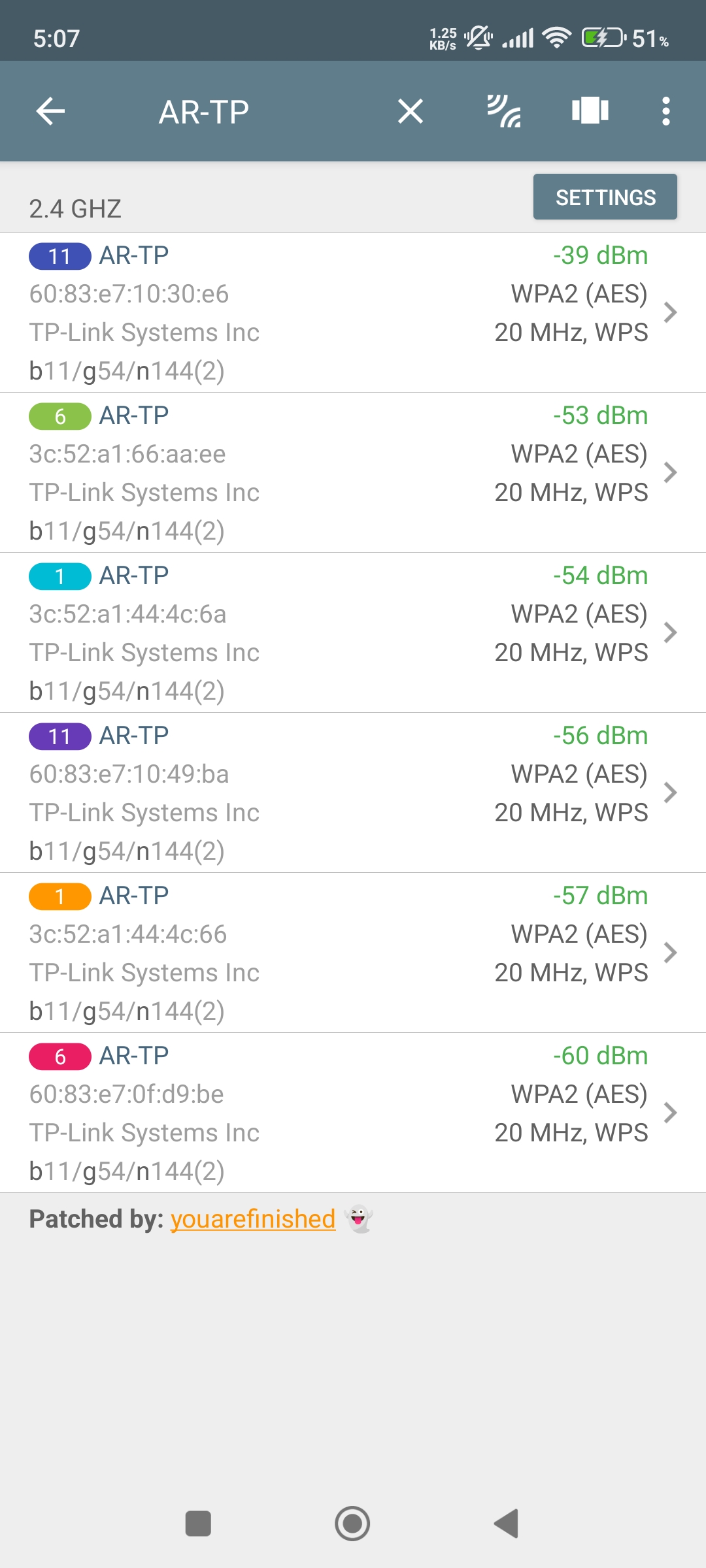
- Copy Link
- Report Inappropriate Content

@David-TP
The new features have arrived, including channel selection and wireless network mode, allowing users to optimize their connectivity by manually choosing the best channel to reduce interference and switching between different wireless modes for improved speed, stability, and compatibility with various devices, making it easier to customize network performance, enhance overall efficiency, and for more information you can visit site.
- Copy Link
- Report Inappropriate Content

Please add these features to all Deco models, not just selected units or future releases.
It is absolutely shocking that something as basic and important as manual Wi-Fi channel selection is still not available across the entire Deco lineup in 2026, especially considering the number of Wi-Fi devices in the average household constantly grows.
In my case, I have a mesh network based on Deco X20 units that cost several hundred dollars only a few years ago, yet I still cannot manually select Wi-Fi channels or reliably choose which Deco node a specific device should connect to.
These are not niche or enterprise-level requirements. They are features that have been available on traditional routers for many years, including TP-Link's older models.
Please consider adding the following features across the entire Deco lineup:
- Manual Wi-Fi channel selection.
- The ability to assign or lock devices to a specific Deco node.
- More advanced network management options for users who want greater control over their own networks.
Deco is marketed as a premium mesh solution, but lacksme level of control that was available on routers from a decade ago. Providing these options would significantly improve the user experience without affecting those who prefer the current "set and forget" approach.
- Copy Link
- Report Inappropriate Content
Information
Helpful: 8
Views: 20744
Replies: 34
Voters 3


