Archer MR600 Can't open a single port (Tried everything... I think)
 This thread has been locked for further replies. You can start a new thread to share your ideas or ask questions.
Hey everyone,
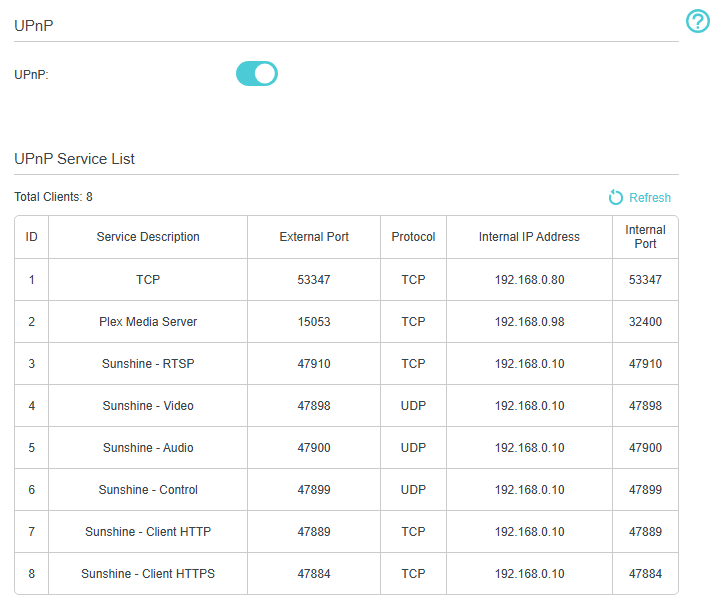
I'm completely stuck trying to open a single port on my TP-Link Archer MR600 router. I've tried everything I can think of, and I'm hoping someone here might spot what I'm missing.
Here’s what I’ve done so far:
-
I confirmed with my ISP that no ports are blocked — they’ve assured me everything is open on their end.
-
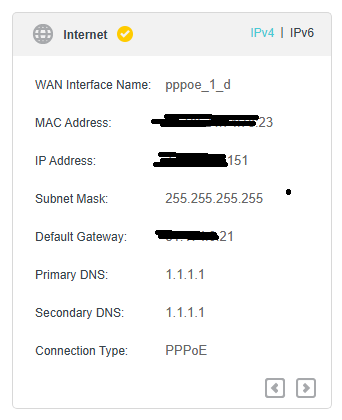
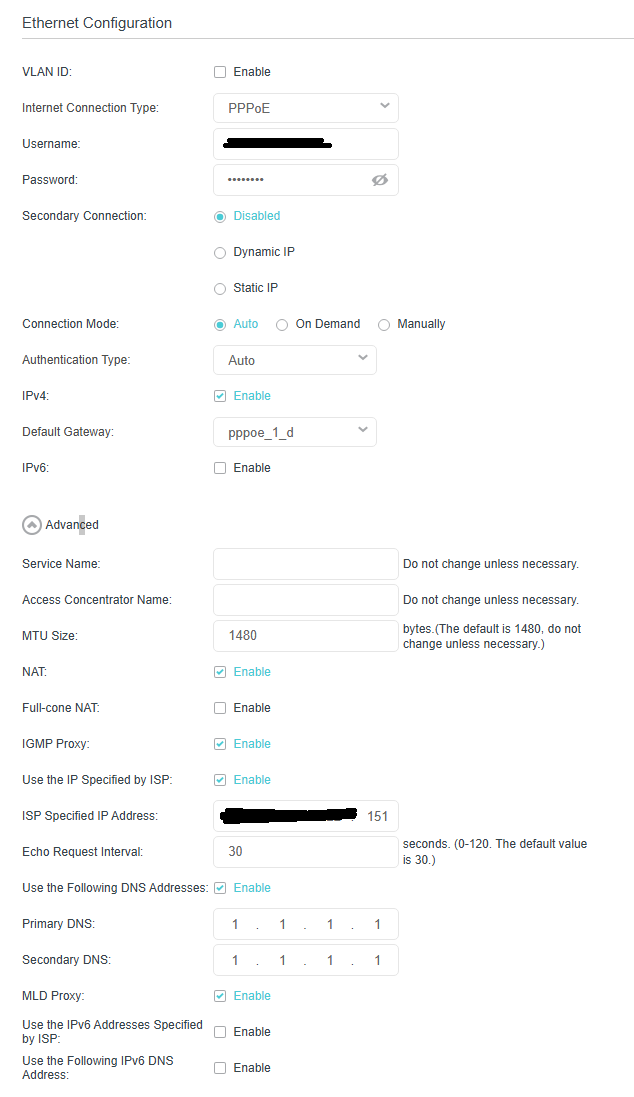
I have a public static IP address.
-
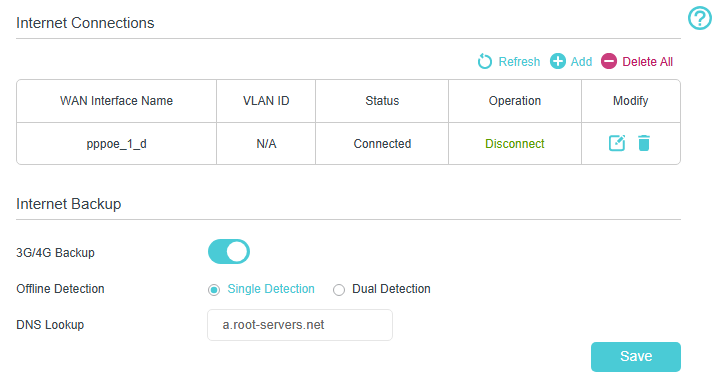
I am not using an LTE connection — this is a wired WAN setup.
-
I tried port forwarding multiple times with different ports and protocols.
-
I disabled the router's firewall entirely — still no luck.
-
I also tried keeping the firewall enabled but creating explicit allow rules.
-
I tested from both Windows 11 and Linux (Steam OS), same results on both.
-
I disabled the firewalls on both Windows 11 and Steam OS, and also tried adding allow rules — still no difference.
-
I’ve rebooted the router between changes and verified the rules are in place.
-
DMZ enabled sorts no effect whatsoever.
-
If I try to ping my IP from the outside, it works just fine, so the public IP is accessible.
Despite all this, the port never appears open from the outside (checked with canyouseeme.org and similar tools). Nothing seems to get through.
Has anyone dealt with this on the MR600 or similar routers? Is there some hidden setting I might be missing?
Thanks in advance!