
TP LINK XX530V BSNL VOIP NOT WORKING
TP LINK XX530V BSNL VOIP NOT WORKING

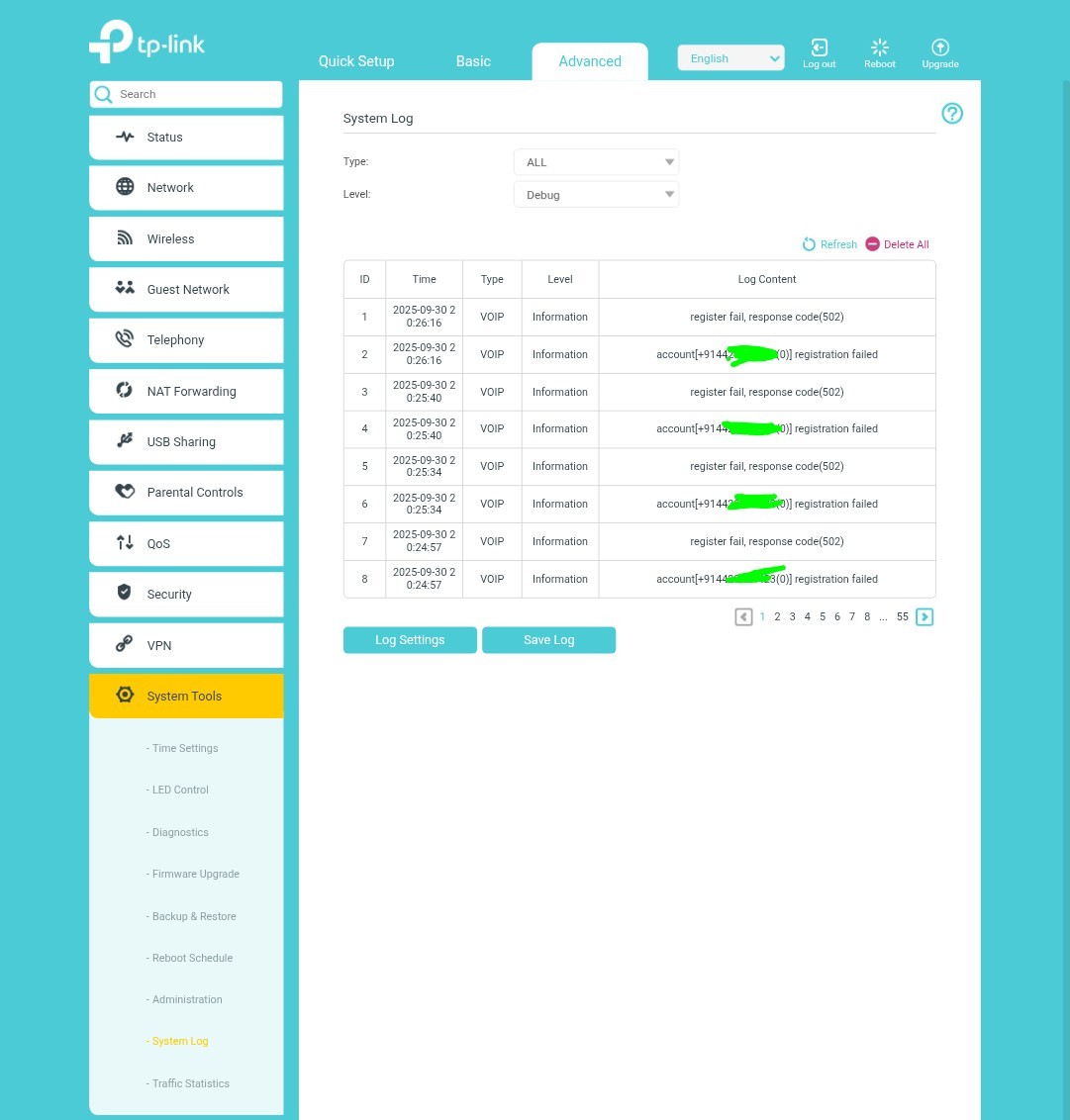
TP LINK XX530V BSNL VOIP is not working get error " register failed, response code( 502) "
 Caption

- Copy Link
- Subscribe
- Bookmark
- Report Inappropriate Content


Hey @Devakumar
I've created a support ticket for you using your registered email address.
Please check your email inbox and provide the information, and I will escalate your case to our support engineers for further investigation.
- Copy Link
- Report Inappropriate Content
Reset my Router XX530V . Get below Error
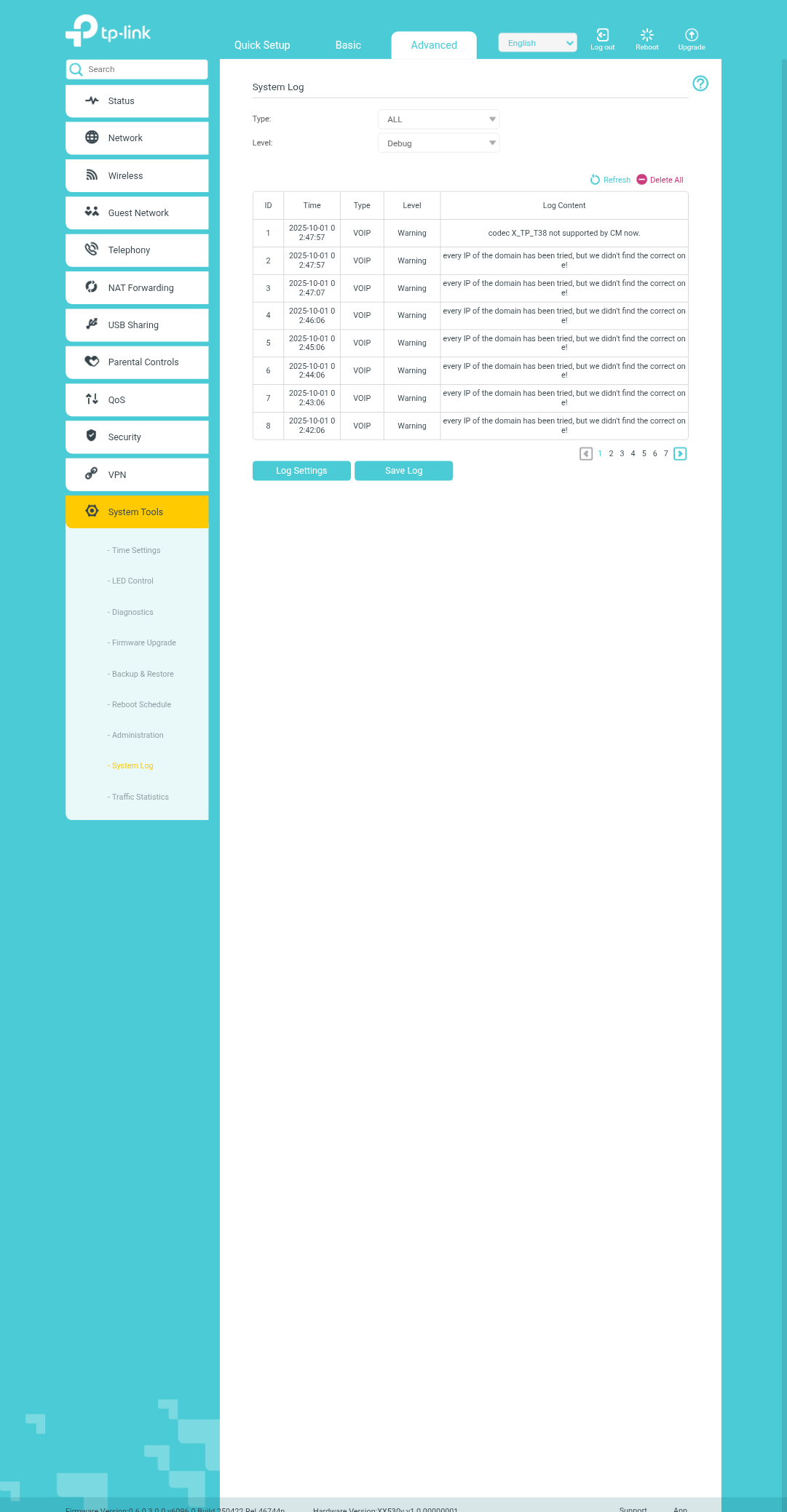
Please help me
- Copy Link
- Report Inappropriate Content

@Devakumar Are you using the right VLAN for this VOIP service?
- Copy Link
- Report Inappropriate Content
@volunterman yes
vlan 1849
- Copy Link
- Report Inappropriate Content
- Copy Link
- Report Inappropriate Content
Devakumar wrote
Same configuration working in DBC routers
Is the DBC router provided by your ISP, BSNL?
Have you tried contacting BSNL to check whether there is any limit on their end for using a non-ISP-provided ONT to register a VoIP service?
- Copy Link
- Report Inappropriate Content
Hey @Devakumar
I've created a support ticket for you using your registered email address.
Please check your email inbox and provide the information, and I will escalate your case to our support engineers for further investigation.
- Copy Link
- Report Inappropriate Content

@Devakumar configuration could be different for this
use the provided IP in the registrar and outbound proxy box
use the domain name on the sip proxy box
as for the VoIP WAN section, see if this is routable first, if it isn't, then it will never work
- Copy Link
- Report Inappropriate Content

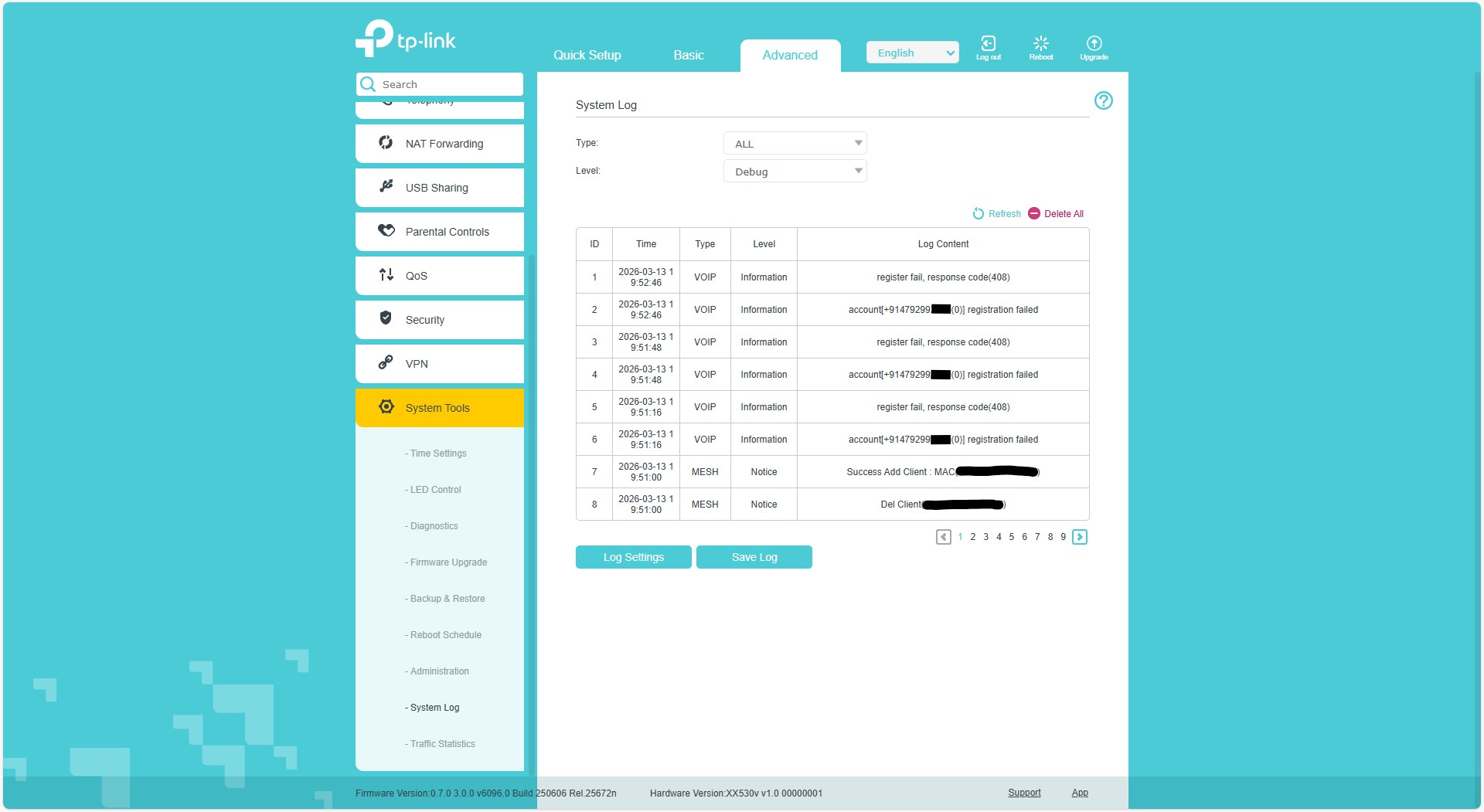
I'm facing the same issue with different error code. Please help..
Tags: #VoIP #Installation #Network Connectivity
Model: XX530v
Hardware Version: V1
Firmware Version: 0.7.0 3.0.0 v6096.0
TP LINK XX530V BSNL VOIP is not working get error "register fail, response code(408)"
- Copy Link
- Report Inappropriate Content
Hey @ArunRajR
Who is your VoIP provider?
Please ensure the registration details provided by your VoIP provider are 100% correct, such as phone number, password, and Registrar Address.
We have a troubleshooting guide for generic DSL models when registering a VoIP service. Please have a reference. It might be exactly the same as you saw on your XX530v, but some configurations should be similar:
- Copy Link
- Report Inappropriate Content
Thank for the replay Kevin.
My VoIP provider is BSNL India.
I have used the same details given by them only. And now they says, the issue may be with the device firmware as they found this issue with some earlier model of TP. MY modem having the latest firmware too.
- Copy Link
- Report Inappropriate Content
Information
Helpful: 0
Views: 1615
Replies: 15
Voters 0
No one has voted for it yet.