
TP LINK XX530V BSNL VOIP NOT WORKING
TP LINK XX530V BSNL VOIP NOT WORKING

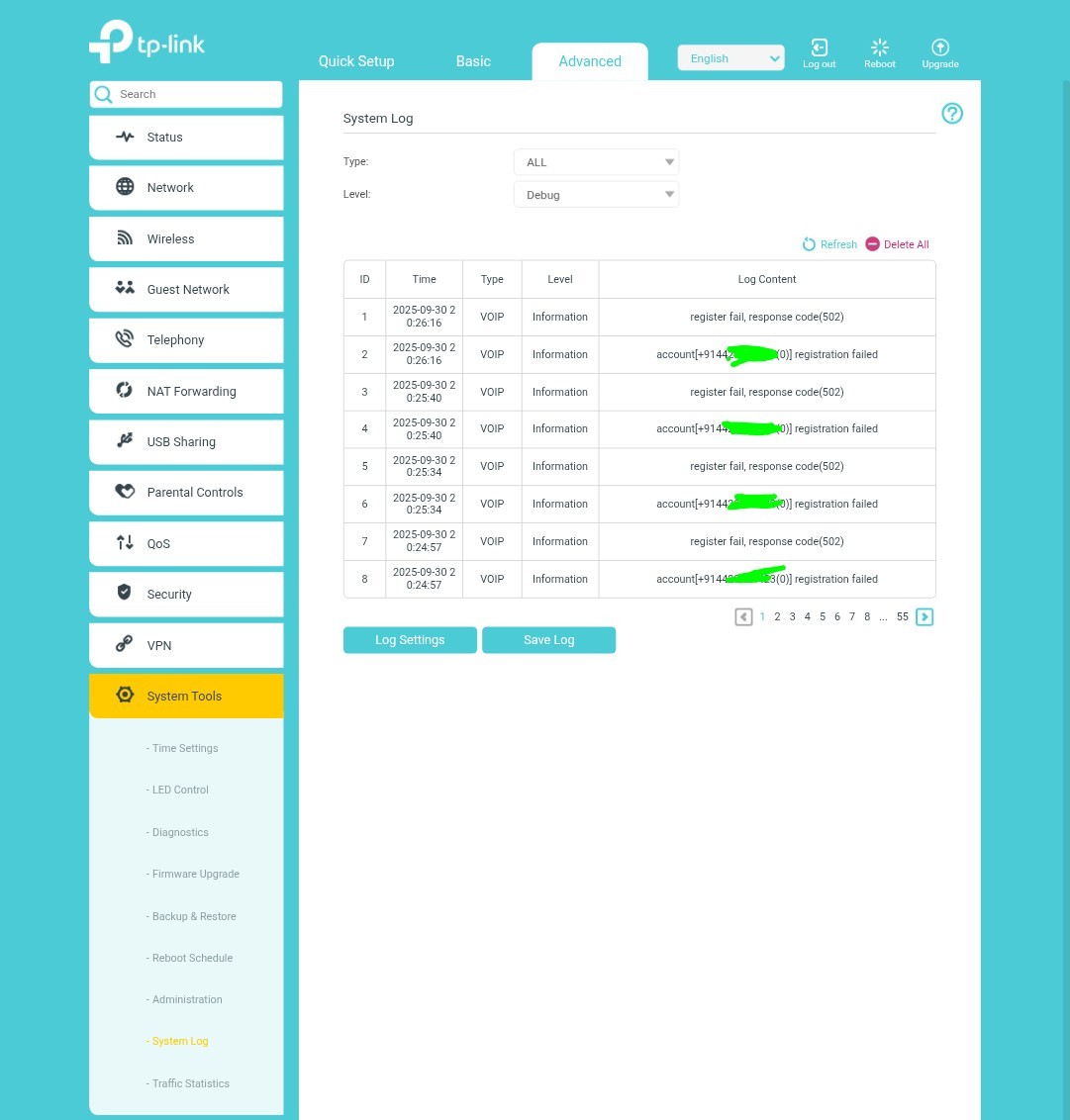
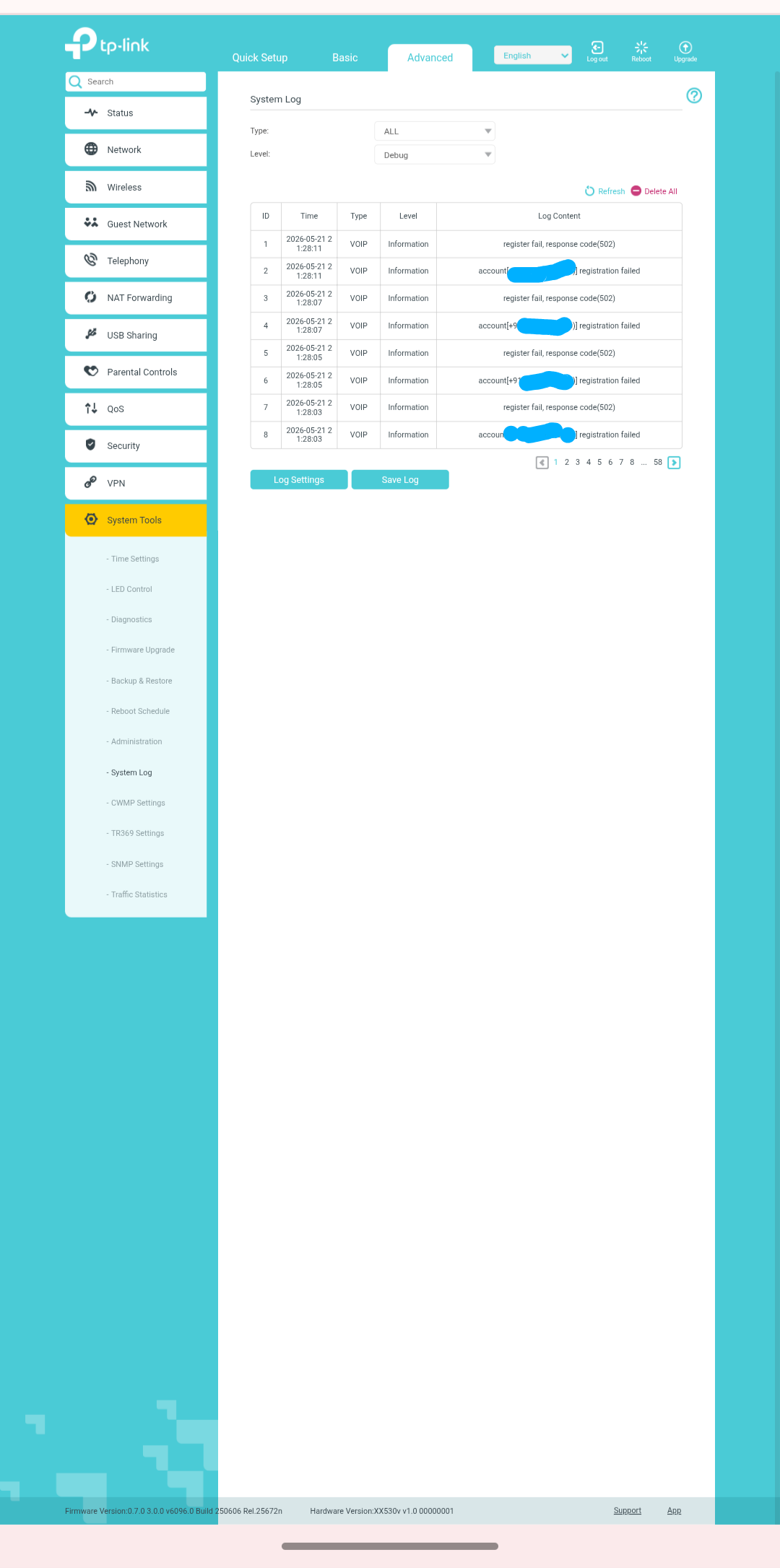
TP LINK XX530V BSNL VOIP is not working get error " register failed, response code( 502) "
 Caption

- Copy Link
- Subscribe
- Bookmark
- Report Inappropriate Content


ArunRajR wrote
Thank for the replay Kevin.
My VoIP provider is BSNL India.
I have used the same details given by them only. And now they says, the issue may be with the device firmware as they found this issue with some earlier model of TP. MY modem having the latest firmware too.
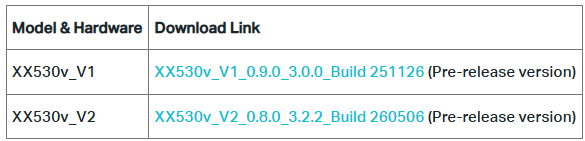
Please check if you can upgrade to the latest pre-release version we provided here, and then confirm whether you can successfully register the VoIP service.
BTW, what VoIP VLAN is required by BSNL? Have you tested the VoIP configuration on another router, not TP-Link one? Will it connect?
- Copy Link
- Report Inappropriate Content
- Copy Link
- Report Inappropriate Content
Devakumar wrote
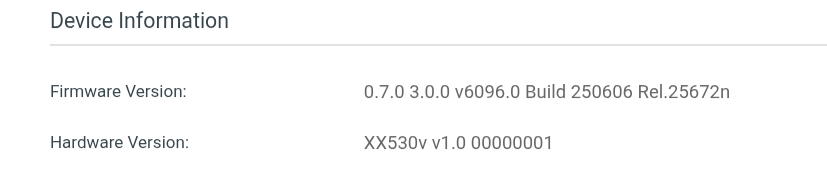
It seems the firmware version of your XX530v1 is not the one we provided:
Could you please check the hardware version on the bottom label of your XX530v?
- Copy Link
- Report Inappropriate Content
Updated below firmware. speed reduce 50Mbbs again change to old firmware version and also not working voip

Currently now using below firmware
xc220-g3v v2.30 Tp link model got same error after firmware update rectified problem
https://community.tp-link.com/en/home/forum/topic/596100
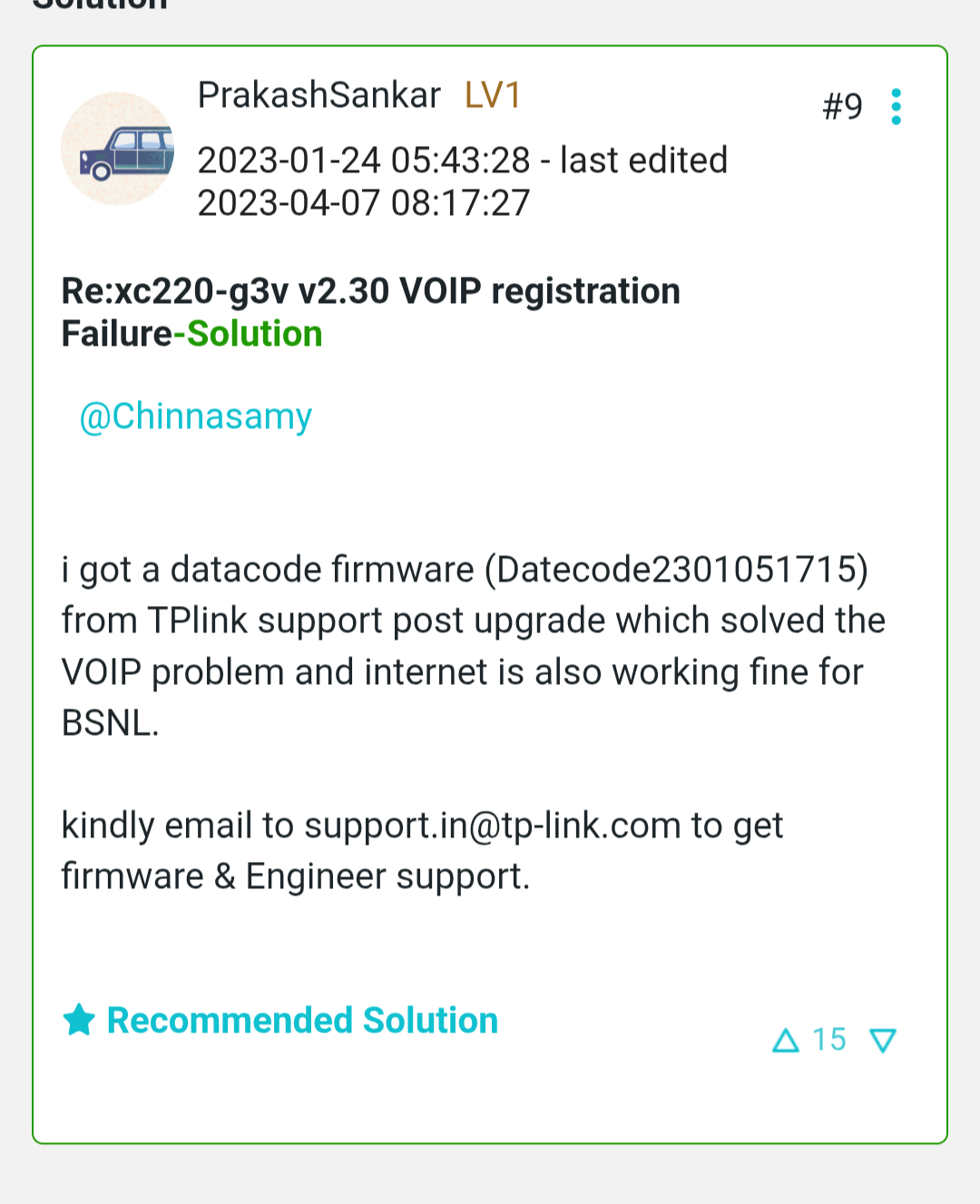
- Copy Link
- Report Inappropriate Content
The link you provided is a topic that was created in 2023 with the model XC220-G3v v2.30, whereas the model you're using is XX530v v1.0. I assume the situation is different.
Have you ever tested the VoIP configuration on another non-TP-Link device? Does it connect to the BSNL VoIP service properly?
If that works, please contact our local technical support to troubleshoot further. You can provide the configuration file exported from your XX530v v1.0 when emailing.
- Copy Link
- Report Inappropriate Content
Information
Helpful: 0
Views: 1608
Replies: 15
Voters 0
No one has voted for it yet.