
New isp file to upgrade new mobile operator in Archer NX510v

 Caption
Current isp is: 24042901
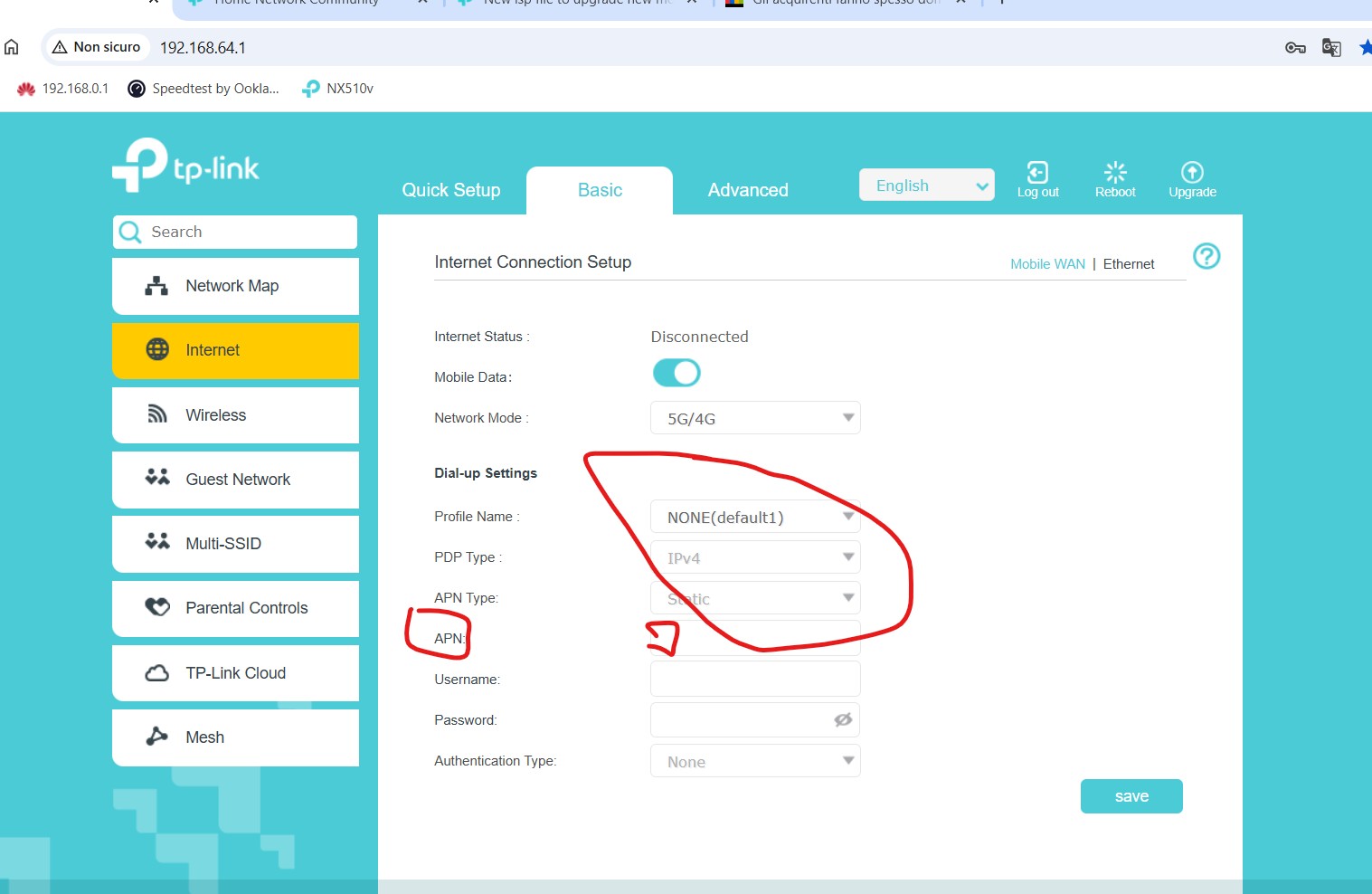
but this version not have new mobile operator inside and and is not possible to write manually the details..like apn like a new name that is forbidden and write manually others parameters.
Other problem that this firmware have only two languages : english and Magyarorszag.
Firmware Version: 1.3.0 3.0.0 v6060.0 Build 250326 Rel.64623n
Hardware Version: NX510v v1.0 00000000
Module version: RG520NEUDCR03A02M4G_BAF_V01
Module SN: MPY23KD0Q0106420P
- Copy Link
- Subscribe
- Bookmark
- Report Inappropriate Content


Hi, may I know where you purchased this modem-NX510v?
The current model is a customized version for a local service provider in HU. It is not intended to be sold through retail channels.
I'm afraid there hasn't been a media firmware to revert to the general version.
If you just purchase it, it is recommended to return it and get a non-service provider version directly, such as Archer NX200/500/600.
Thank you very much.
Best regards.
- Copy Link
- Report Inappropriate Content
Hi, did you receive the router from the SIM ISP or purchase the router on your own?
It is very likely you might receive an ISP-customized version, and it is locked to a specific mobile ISP.
Thank you very much.
Best regards.
- Copy Link
- Report Inappropriate Content
I have bought from Hungarian but this Archer Nx510 is not shown from the original package to block to a specific mobile operator is very strange!
Is possible to have one original firmware that remove the actual and make a write hand a specific details from every mobile operators?
And if is possible a firmware with all the languages in this 510 is only english and hungarian language.
Where a could find a new firmware ? where is the repository of the Original Tp-link firmware?
Could you show me the link?
Thanks David
- Copy Link
- Report Inappropriate Content

I need this firmware
- Copy Link
- Report Inappropriate Content
- Copy Link
- Report Inappropriate Content
@Siddiquesaif, sorry but i don't have the possibility to help you.. Because i do not have a procedure to extract from my modem the firmware... Probably (@David-TP or @Kevin_Z ) have this procedure.
They could pubblish for this 510v one firmware...!
Possible that the tp-link do not distribute one firmware to be download for this terrible modem?
Other bad thing is that this 510 do not aggregate all the bands is strange because the NX500, NX600,Nx200 made correctly!
Probably this bugged firmware made so!
- Copy Link
- Report Inappropriate Content
Hi, may I know where you purchased this modem-NX510v?
The current model is a customized version for a local service provider in HU. It is not intended to be sold through retail channels.
I'm afraid there hasn't been a media firmware to revert to the general version.
If you just purchase it, it is recommended to return it and get a non-service provider version directly, such as Archer NX200/500/600.
Thank you very much.
Best regards.
- Copy Link
- Report Inappropriate Content
Hi, the firmware versions for service providers' models will not be uploaded to the local official websites.
It needs to be permitted by the ISP first, then automatically pushed via OTA Cloud, so users would detect it via the Agnet App and update the firmware directly through the App.
If the router is not provided by the ISP directly, please reach out to the local technical support for further assistance.
Thank you very much.
Best regards.
- Copy Link
- Report Inappropriate Content

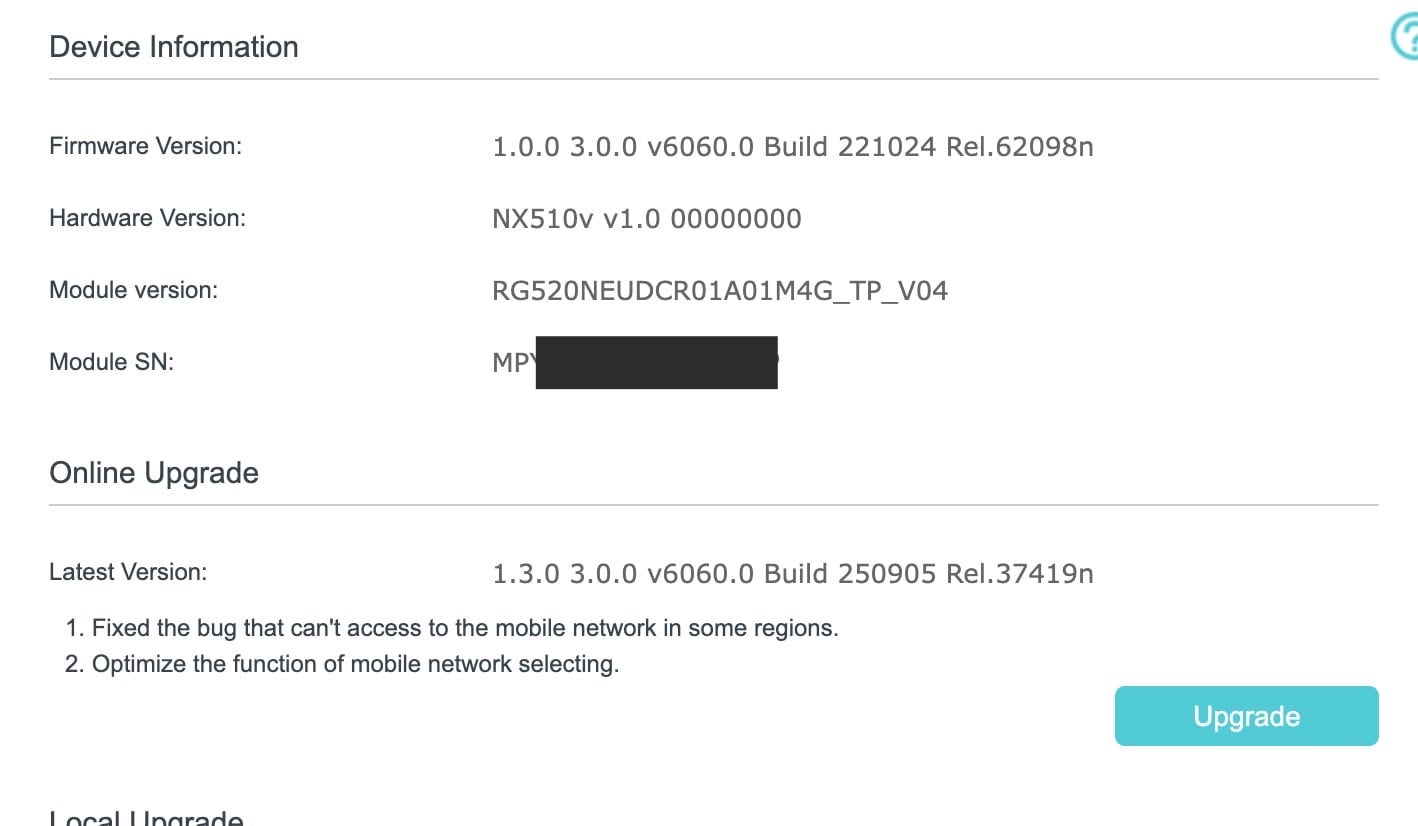
hello, I bought NX510V from local market as unlocked CPE i had no idea it was ISP model. I connected it and everything works, now I am getting upgrade notice from the device from v1 -> v1.3 , when I click Upgrade nothing happens the download is stuck at 0% forever.
Should I upgrade?
will it brick my system?
where can I find the firmware upgrade file online?
- Copy Link
- Report Inappropriate Content
Hi, the firmware for the service providers' models will not be uploaded to the official websites.
Have you tested the firmware upgrade via the Agnet App?
It is also recommended to reach out to the local technical support for further assistance:
https://www.tp-link.com/en/support/contact-technical-support/
Best regards.
- Copy Link
- Report Inappropriate Content
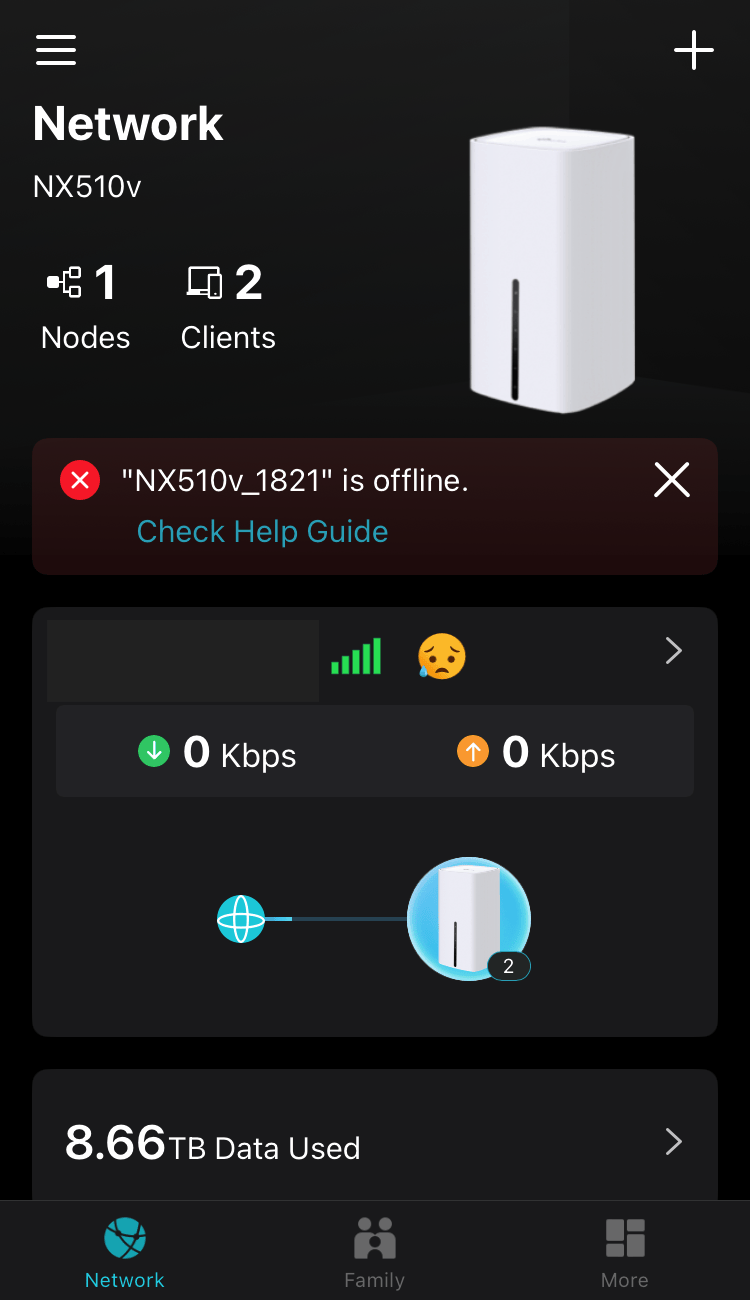
The app says the devices is Offline although it is working and connected to the internet, my ISP is censored with full signal
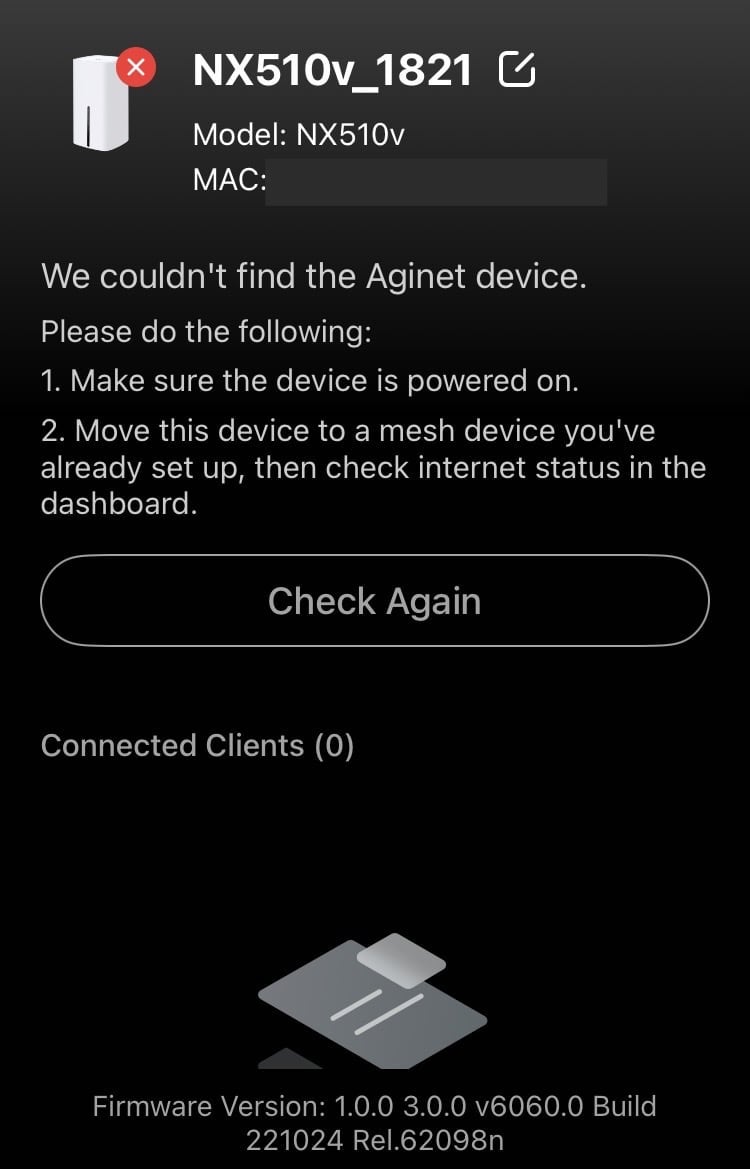
I have no idea what does aginet device couldn't be found means because i am literally connected to it
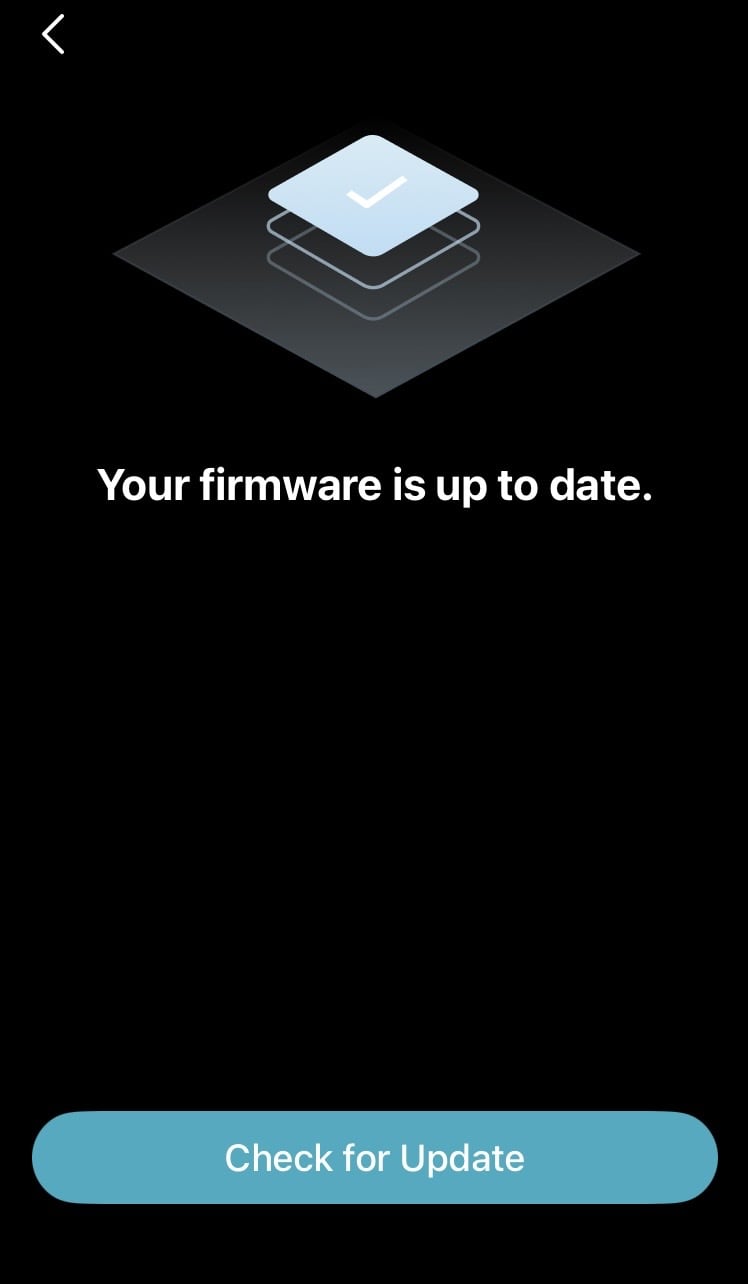
the app says there is no firmware update but the web interface says there is a 1.3 update
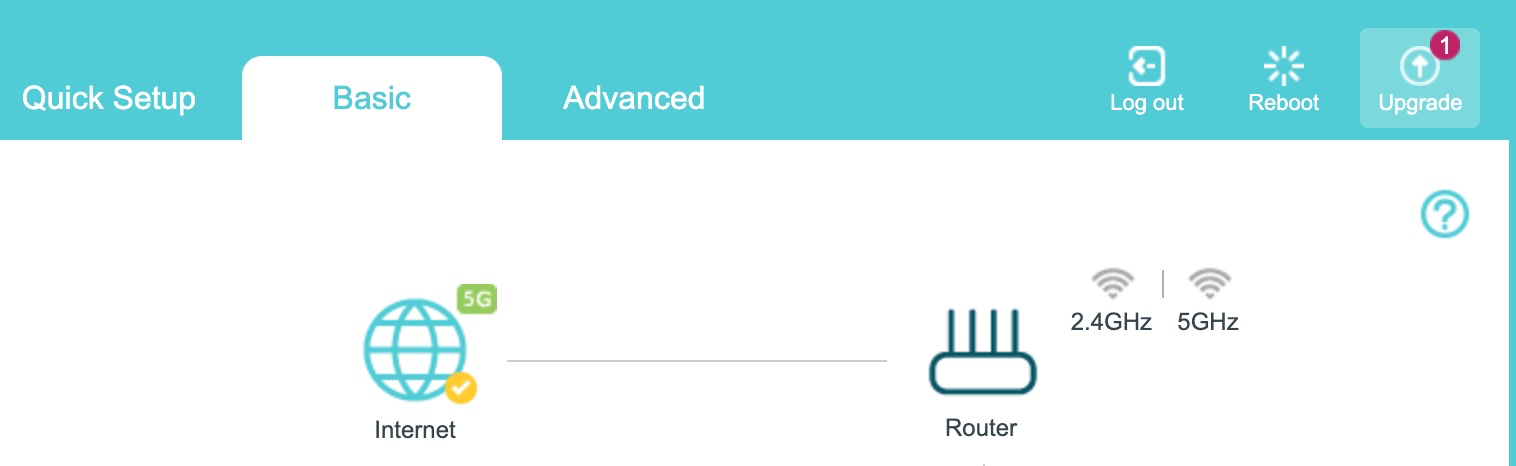
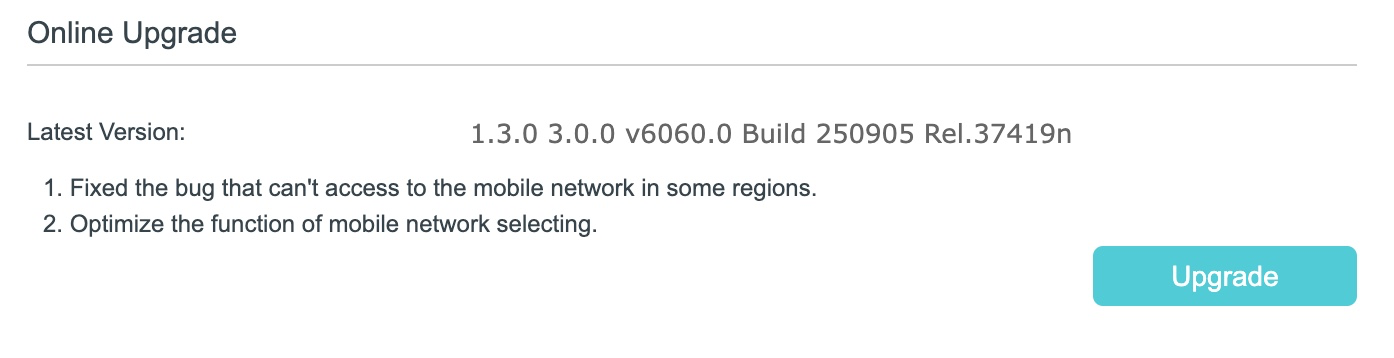
this is a joke. Tp Link should at least upload the firmware upgrade as we trusted the brand to pay up to $500 to buy this CPE device and now they refuse to give us a firmware upgrade
- Copy Link
- Report Inappropriate Content
Information
Helpful: 1
Views: 1092
Replies: 10
Voters 1