
Deco M5 connection to ip camera

Hi,
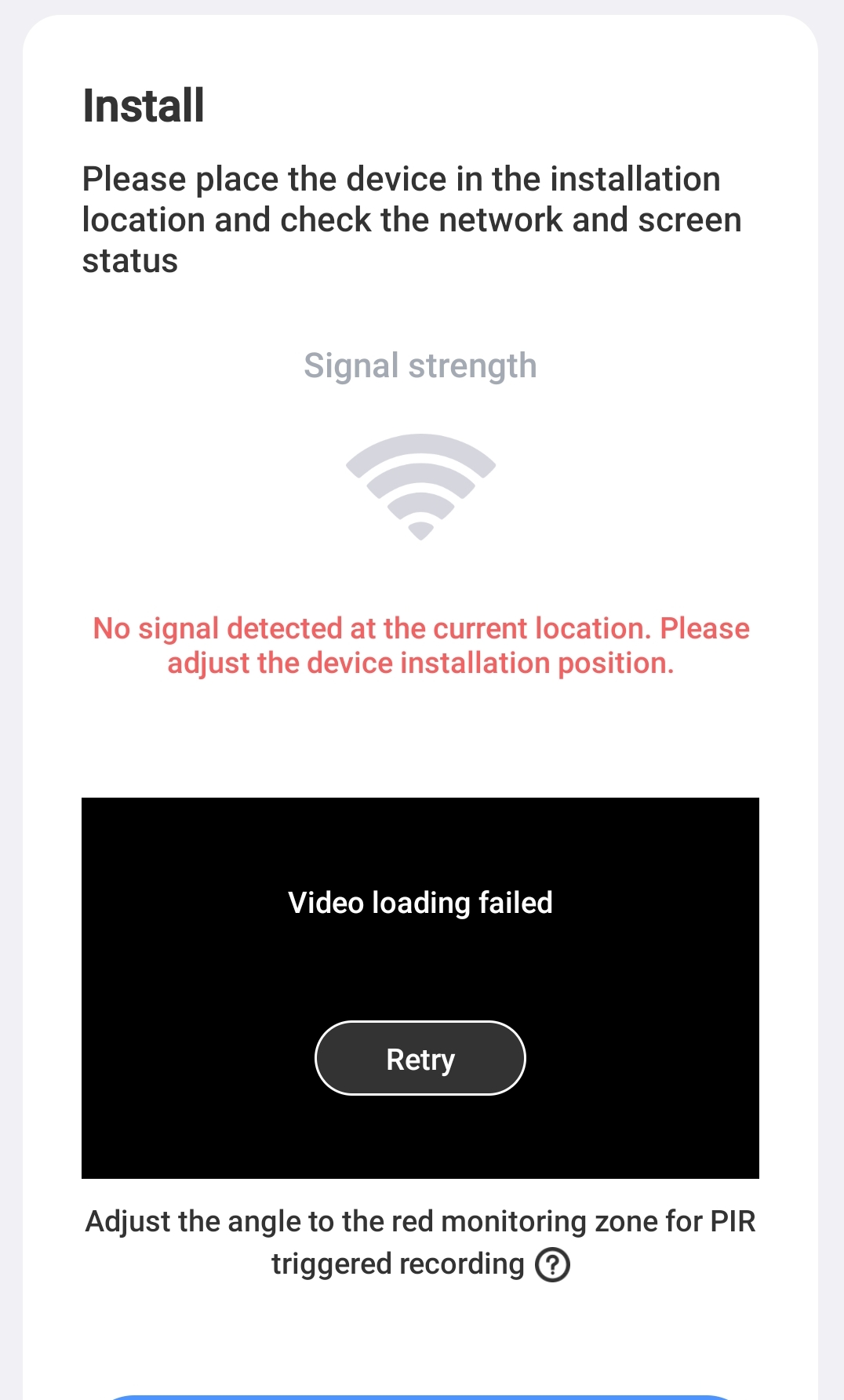
I have an ip camera which is not connecting to my deco. It says connected while I do the setup of the ip camera, then later on the ip camera says no network though it is next to router. Ip camera has no option for LAN port.
I was able to connect the ip camera directly with my phone and found that the ip address is 172.14.10.x and Mac address says 00.000.
Now how do I connect this with my deco m5 any help on this?
- Copy Link
- Subscribe
- Bookmark
- Report Inappropriate Content


Hi, have you tried to move it closer to the main Deco M5, then restart both the main Deco and the IP camera once?
Please also try to temporarily disable "Malicious Content Filter/Intrusion Prevention System" under "Security" to see whether it helps.
If not, I'm afraid you might also need to reach out to Hiseeu for further support.
Thank you very much.
Best regards.
- Copy Link
- Report Inappropriate Content
Hi, can I have the model number of the IP camera?
How about the firmware version of Deco M5?
Have you tried to enable the IoT network and set it to 2.4Ghz only, WPA2 WiFi Security, to test whether the IP camera can connect to the IOT network?
Wait for your reply.
Best regards.
- Copy Link
- Report Inappropriate Content
Thanks for your response.
I have tried the IOT network with the settings you have mentioned but didn't work(2.4ghz)
Deco firmware: 1.9.1 Build 20250909 Rel. 37570
Camera model : Hiseeu WTDS803
https://share.google/bPDzj2XwInpPcG7aM
- Copy Link
- Report Inappropriate Content
Hi, have you tried to move it closer to the main Deco M5, then restart both the main Deco and the IP camera once?
Please also try to temporarily disable "Malicious Content Filter/Intrusion Prevention System" under "Security" to see whether it helps.
If not, I'm afraid you might also need to reach out to Hiseeu for further support.
Thank you very much.
Best regards.
- Copy Link
- Report Inappropriate Content
Information
Helpful: 0
Views: 241
Replies: 3
Voters 0
No one has voted for it yet.