
Already two sudden reboots with new firmware 1.3.3 Build 20251015 for BE800

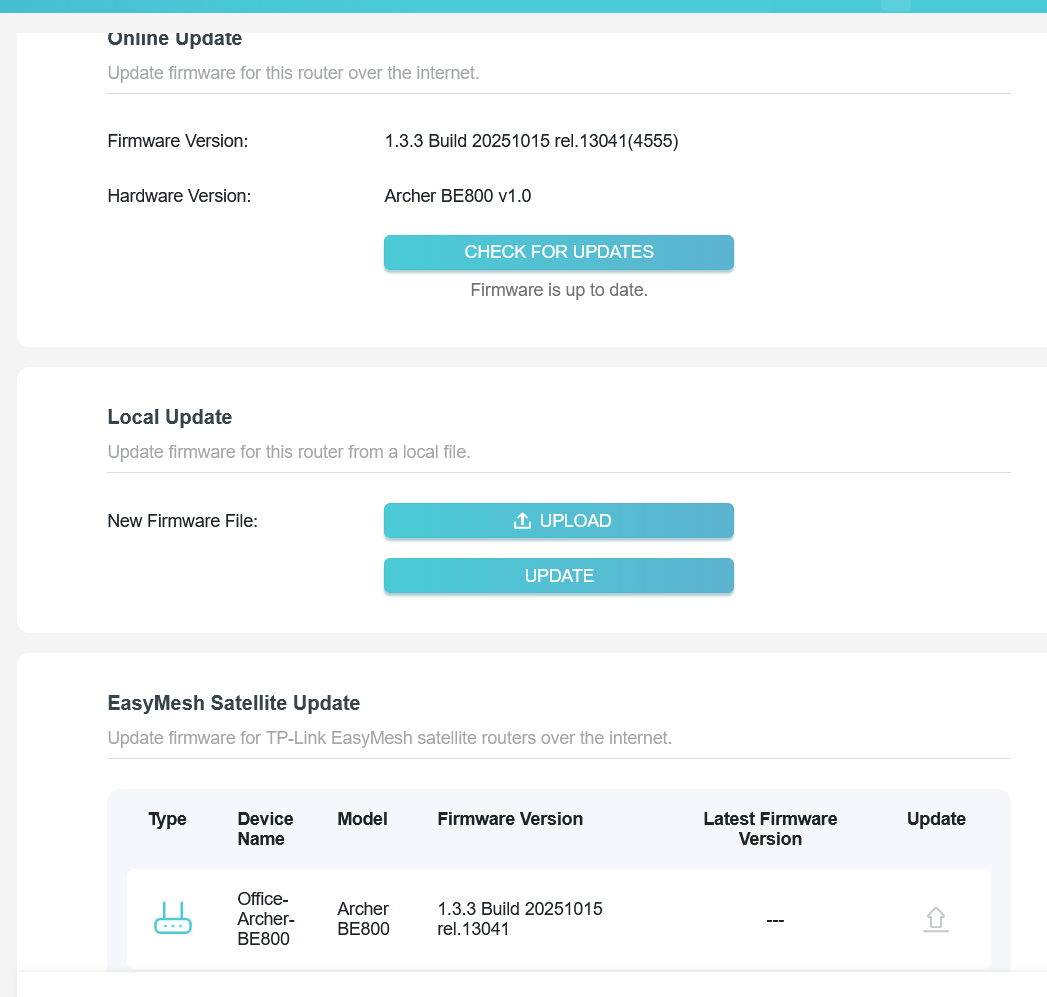
Since I have installed that firmware 1.3.3, I had at least two sudden reboots of the Router.
As the log is not persistent i can't check what entries were in the log before the reboot has happen.
With the firmware before this has not happen.
Is there soon a newer firmware planned which could fix that behaviour?
- Copy Link
- Subscribe
- Bookmark
- Report Inappropriate Content

Hello @memzila ,
Thanks for contacting our community.
Have you created an EasyMesh network? What are the models of your satellite nodes?
If possible, please disable EasyMesh network for comparison.
We would like to escalate your case to the support engineers, and they will follow up on it. If you are willing to conduct further analysis, please check your inbox and respond.
- Copy Link
- Report Inappropriate Content
@Joseph-TP Hi Joseph. I have one BE800 connected with ethernet and one BE800 connected with WLan and one RE900XD connected with WLan in my EasyMesh Setup.
As I need the Mesh Nodes to reach all rooms in my Home and the issue happened only after a longer time running, I can't disable EasyMesh to test it.
i have found another post that probably the active MLO Network could cause the issue. As I need that network not often I have for test now disabled the MLO Network and will check now if in the next two weeks it keep stable or another sudden reboot happens.
General it would be good if the logs would persistent after a reboot or if there would be an option to send the logs to a syslog server. Because in this case with sudden reboots the log entries not help as all is gone after the reboot
- Copy Link
- Report Inappropriate Content
Hi@memzila ,
Thanks for getting back to me.
If the MLO network is not essential to you, you can disable it and continue observing whether the BE800 still exhibits unexpected auto-reboot behavior.
We welcome your updates at any time.
- Copy Link
- Report Inappropriate Content
Hi @Joseph-TP ,
We are delighted to announce the pre-release firmware for the Archer BE800 V1! This update has new advanced features.
It is recommended that you try this firmware and take advantage of the new features.
New Firmware for Archer BE800 V1 to Support VPN Merge,Guest/IoT Network Extend in EasyMesh, and More
Any feedback and suggestions are welcome~
- Copy Link
- Report Inappropriate Content
Information
Helpful: 0
Views: 690
Replies: 4
Voters 0
No one has voted for it yet.