
Connected but having no issue to internet

Connected but having no issue to internet

Connected but having no issue to internet
2025-12-21 11:59:11 - last edited 2025-12-22 01:49:39
Model: XC220-G3v  
Hardware Version: V1
Firmware Version: 1.11

Hi I recently purchased XC220-G3V router to replace my old ISP provided OTN. 


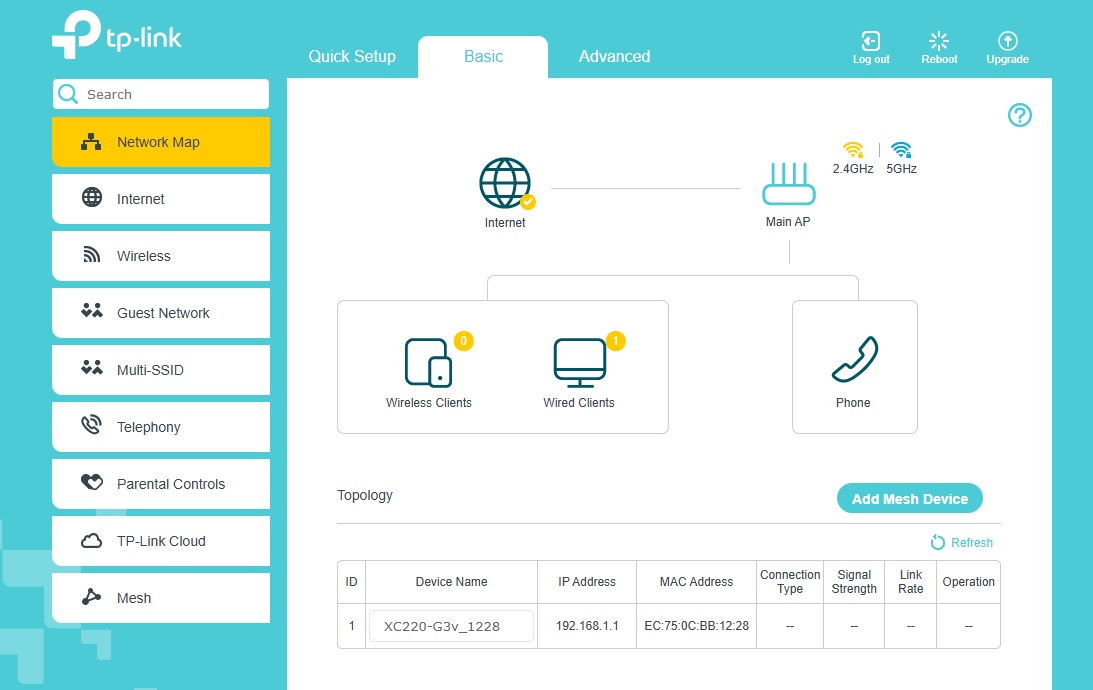
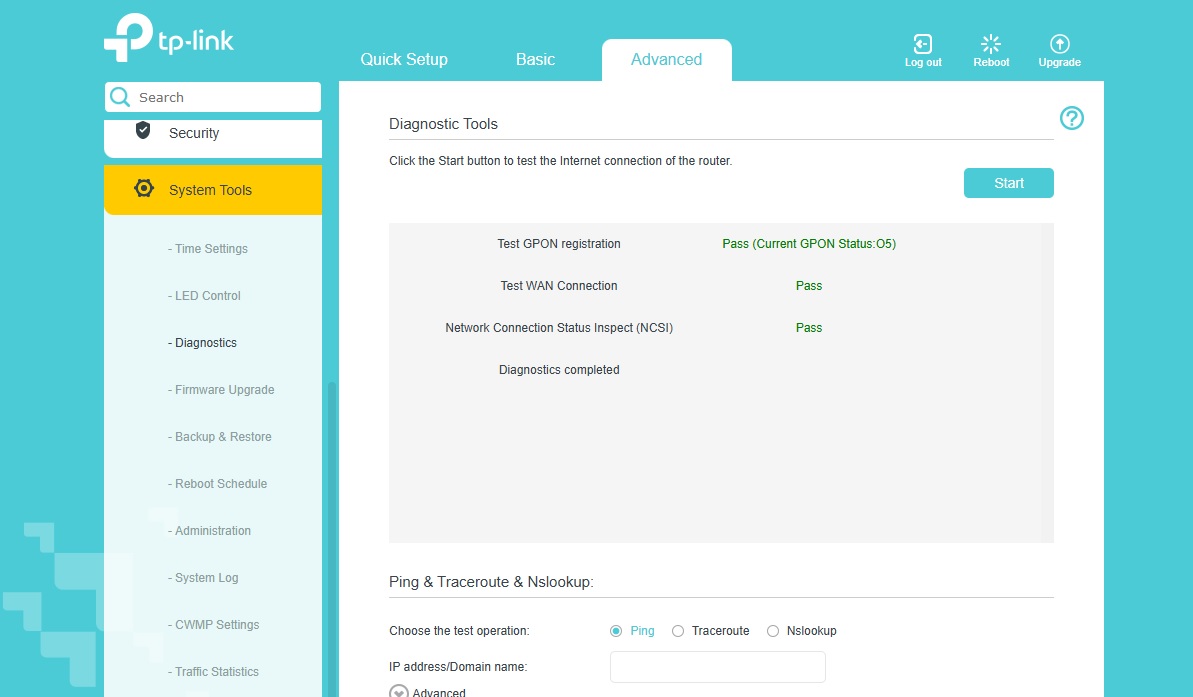
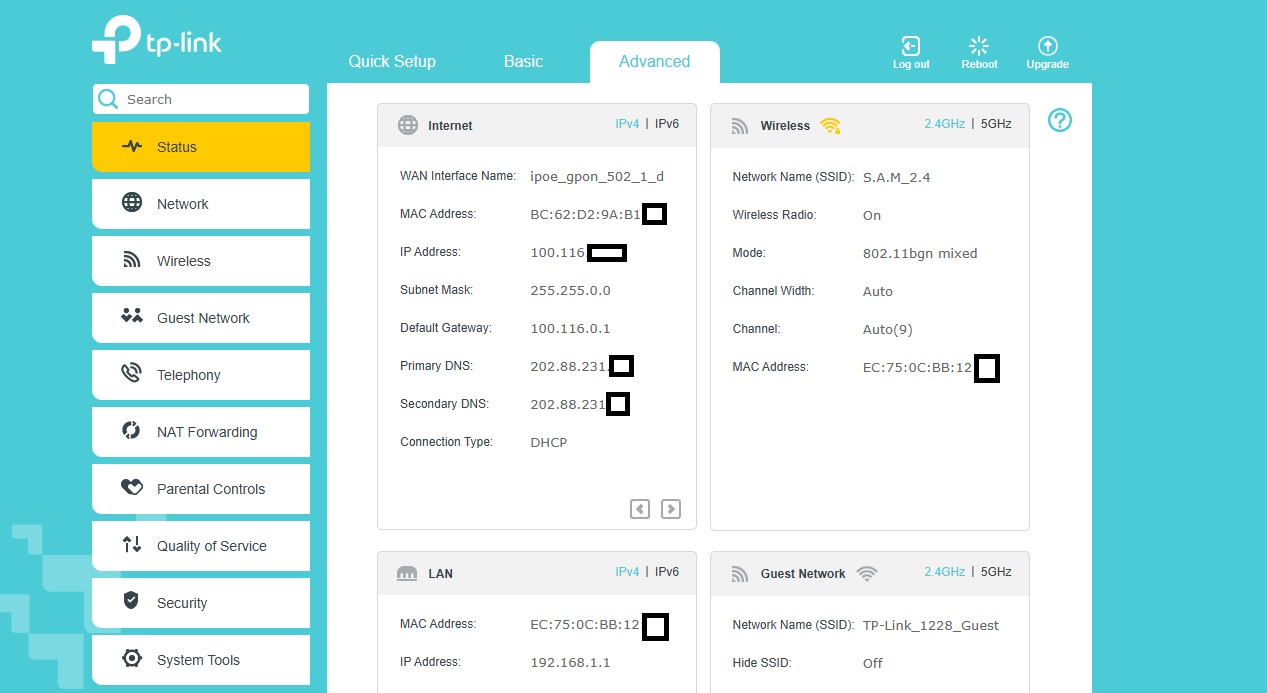
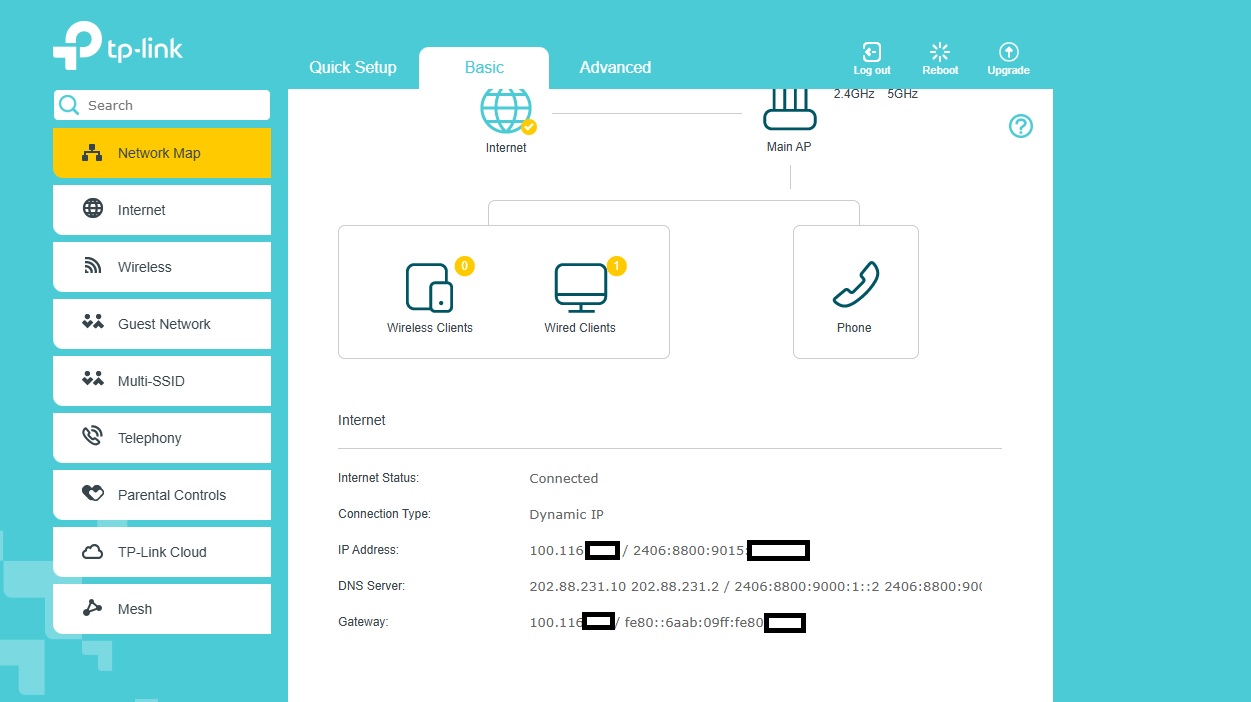
I did the GPON registration which was completed successfully and I used the MAC address of my old OTN during the WAN registration, everything looks fine and connected but I'm not able to access the internet. I've attached some screenshots of the router settings below. Some solutions to rectify this issue is well appreciated as my ISP is not willing to help in this matter.


  0      
  0      
#1
Options
1 Reply
Re:Connected but having no issue to internet
a week ago - last edited a week ago

Hello @SlayerDiAngelo 


Thank you for posting on the TP-Link Community.


Can you ping 8.8.8.8 and google.com from your computer? If you get a valid response from 8.8.8.8 but not from google.com, try changing the DNS settings on the ONT to 8.8.8.8 and 1.1.1.1.


BTW, what is the Registration Status under the Advanced > Network > Status page?


Please check the internet connection on different computers or phones by connecting to the ONT.

Nice to Meet You in Our TP-Link Community. Check Out the Latest Posts: Introducing AI QoS: Elevate Your Gaming Experience on the Archer GE800 Gaming Router! Connect TP-Link Archer BE550 to Germany's DS-Lite (Dual Stack Lite) Internet via WAN Archer GE550 - BE9300 Tri-Band Wi-Fi 7 Gaming Router Archer AX90 New Firmware Added Support for EasyMesh and Ethernet Backhaul If you found a post or response helpful, please click Helpful (arrow pointing upward icon). If you are the author of a topic, remember to mark a helpful reply as the "Recommended Solution" (star icon) so that others can benefit from it.
  0  
  0  
#2
Options