PS Portal / Remote Play fails behind Deco X55 mesh

PS Portal / Remote Play fails behind Deco X55 mesh

PS Portal / Remote Play fails behind Deco X55 mesh
Yesterday - last edited Yesterday
Model: Deco X55  
Hardware Version: V1
Firmware Version: 1.4.0 Build 20240718 Rel. 44385

Hello everyone,


For several months I have been trying to use my PlayStation Portal (PS Portal) outside my home network without success. Posting here is my last attempt to find a solution.

When my PS5 is connected to my home Deco X55 Wi-Fi network, the PS Portal works perfectly only when the Portal is also on the same home network.


However, when I try to connect from:


  • Public Wi-Fi

  • Mobile hotspot

  • A friend’s home network


the PS Portal initiates the connection, successfully wakes the PS5 from Rest Mode, but then fails with a connection error.


My Network connection as as follows:


Huawei HG8245W5 (ISP Router / ONT)
        │
        └── Deco X55 Main Unit (Ethernet)
                 ├── Deco Satellite #1 (Wi-Fi)
                 └── Deco Satellite #2 (Wi-Fi)


The PS5 is configured to connect only to the Deco X55 main unit.


Troubleshooting Already Attempted


  1. Port forwarding on Deco app to PS5 static IP:

    TCP/UDP: 987, 8572, 9295–9308

2. Connected PS5 via Ethernet cable directly to main Deco unit.

3. Asked my ISP to remove CGNAT for testing purposes.


None of the above resolved the issue.


When I connected my PS5 directly to the Huawei HG8245W5 router via Ethernet or Wi-Fi,PS Portal connects instantly and i can play normally outside my home network


However, this setup is not practical because my gaming area is far from the ISP router.
As soon as I reconnect the PS5 to the Deco X55 (Wi-Fi or Ethernet), the issue returns.


This strongly suggests the issue is caused by the Deco X55 mesh system blocking or interfering with the Remote Play / PS Portal peer-to-peer traffic, even though the PS5 is reachable enough to be woken from rest mode.


Has anyone experienced this issue with Deco X55?

Are there any specific settings (Fast Roaming, QoS, IPv6, NAT filtering, etc.) that could be blocking inbound Remote Play traffic?

Any guidance would be greatly appreciated.


  1      
  1      
#1
Options
10 Reply
Re:PS Portal / Remote Play fails behind Deco X55 mesh
Yesterday

  @YahyaKm 

Hi, have you tried temporarily setting Deco X55 into "Access Point" mode to see whether it helps:

How to set up Deco to work in Access Point mode

Wait for your reply.

Best regards.

  0  
  0  
#2
Options
Re:PS Portal / Remote Play fails behind Deco X55 mesh
Yesterday

  @David-TP Thanks for taking the time to respond

Here is what I did based on your suggestions:


  1. Changed the Deco X55 to “Access Point” mode.

  2. Waited at least 10 minutes for the network to fully come back online.

    • At this point I noticed that I could no longer access the Deco router settings page.

  3. From the main ISP router, I can now see the PS5 listed as a connected Wi-Fi device, even though it is physically connected by via wifi to  the main Deco unit.

  4. On the main ISP router, I applied all the required settings as per the guide you provided.

  5. Forwarded all the necessary ports to the PS5.


This resolved the PS Portal connection issue.

However, the drawback is that I can no longer use important Deco features such as Parental Controls. In addition, I have lost access to my media library from my TV to my PC using Kodi, even after updating the network addresses to match the new IP configuration.

I

would appreciate any advice on how to retain Deco features while keeping Remote Play working.


  0  
  0  
#3
Options
Re:PS Portal / Remote Play fails behind Deco X55 mesh
Yesterday

  @YahyaKm First of all you have to update to the latest firmware because you are using an old firmware.

Please & Thank You !! ❤️
  0  
  0  
#4
Options
Re:PS Portal / Remote Play fails behind Deco X55 mesh
Yesterday - last edited Yesterday

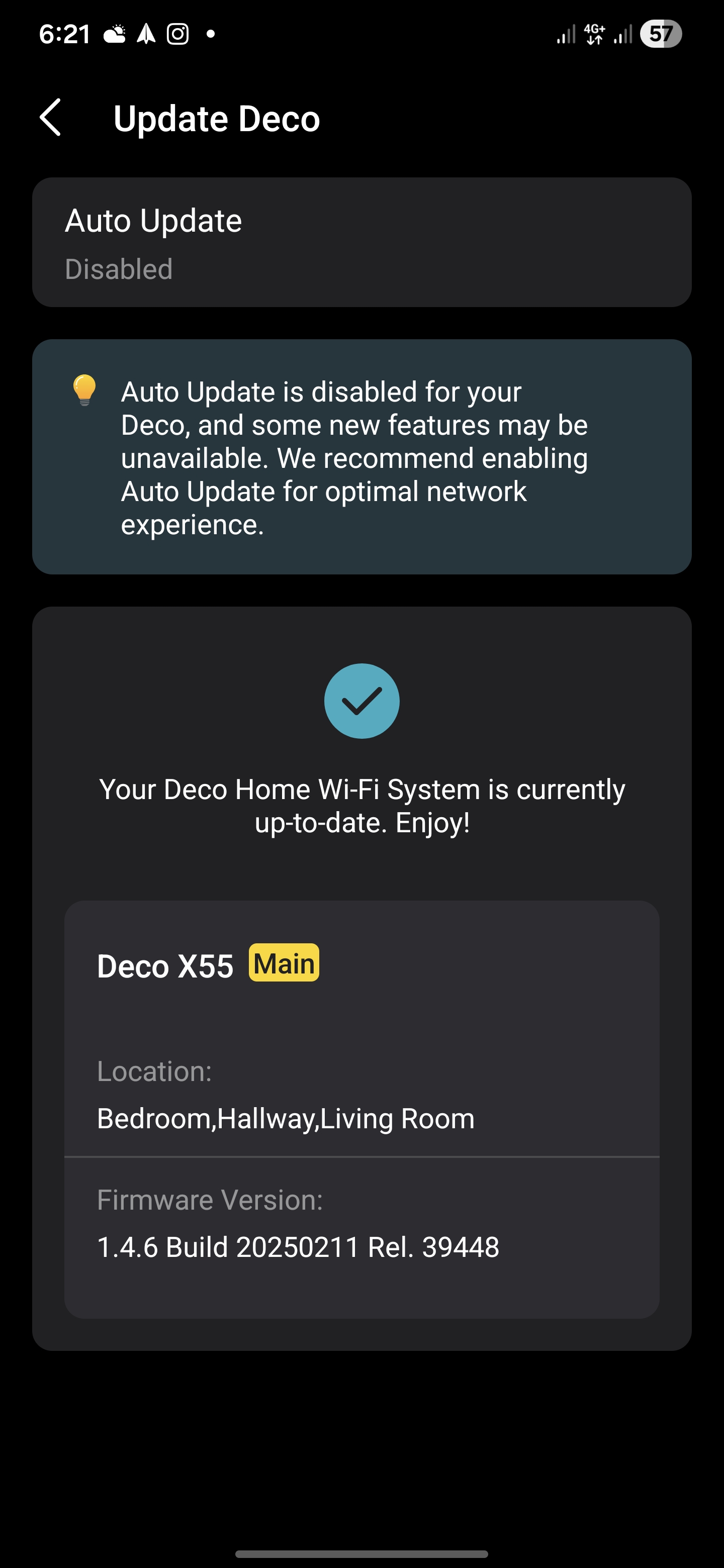
Thanks AR, Updated to the latest 1.4.6 Build 20250211 Rel. 39448 Still the same using Router mode


  1  
  1  
#5
Options
Re:PS Portal / Remote Play fails behind Deco X55 mesh
21 hours ago

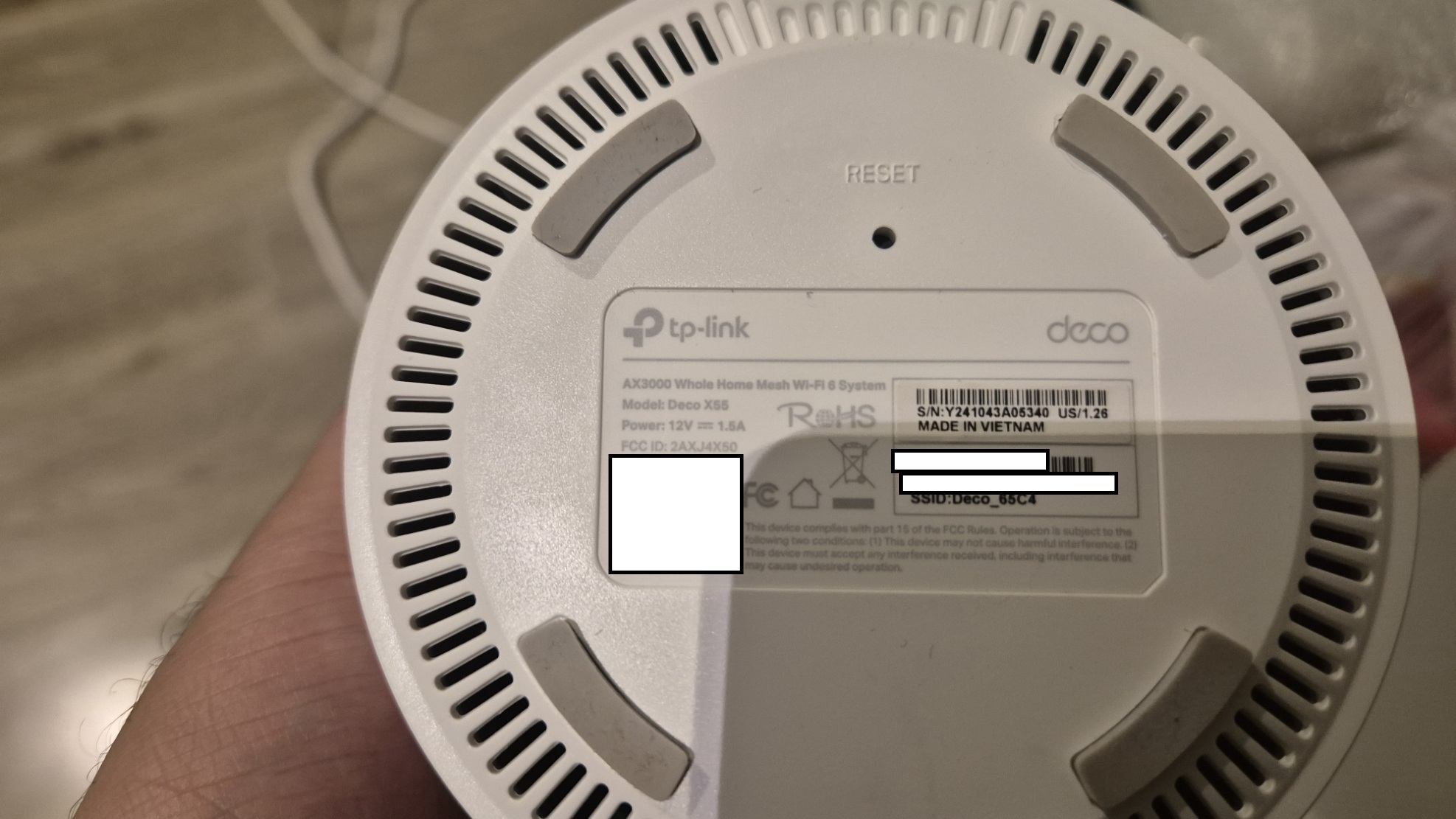
  @YahyaKm What's your Hardware version and region code US or EU ??

Please & Thank You !! ❤️
  0  
  0  
#6
Options
Re:PS Portal / Remote Play fails behind Deco X55 mesh
19 hours ago

  @ARGamingPK1 


US 1.26


  1  
  1  
#7
Options
Re:PS Portal / Remote Play fails behind Deco X55 mesh
16 hours ago

  @YahyaKm Hmmm so your firmware is updated. So have you tried to change DNS server in your Deco? If not you can use Google DNS 8.8.8.8 and 8.8.4.4 and then share the results.

Please & Thank You !! ❤️
  0  
  0  
#8
Options
Re:PS Portal / Remote Play fails behind Deco X55 mesh
16 hours ago

  @YahyaKm 

Hi, thanks for the update.

Currently, 1.4.6 Build 20250211 Rel. 39448 is the latest firmware for Deco X55(US) 1.20.


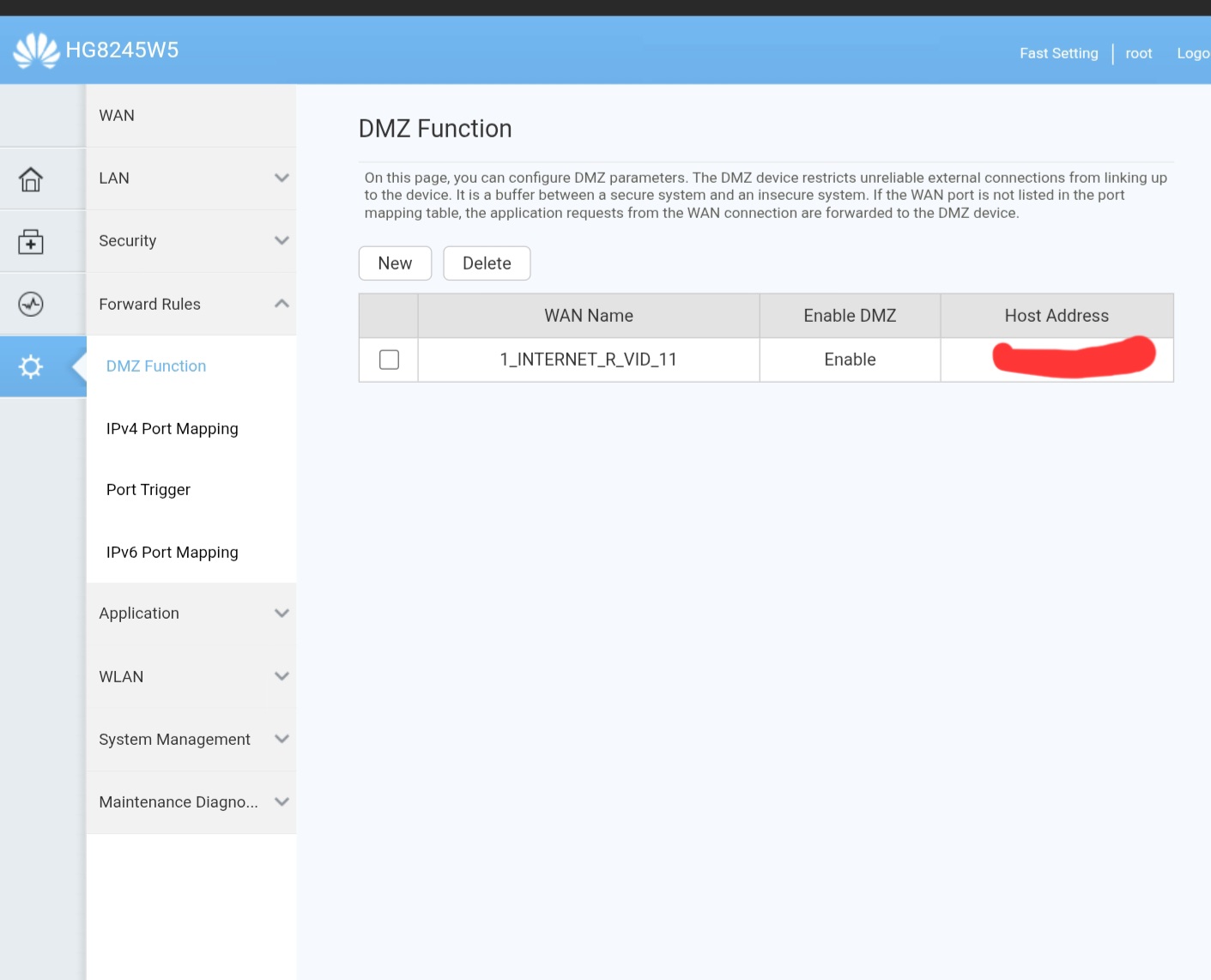
Did the ISP router-Huawei HG8245W5, support IP Pass-through mode or DMZ?

-It is suggested to enable DMZ or IP Pass-through for the main Deco X55 on the Huawei router.

If not, apart from setting Port Forwarding rules for PS5 on the Deco, the same ports(TCP/UDP: 987, 8572, 9295–9308) also need to be opened on the Huawei Router for Deco X55.


Thank you very much.

Best regards.


  0  
  0  
#9
Options
Re:PS Portal / Remote Play fails behind Deco X55 mesh
11 hours ago

  @ARGamingPK1 


Thanks, but unfortunately issue remains the same after changing primary to 8.8.8.8 and seconded to 8.8.4.4 on the X55

  0  
  0  
#10
Options
Re:PS Portal / Remote Play fails behind Deco X55 mesh
11 hours ago

  @David-TP 


Yes there is DMZ function on my ISP router but no IP pass throigh, I have already set it to my PS5 IP address, I have changes it to my X55 address.


And routed all the ports to the X55 , restarted the main router and the X55.


issue remains the same, wakes up the ps5 then errors out with 8801330d


  0  
  0  
#11
Options