
Home Sheild
Home Sheild

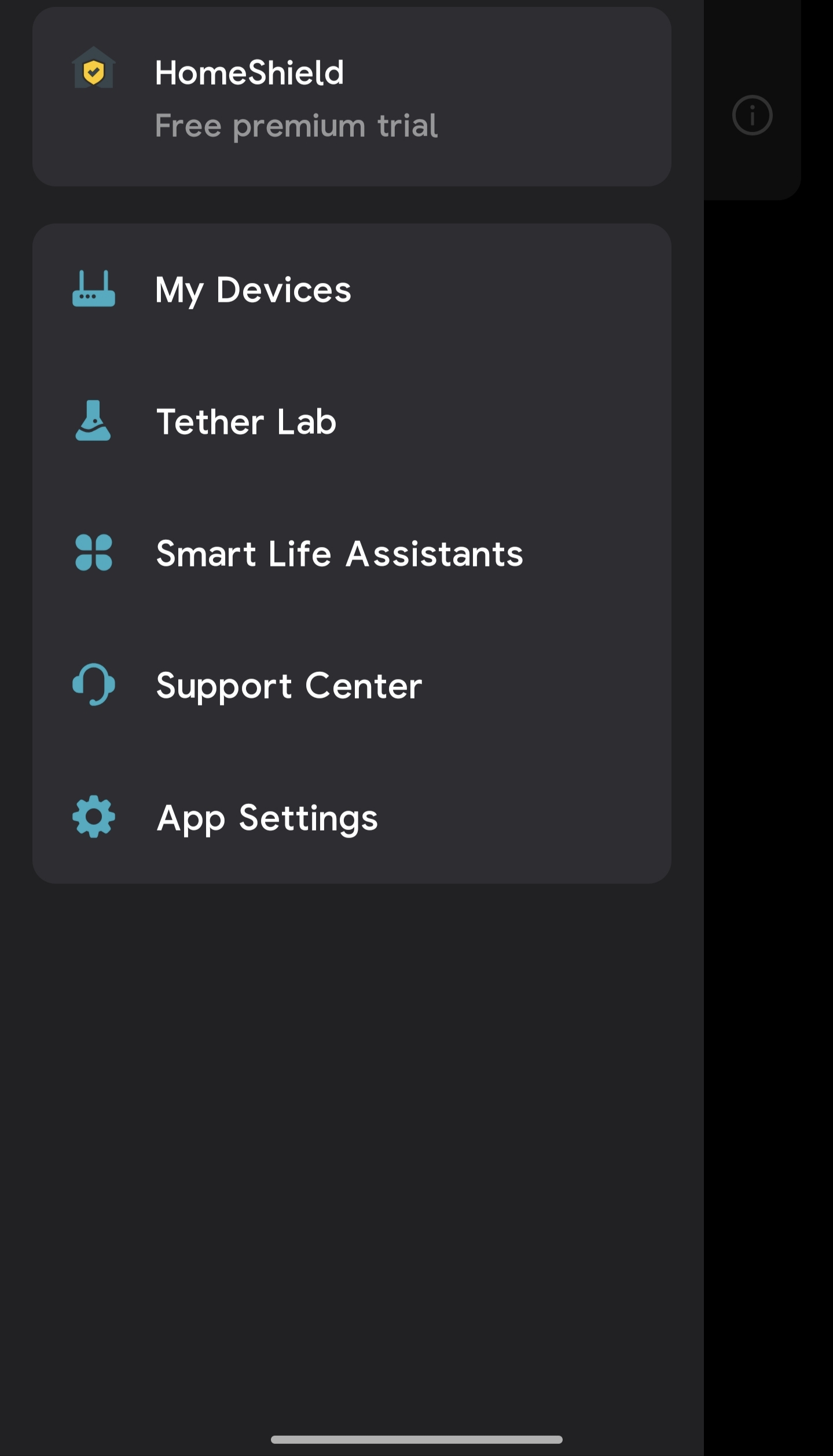
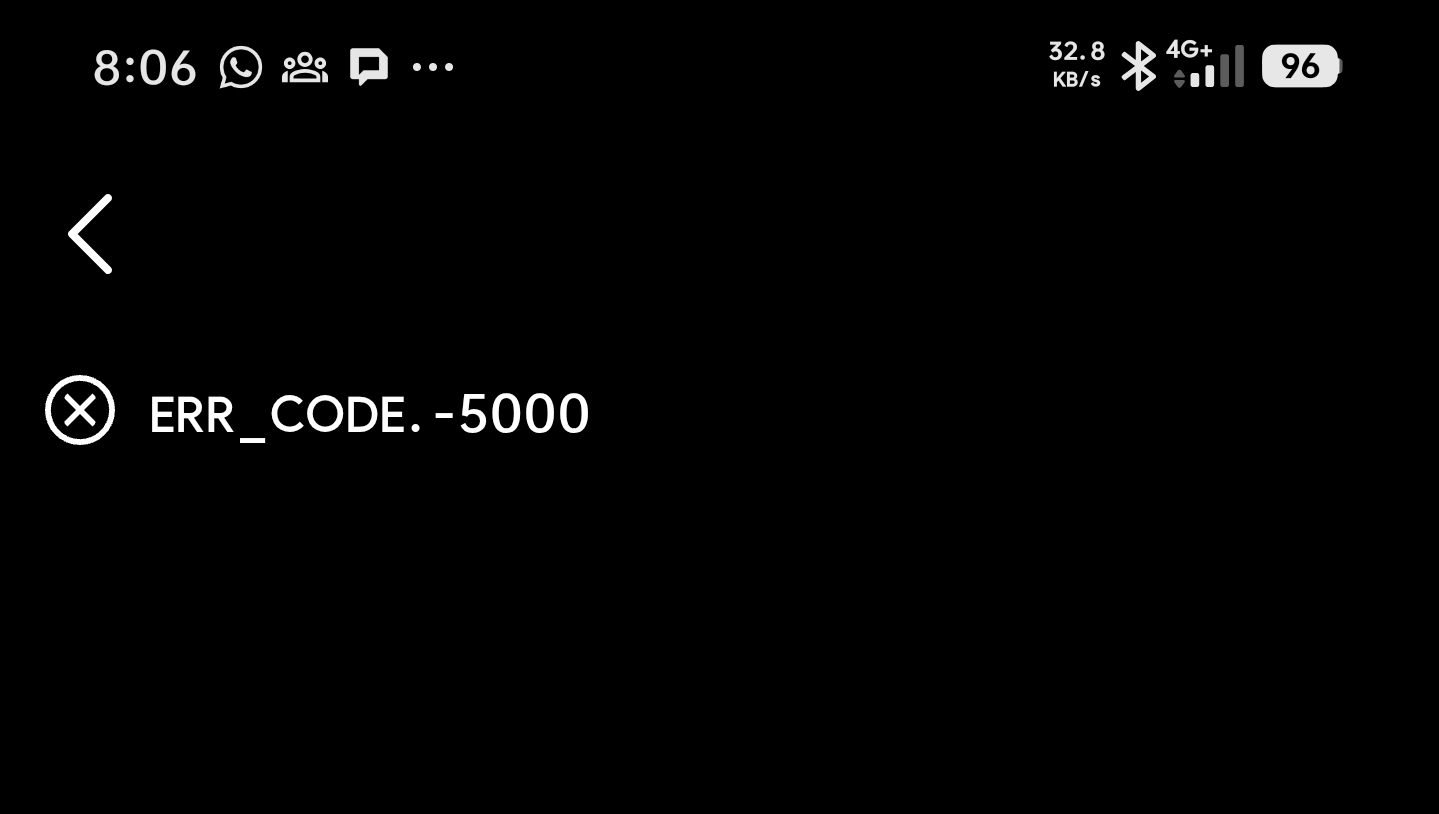
I bought today BE400 to be the master device for my home. The main reason to buy it is to use Home Shield and Security services since My Archer Vx1800v didn't has it. I set up my device and connect it to internet, bind it to my tp link ID. I can see the homeshield trial, but when click on it to activate or subscribe I got Err code:-5000.
Please advice what can I do to subscribe and activate.
- Copy Link
- Subscribe
- Bookmark
- Report Inappropriate Content


Thanks to @woozle for the answer and reminder.
Hi@Reda_Otrosh ,
Thanks for reaching out.
Currently, a HomeShield subscription is linked to a single TP-Link ID and can only be applied to one router or Deco network at a time. This means that if you have already subscribed to HomeShield with your TP-Link ID and have applied it to your router, only the TP-Link ID that holds the subscription will have access to the HomeShield premium feature.
• Alternatively, you can both manage the router using the same TP-Link ID (your account) on both phones, but as you mentioned, this is more of a workaround.
We understand this may not be ideal, but this is due to the current subscription management system.
If you have further questions or need assistance with managing your accounts, please let us know.
- Copy Link
- Report Inappropriate Content

Hi,
Do you own another phone or tablet that you could try with? (using the same TP-Link ID)
In the screenshot that shows the error you appear to be connected via the phone's mobile network. Can you please try via another network, for example the Wi-Fi network of your router?
- Copy Link
- Report Inappropriate Content
Thanks for your fast response.
I leave it for a while, then I reconfigured my router again.
Everything is ok.
Thank you.
- Copy Link
- Report Inappropriate Content
I purchased Homesheild advance protection and Security+.
From my phone, I activate them on my router BE400. Everything is ok and as expected.
So I add my wife account as manager to router but subscription is not available for her account and Kidsheild too is not configured.
Any idea that login with my account on her phone.
- Copy Link
- Report Inappropriate Content
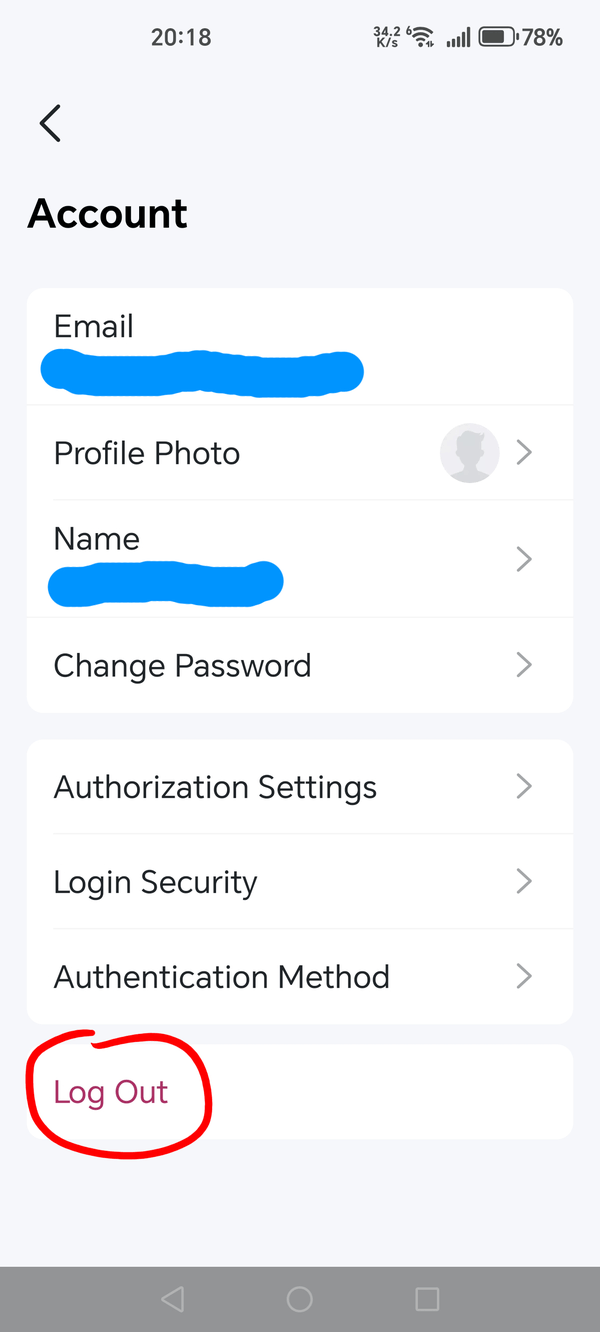
You should be able to log in with your TP-Link ID after logging out from the other TP-Link ID. (tap on the account name in the Tether app)
- Copy Link
- Report Inappropriate Content
Thanks.
But my point How I can use my subscription with her account without login with my account on her phone.
As I already subscribed for this router, I and my wife the managers, do we need to subscription twice as one for each ID even same router? why not only one?
I can login with my account on her phone but this is a workaround for my issue.
- Copy Link
- Report Inappropriate Content
So, after you've added your wife's TP-Link ID as a manager she is not able to use the advanced features and instead is being shown notes like "Upgrade to Advanced Parental Controls to unlock ..." or "Subscribe to the Security+ service to ..." ?
Then this is something only someone from TP-Link can assist you with. @Joseph-TP
- Copy Link
- Report Inappropriate Content
- Copy Link
- Report Inappropriate Content
Thanks to @woozle for the answer and reminder.
Hi@Reda_Otrosh ,
Thanks for reaching out.
Currently, a HomeShield subscription is linked to a single TP-Link ID and can only be applied to one router or Deco network at a time. This means that if you have already subscribed to HomeShield with your TP-Link ID and have applied it to your router, only the TP-Link ID that holds the subscription will have access to the HomeShield premium feature.
• Alternatively, you can both manage the router using the same TP-Link ID (your account) on both phones, but as you mentioned, this is more of a workaround.
We understand this may not be ideal, but this is due to the current subscription management system.
If you have further questions or need assistance with managing your accounts, please let us know.
- Copy Link
- Report Inappropriate Content
- Copy Link
- Report Inappropriate Content
We are delighted to announce the pre-release firmware for the Archer BE400 V1! This update has new advanced features. In particular, it supports IPv6 VPN, adds Wake on LAN and other new year features.
New Firmware for Archer BE400 V1 to Support IPv6 VPN, Wake On LAN, and More
It is recommended that you try this firmware and take advantage of the new features.
Any feedback and suggestions are welcome~
- Copy Link
- Report Inappropriate Content
Information
Helpful: 0
Views: 1390
Replies: 11
Voters 0
No one has voted for it yet.