
Connect AX1800 an AX5400 Pro wirelessly using EasyMesh

My main AP router is a TP Link Archer AX1800 and want to add for the time being an Archer AX5400 Pro as a wireless connected EasyMesh device. Is this possible? When going into EasyMesh and trying to add the AP it gives an error message.
- Copy Link
- Subscribe
- Bookmark
- Report Inappropriate Content

When AX5400 Pro is reset successfully don't login in its WebGUI - just use the WPS method to add it to the AX1800 existing Easymesh.
When adding the AX5400 Pro place it closer to the AX1800 at first and upon successful configuration, place it where you've intended to.
Also, make sure that you're with the latest FW release on both devices.
- Copy Link
- Report Inappropriate Content
- Copy Link
- Report Inappropriate Content
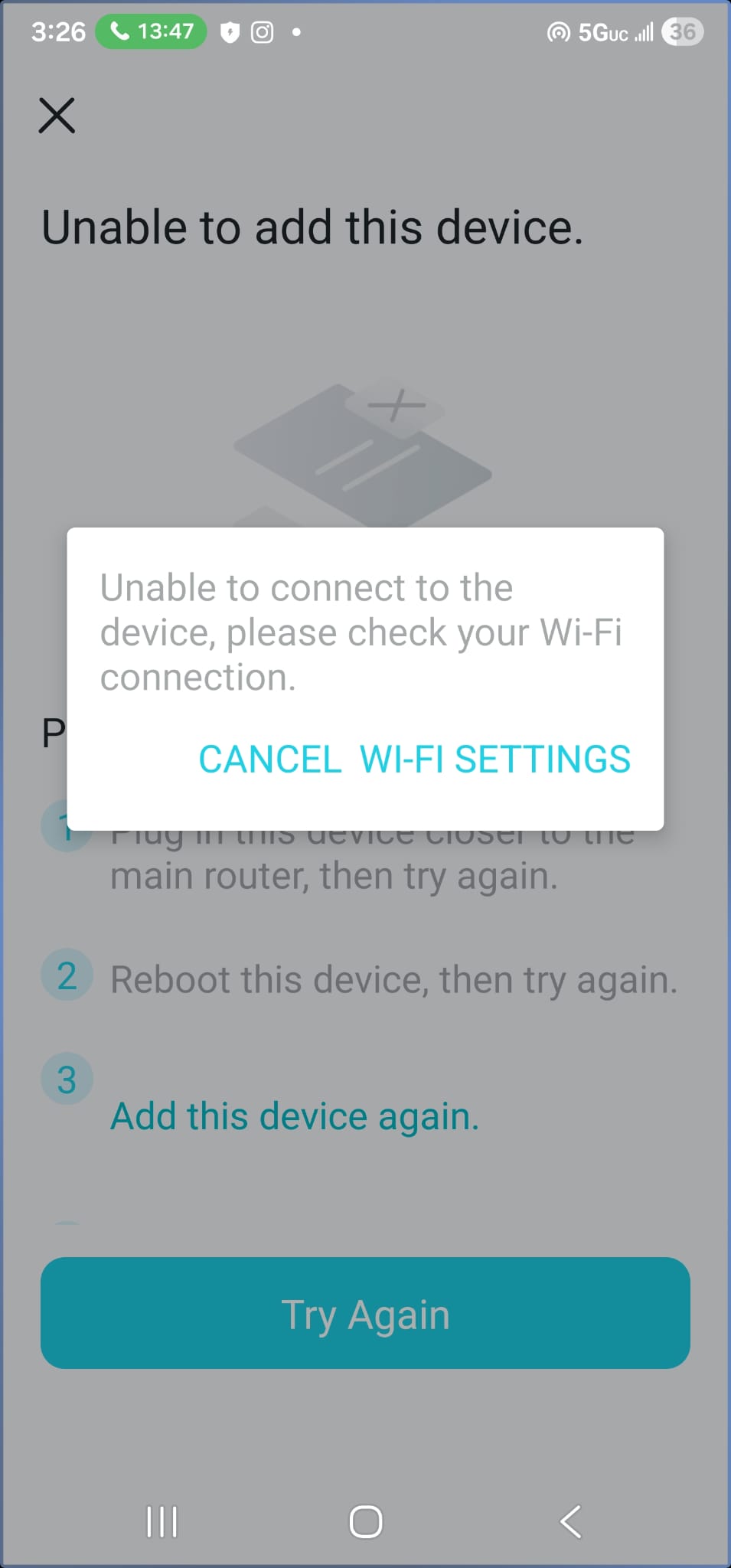
Tried resetting the AX5400 and adding to the Mesh, but keep getting unable to add device message.
- Copy Link
- Report Inappropriate Content
When AX5400 Pro is reset successfully don't login in its WebGUI - just use the WPS method to add it to the AX1800 existing Easymesh.
When adding the AX5400 Pro place it closer to the AX1800 at first and upon successful configuration, place it where you've intended to.
Also, make sure that you're with the latest FW release on both devices.
- Copy Link
- Report Inappropriate Content
Information
Helpful: 0
Views: 784
Replies: 3
Voters 0
No one has voted for it yet.