The 5GHz network stopped working properly after the OTA update on my Archer C80 v2.20 (EU)

The 5GHz network stopped working properly after the OTA update on my Archer C80 v2.20 (EU)

The 5GHz network stopped working properly after the OTA update on my Archer C80 v2.20 (EU)
2 weeks ago - last edited 2 weeks ago
Tags: #Firmware Update #archerc80
Model: Archer C80  
Hardware Version: V2
Firmware Version: 1.15.0 Build 250729 Rel.63726n(4555)

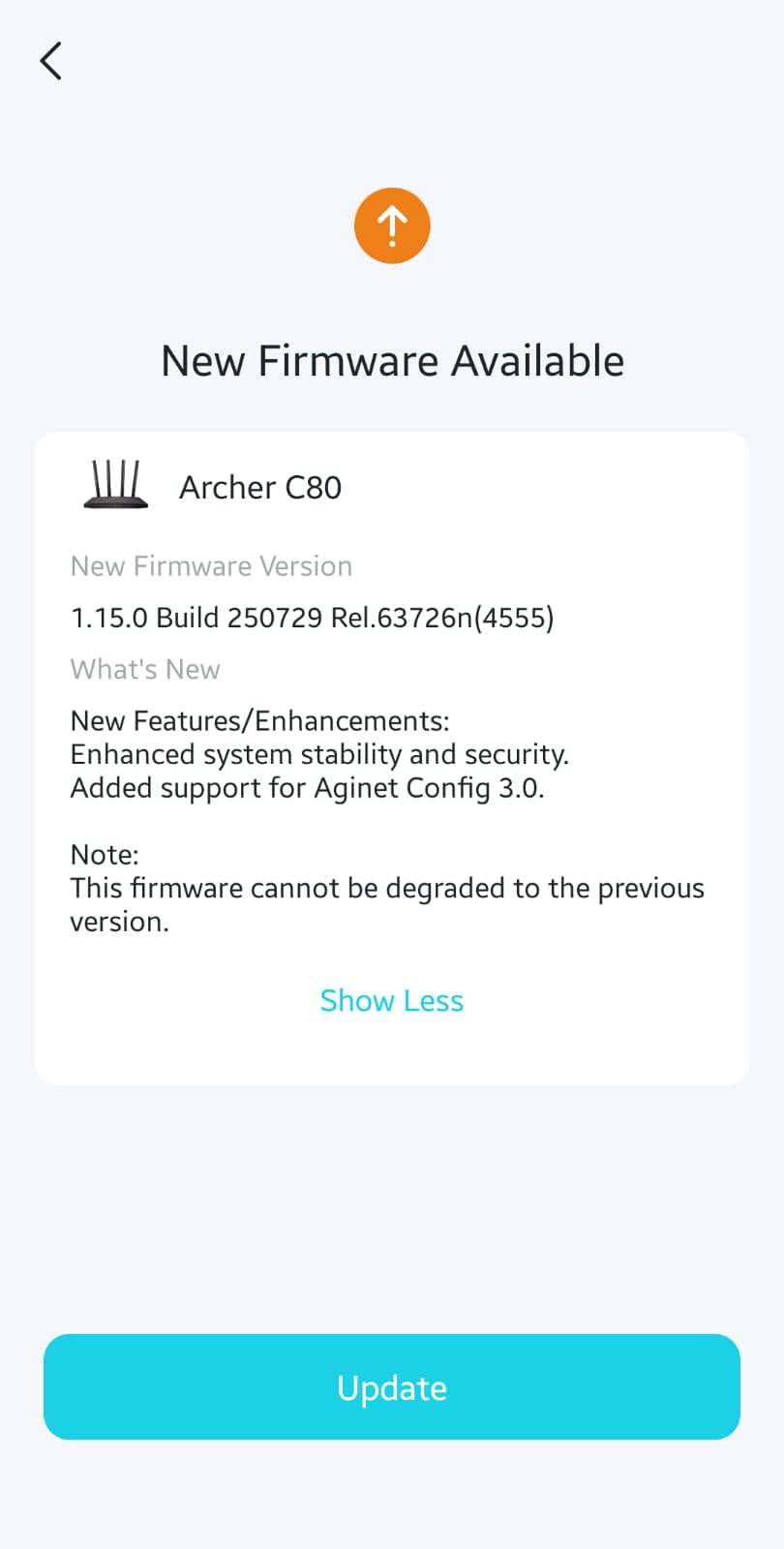
I have been using this router for more than a year, and it was working perfectly without any issues. However, after some time, the device received two OTA updates (pictures attached). Following the updates, the 5GHz WiFi SSID is no longer visible. Everything was functioning properly before the updates were installed.

Please help me resolve this issue. I am unable to downgrade the firmware. I tried to find the same firmware version (1.15.0 Build 250729 Rel.63726n(4555)), but it is not available on the product’s webpage.

Before suggesting that I change or adjust the channels, please note that I have already tried that and none of the changes worked. Additionally, there are now very limited channel options available in the settings. Before the firmware update, there were many channels to choose from. I believe this may be the main cause of the problem.

Please assist me in fixing this issue and restoring the previously available channel options.
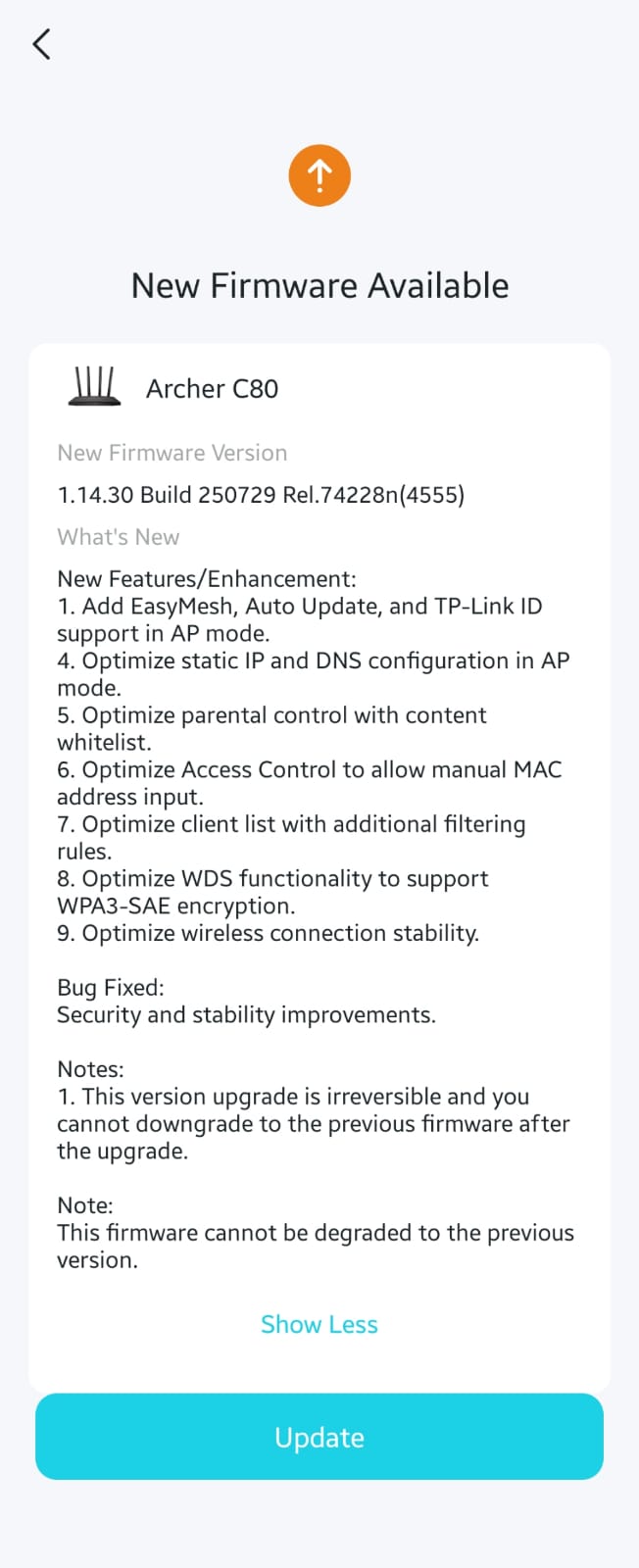
 

first ota update                  2nd ota update


  0      
  0      
#1
Options
2 Reply
Re:The 5GHz network stopped working properly after the OTA update on my Archer C80 v2.20 (EU)
2 weeks ago

  @Ahmed_Dar 


Hi,


Just for the record. An Archer C80 v2.20 (EU) should have four 5 GHz channels available for selection, which are 36, 40, 44 and 48.


I can't help you with the missing Wi-Fi signal, though.

  0  
  0  
#2
Options
Re:The 5GHz network stopped working properly after the OTA update on my Archer C80 v2.20 (EU)
a week ago

Hello@Ahmed_Dar ,

Welcome to our community.


Regarding the reduced channel options, this is likely due to regulatory restrictions implemented in the firmware update. The 160 MHz bandwidth, or certain channels, might not be available in the 5 GHz band in some regions/countries due to these regulatory requirements.


Please try the following suggestions:

1. Open the Tether app and go to Tools > Wireless Settings. Ensure the 5GHz network is enabled and not hidden. Alternatively, for router models equipped with Wi-Fi indicator lights, check if the Wi-Fi lights are on (usually in green). There is a Wi-Fi button on the back panel; press and hold this button for approximately 2 seconds to activate the wireless function.

2. If only the 2.4GHz network (TP-Link_XXXX) is visible and the 5GHz network (TP-Link_XXXX_5G) is not, please disable the "Smart Connect" feature from the Tether app or web interface.

3. Update the driver and operating system on your client device.

4. Check whether your wireless devices can detect the wireless networks from another router for comparison.

5. Try rebooting the router. 

6. Try a hard reset as a last resort.


  0  
  0  
#3
Options