Separate 5ghz SSID not showing on Any Device

Separate 5ghz SSID not showing on Any Device

Separate 5ghz SSID not showing on Any Device
Sunday
Model: Archer AX55  
Hardware Version: V4
Firmware Version: 1.1.2 Build 20241014 rel.59971

Hi guys, I just bought Archer AX55 (US) v4.0. And I tried to configure it through the app and web. But the separate 5 GHz network doesn't show. If I enable Smart Connect. Then sometimes my MacBook and iPhone connect to 5ghz as it shows in the app. But if I disable Smart Connect and setup seperate SSID for 2.4ghz and 5ghz. No matter what I do. that 5ghz doesn't show. The Light on the router is lit.


I tried changing the channel to 36-48 and the channel width to 20/40/80mhz. There is no 149+ in router settings. I changed the security and names of SSID. The Firmware is up to date. What am I doing wrong? I tried to reset it multiple times.


Router= TP-Link Archer AX55 US Ver4.0
Router firmare = 1.1.2 Build 20241014
Devices = iPhone 15 Pro Max / MacBook Air M2 / Android

  1      
  1      
#1
Options
3 Reply
Re:Separate 5ghz SSID not showing on Any Device
Yesterday

  @awaisahmad 


Hi,


There are one or two countries in the world (I think Bangladesh is one of them) that only allow 5 GHz frequencies 149+.


If you happen live in such a country, then iOS and Android will likely not connect to lower channels.


Regarding the router settings. Are you sure you cannot select channel 149 or higher after you have set channel with to 20/40/80 Mhz? (with the setting "20/40/80/160 MHz" channels 149+ will not be shown)
 

  0  
  0  
#2
Options
Re:Separate 5ghz SSID not showing on Any Device
Yesterday

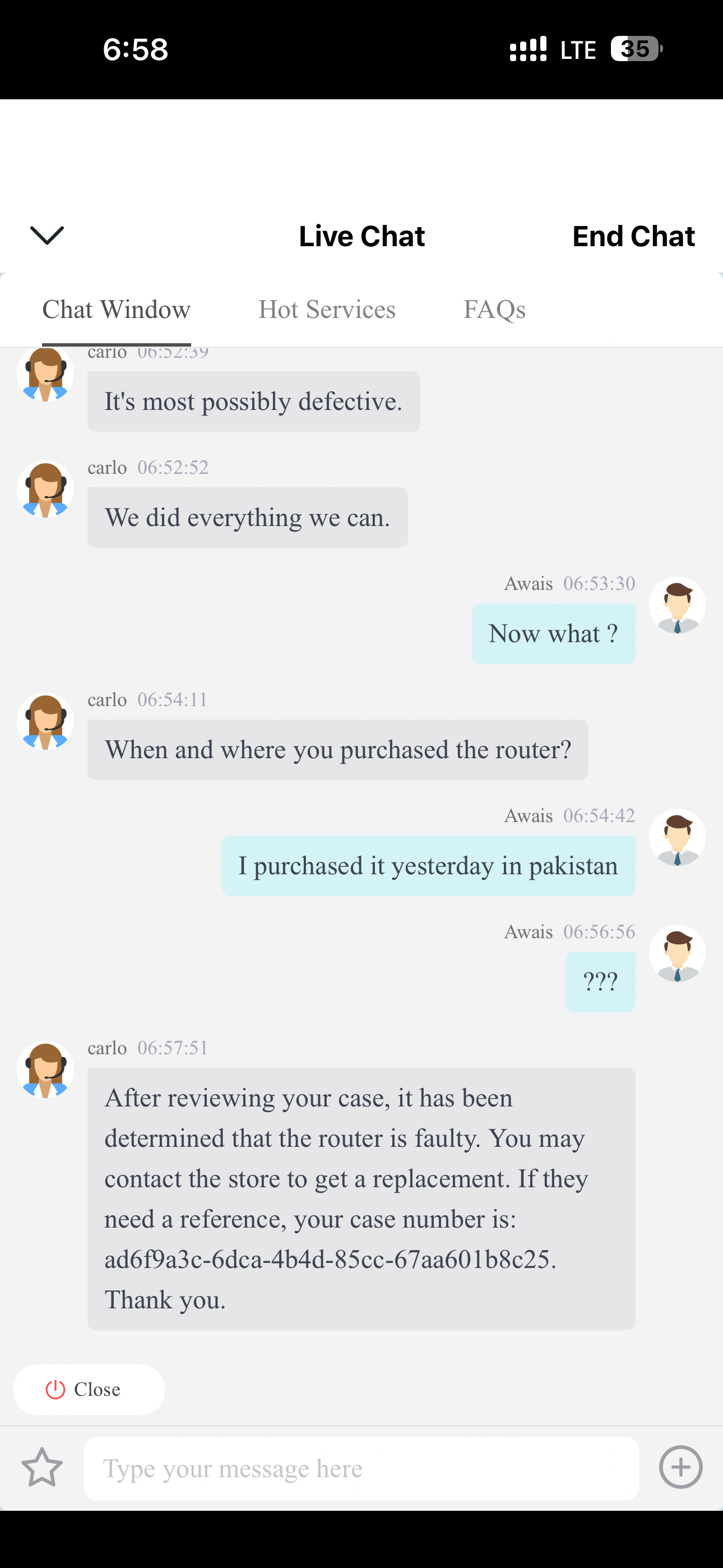
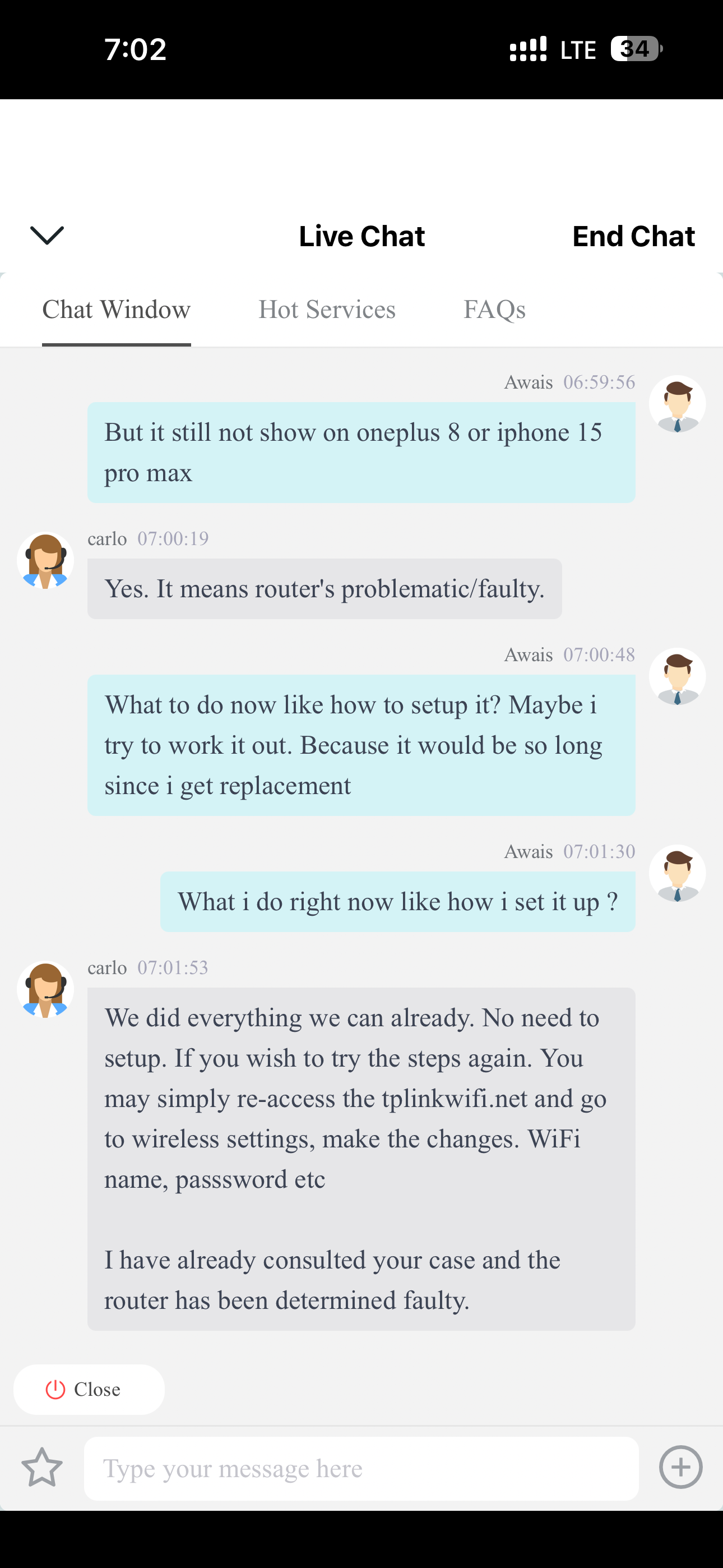
  @woozle I live in Pakistan.  In the web UI, there is no 149+ on any channel width. But when in the morning i was talking to support on live chat and going through multiple setup like hard reset, manual firmware update, and stuff that support told me to do. At the end, support said that it's faulty. After that i went into app and i saw that it shows 149+ channels in the app.

So I changed it to 149, and it worked instantly. Every Android and iPhone device was working. But then, after a few hours. It disappeared again, and now after the whole day. It still doesn't show. i changed channel again from 149 onward. I rebooted the router multiple times. Now it's not showing on these channel or auto also.


  0  
  0  
#3
Options
Re:Separate 5ghz SSID not showing on Any Device
Yesterday

  @awaisahmad 


Then I guess the support must be right and the router is indeed faulty.

  0  
  0  
#4
Options