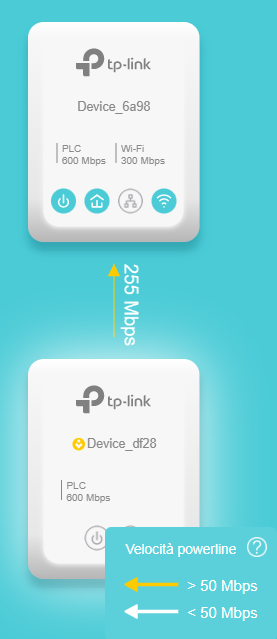
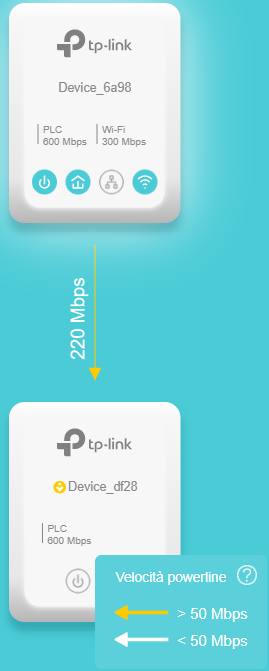
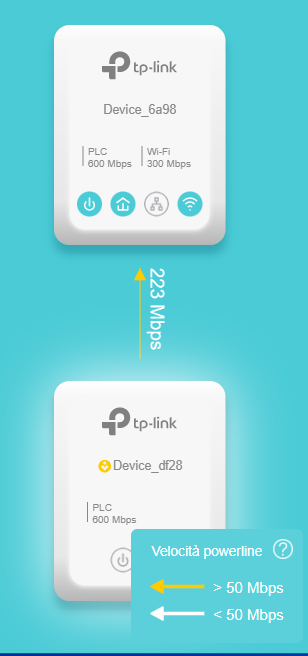
TL-WPA4220 KIT V4 - No gateway no Internet

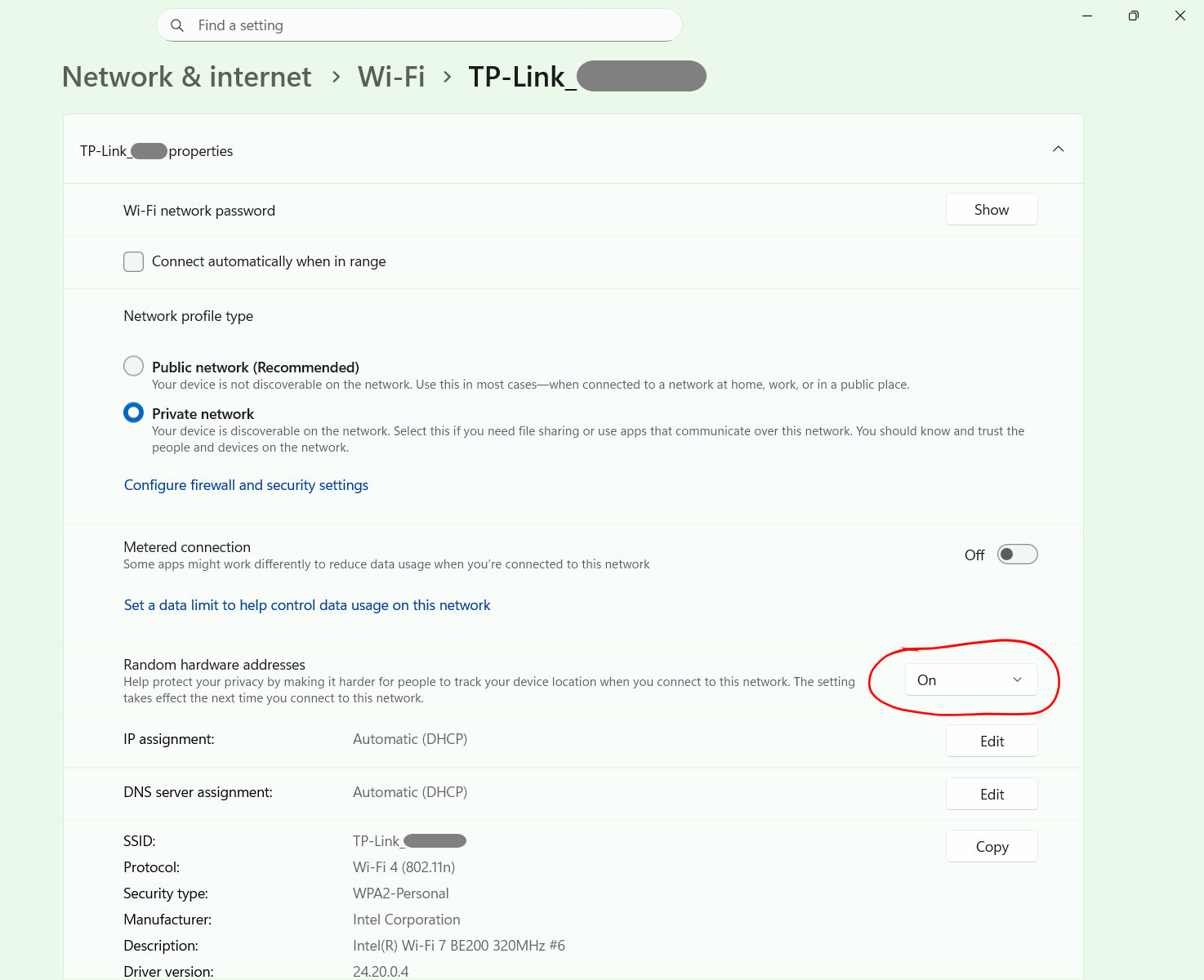
I have these powerlines with the latest firmware installed. I reading various forums and topics. The last tip found was:
- Create 2 different SSID Wifi --> ModemRouter name = Enrydgl PowerLine = Enrydgl_pwl
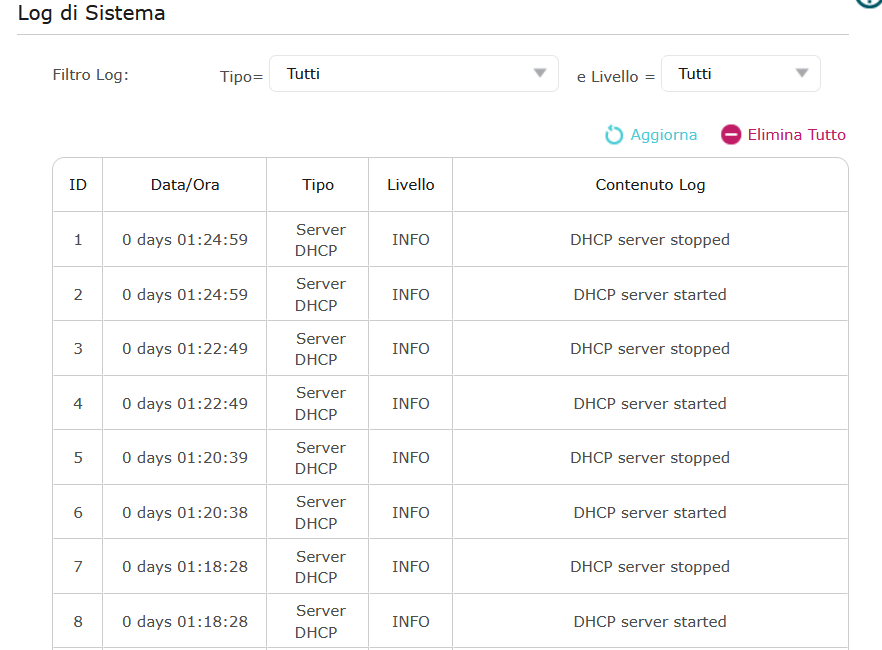
- Create 2 different DHCP range and set Static IP to Powerline, so now I have:
Modem/Router IP: 192.168.1.1 - Subnet 255.255.255.0 - DHCP range from 192.168.1.2 to 192.168.1.225
PowerLine IP: 192.168.1.200 - Subnet 255.255.255.0 - DHCP range from 192.168.1.226 to 192.168.1.254 Gateway 192.168.1.1
DNS1 and DNS2 same for Modem and Powerline : 8.8.8.8 and 8.8.4.4
For me this is an absurd setup, especially because having 2 dhcp systems for the same network.. for me is not the best.
But the my most common and biggest problem is this: when I switch from Wi-Fi SSID to another SSID on my PC.
The DHCP work and set the correct IP number into correct range... but Internet down and when I check connection problem the response is:
"The default gateway cannot be reached".
Sometimes I solve it with restart Wifi device another time with pc reboot... it's really annoying thing.
I've read a thousand threads, but they're old. I don't know if they're talking about older firmware versions. I don't know if the problem have already reported from others and it has been resolved. So, I'm asking:
- 2 SSID with 2 ragnes is correct?
- I must set same SSID wifi and DHCP setting from gateway routermodem?
- I must downgrade FW to solve this problem?
- I must sell these kit becouse is this problem unsolvable?
Thank you Enrydgl