Slow speed.

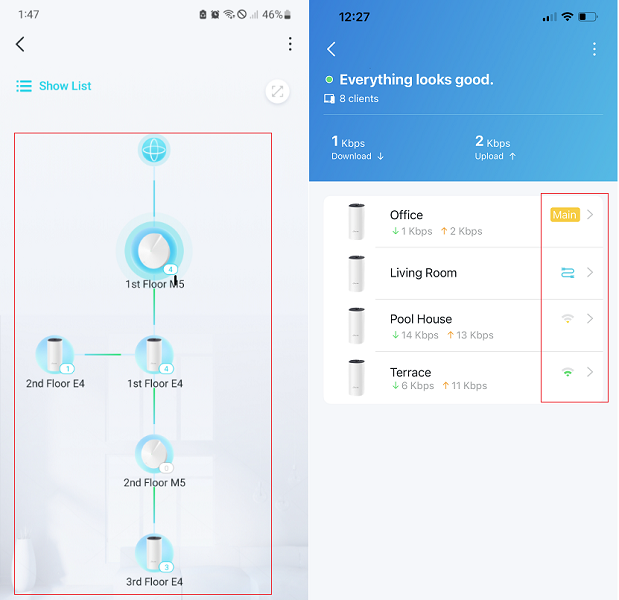
I have the M4 AC1200 system with 4 M4 units. My house is approximately 1200 square feet over 3 floors. We're on Virgin Media 200Mbps. The main Deco is in the front of the house connected to the Virgin Media router. The second Deco is located at the back of the house on the second floor. And the third and fourth are on the top floor, one at the front and one at the back of the house. We've recently had a laptop hard wired to the one on the second floor in the office. I tested the speed on them today via a laptop or PS5 hard wired to the Decos. The one nearest the Virgin hub was getting 172Mbps, the two on the top floor were around 80Mbps, yet the one in the office was 20Mbps. I've rebooted and scanned the WiFi and done all that good stuff in the app to try different things to increase speed to the office Deco. Is there anything else I can do to boost the speed, or would I be better off buying another unit to put in the front of the house on the second floor to pick up a better signal from the main one on the ground floor?