
Connection Preference Not Working Properly

Connection Preference Not Working Properly

Connection Preference Not Working Properly
2026-04-06 01:34:28 - last edited 2026-04-06 01:36:00
Model: Deco M4  
Hardware Version: V2
Firmware Version: 1.8.1 and 1.8.2

Hellow TP-LINK !!


When i reboot my Deco_49B8 so the devices which are set in Connection Preference could'nt connect again until i set to Auto. Please fix it ASAP.
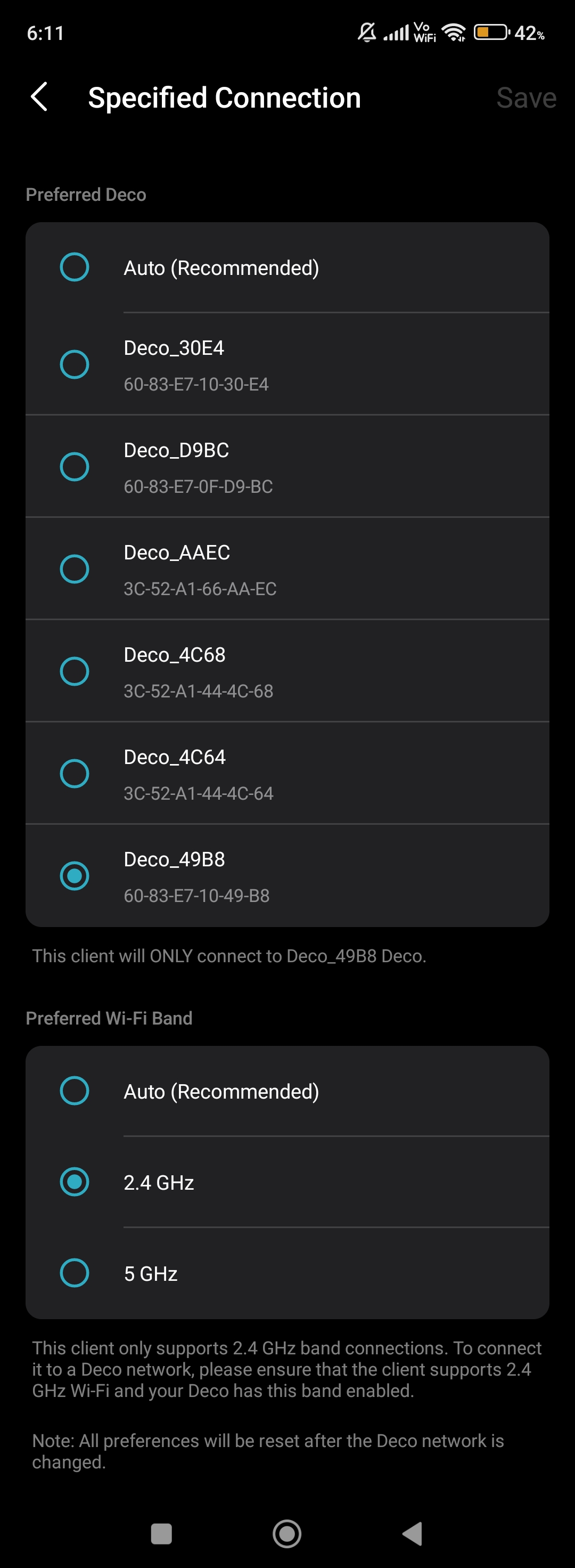
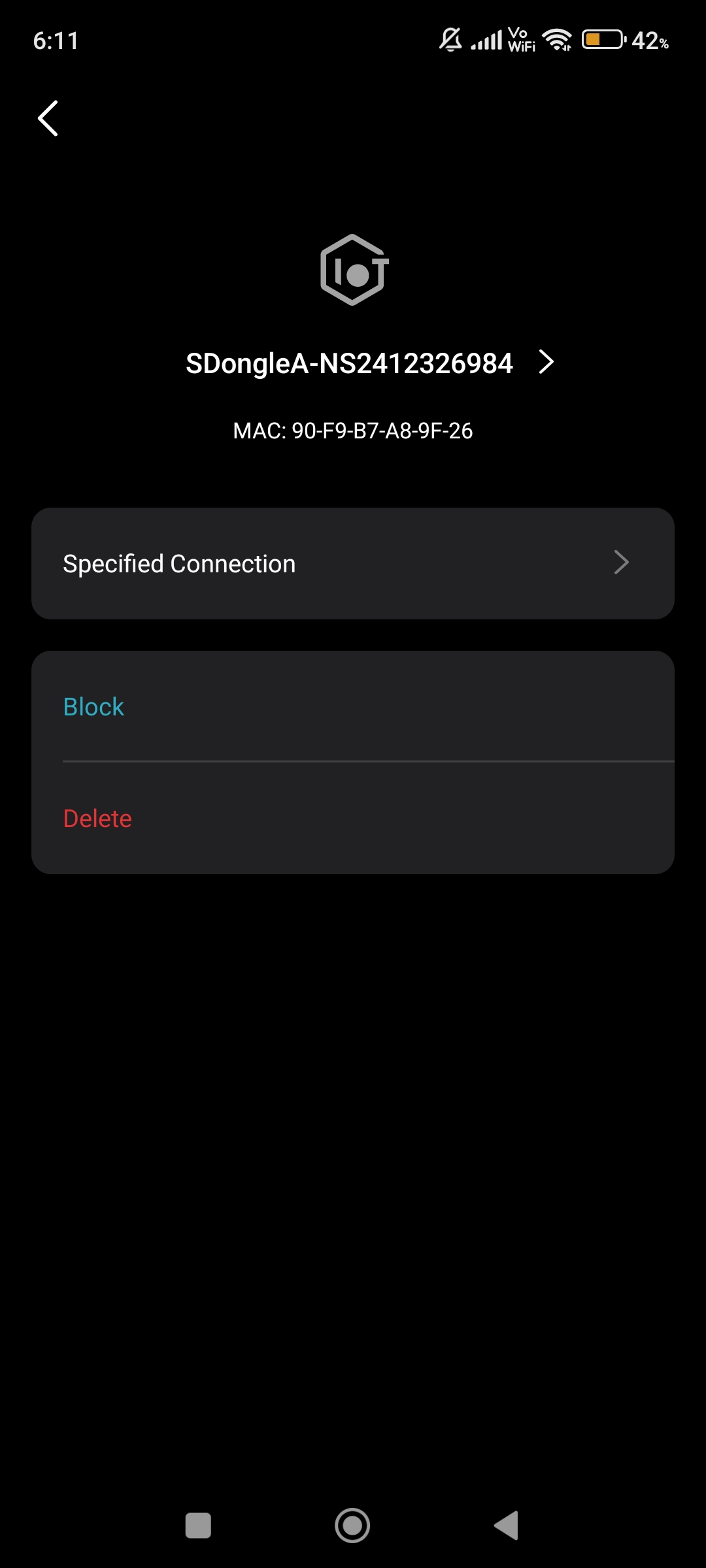
 

Please & Thank You !! ❤️

0
0
#1
1 Reply
Re:Connection Preference Not Working Properly
Saturday - last edited Saturday

  @ARGamingPK1 

Hi, welcome to the community.


Regarding the reported phenomenon, please provide the following information for further analysis.
  1. On the Deco app > Network page, please tap a Deco node, then click on "Show Map", and send us a screenshot of the network map.
  2. Take your phone as an example, if your phone's preferred Deco is Deco_49B8, after the Deco_49B8 completes reboot, will the phone connect back to the Deco_49B8? If you disable the Wi-Fi on your phone, enable the Wi-Fi, and reconnect it to the Deco network, does it connect to the Deco_49B8? (Please ensure your phone has disabled the random MAC address feature.)
  3. Whether other Deco nodes have the same phenomenon?


Best Regards

0
0
#2