
2.4ghz no internet access

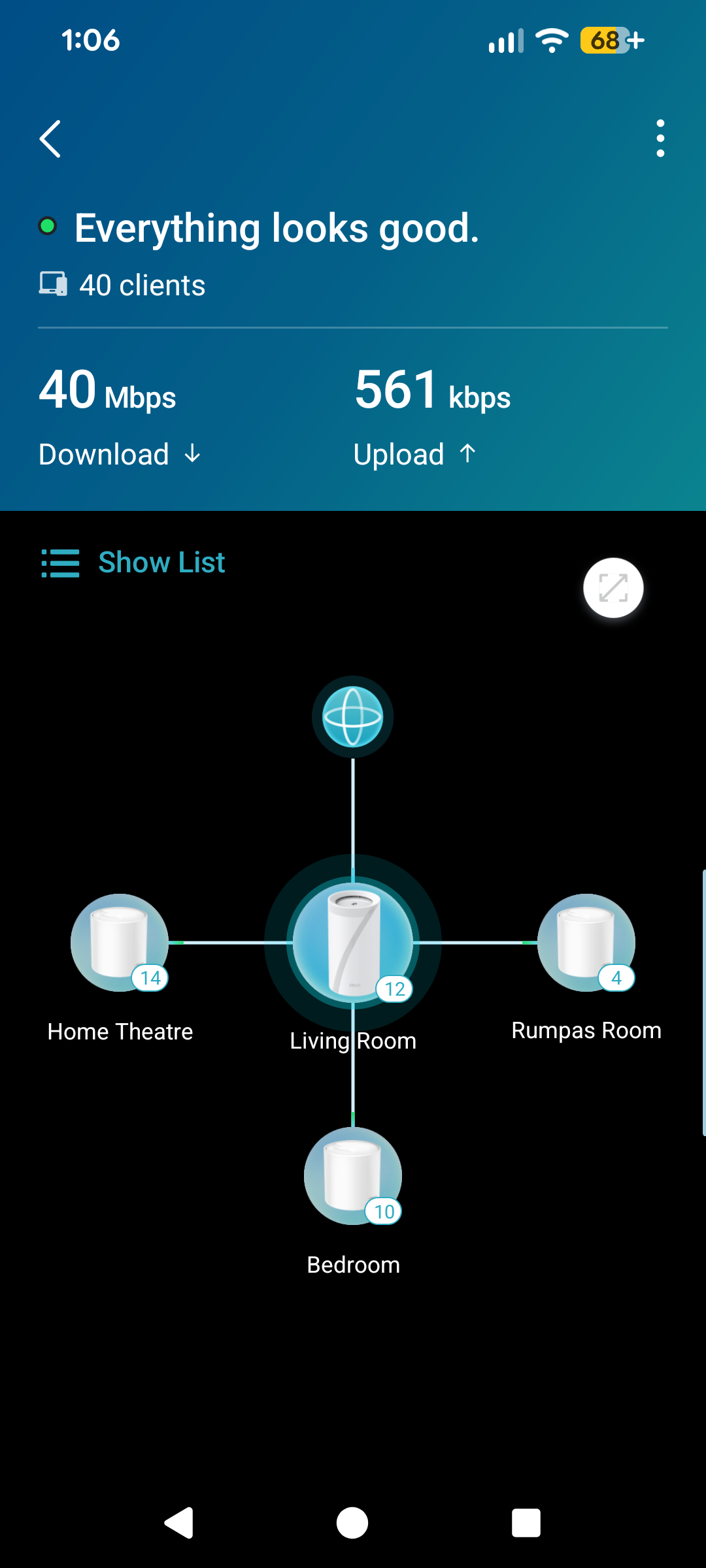
I recently added a BE85 to my x50 mesh network and am having a number of problems that I cannot get on top of.
The major issue that I need assistance with is that I cannot get internet access on any 2.4ghz network. I've tried using Guest and IoT as well as only having 2.4 active on the main network. I've tried all of the different security protocols and I've reset and rebuilt the network a number of times. Internet works fine on 5ghz.
It's killing my smart home setup and most concerningly my Nest Protect Smoke detectors.
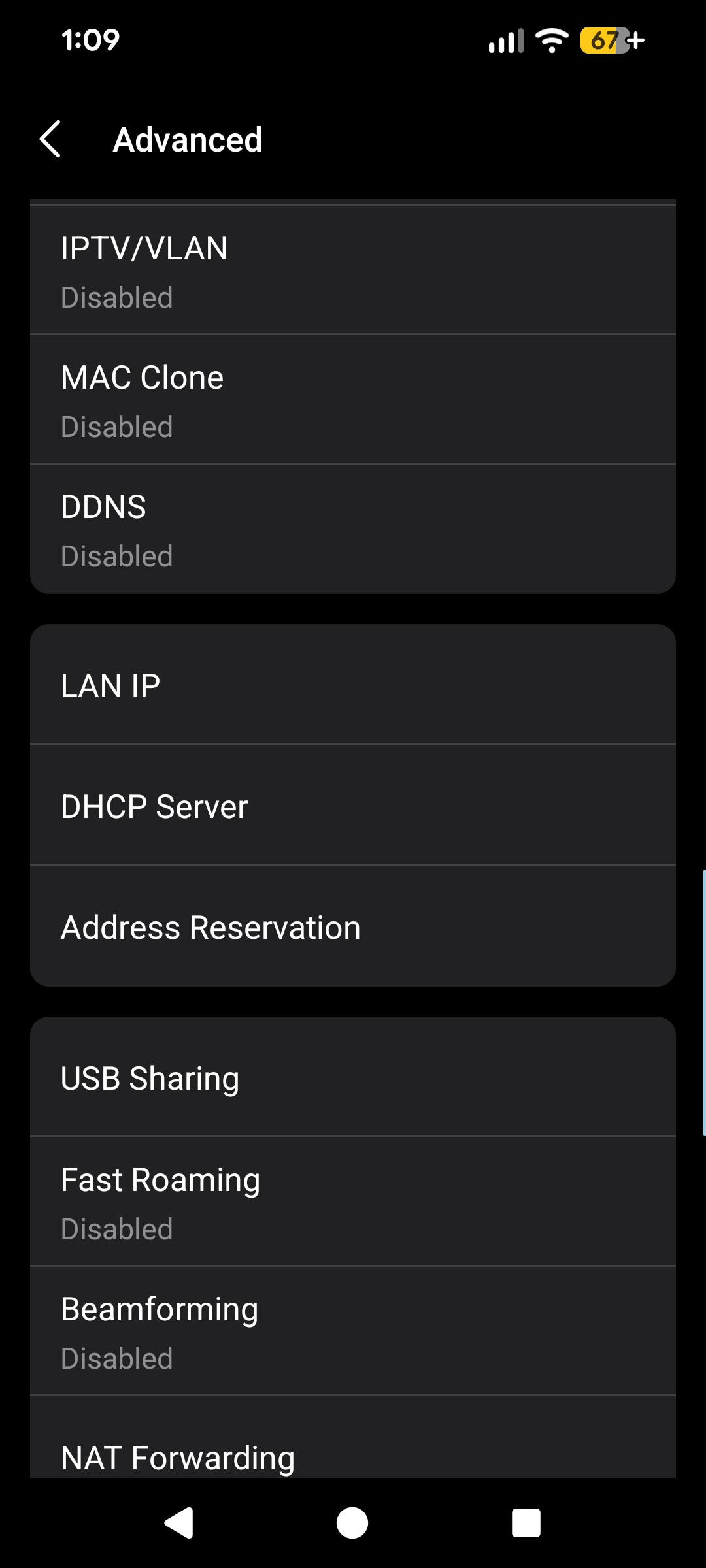
I am connected to Spintel with dynamic IP and have both IP4 & 6 turned on, network is set up as a Wi-Fi router. Main router is the BE85 and I have 3 additional x50. I have all of the advanced features turned off
- Copy Link
- Subscribe
- Bookmark
- Report Inappropriate Content


Hi,
If the Deco BE85 is removed from the Deco X50 network, please try the following steps and test whether the Deco BE85 works.
1. Turn off the three Deco X50 Deco units. Disconnect the main Deco X50 from the front modem, and connect the Deco BE85 instead.
2. Refer to the following instructions to set up a new Deco network in the Deco app for the Deco BE85 only: How to create a new network in the Deco app
3. Once the Deco BE85 is configured successfully, please test if your phone/laptop has internet when connecting to its 2.4 GHz Wi-Fi network.
4. If your client devices can connect to the 2.4 GHz Wi-Fi but have no internet connection, try to change the DNS server (8.8.8.8 and 8.8.4.4) on the Deco's DHCP server page and test if this helps.
5. Does the 5 GHz Wi-Fi work on the Deco BE85?
Best Regards
- Copy Link
- Report Inappropriate Content

First thing I would check is to make sure all the firmware is up to date.
- Go to http://tplinkdeco.net/ and log in with the same admin password you use on the app
- Once your logged in click on Advanced
- Then System
- Now click on Firmware upgrade
- Scroll down and click on Check for upgrades and install any firmware it might find
Also have you tried to remove the BE85 from your network to see if it corrects the issue? You can remove it from your network simply by pressing the reset button found on the bottom of the BE85
Try those steps first and then let us know
Thanks
- Copy Link
- Report Inappropriate Content
- Copy Link
- Report Inappropriate Content
When the BE85 was in the network which port on the router were you using? Did you try all the ports?
Also do you have another device you could install the Deco app on? To test to see if the BE85 is working or not I would install the Deco app on another device and make a new tp link account
Power down all other Deco's and add just the BE85 to the new tp link account and see what happens.
- Copy Link
- Report Inappropriate Content
Hi,
If the Deco BE85 is removed from the Deco X50 network, please try the following steps and test whether the Deco BE85 works.
1. Turn off the three Deco X50 Deco units. Disconnect the main Deco X50 from the front modem, and connect the Deco BE85 instead.
2. Refer to the following instructions to set up a new Deco network in the Deco app for the Deco BE85 only: How to create a new network in the Deco app
3. Once the Deco BE85 is configured successfully, please test if your phone/laptop has internet when connecting to its 2.4 GHz Wi-Fi network.
4. If your client devices can connect to the 2.4 GHz Wi-Fi but have no internet connection, try to change the DNS server (8.8.8.8 and 8.8.4.4) on the Deco's DHCP server page and test if this helps.
5. Does the 5 GHz Wi-Fi work on the Deco BE85?
Best Regards
- Copy Link
- Report Inappropriate Content
Information
Helpful: 0
Views: 160
Replies: 4
Voters 0
No one has voted for it yet.