Kids Chromebook - Google Play store - Can't install apps

Hi All,
It took me a while to realize that the reason why I can't install any apps or games on my daughter chromebook via Google Play store is because the Deco router is somehow blocking it.
If I try to install any apps on her chromebook it gets stuck in a pending state. I initially thought it was something to do with the chromebook. There are all sorts of information on the web about it like clearing cache etc. I ended up doing a reset on her device and tried to install everything from scratch :O
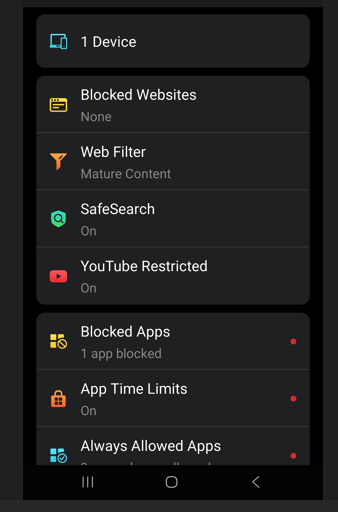
I have the parental controls paid version. After hours of troubleshooting I decided to remove the device from her parental control profile and then everything worked.
I created exemptions for her device in all security features (Web Protection, IPS) and it didn't make any difference. The block history doesn't show any blocks either.
The only solution I have found so far is to remove the chromebook from her list of devices, install the apps she wants and then add the device back to the parental control profile which is quite annoying :(. I may need to use family link for it which is not ideal, doesn't provide enough features and then the headache of having to do parental control in two different apps.
Is this a known issue? Any solutions?
Thanks