WiFi Calling Summary always empty

WiFi Calling Summary always empty

WiFi Calling Summary always empty
Yesterday
Tags: #Controller #wifi calling
Hardware Version: V1
Firmware Version: 6.2.10.17

I have an EAP773 and an EAP725-Wall all running production release firmware.


I went through my DNS log and used all the the name to add the WiFi Calling Profile.


I have tested that WiFi Calling works, by turning on Airplane mode and then enable WiFi.  Making calls works.


But the summary is always empty.  Not sure if it's the controller's issue or EAP issue.  Aso tested SIP ALG on or off with the combination of IPSec ALG on and off.  Nothing seems to matter.

  0      
0
#1
Options
3 Reply
Re:WiFi Calling Summary always empty
Yesterday - last edited Yesterday

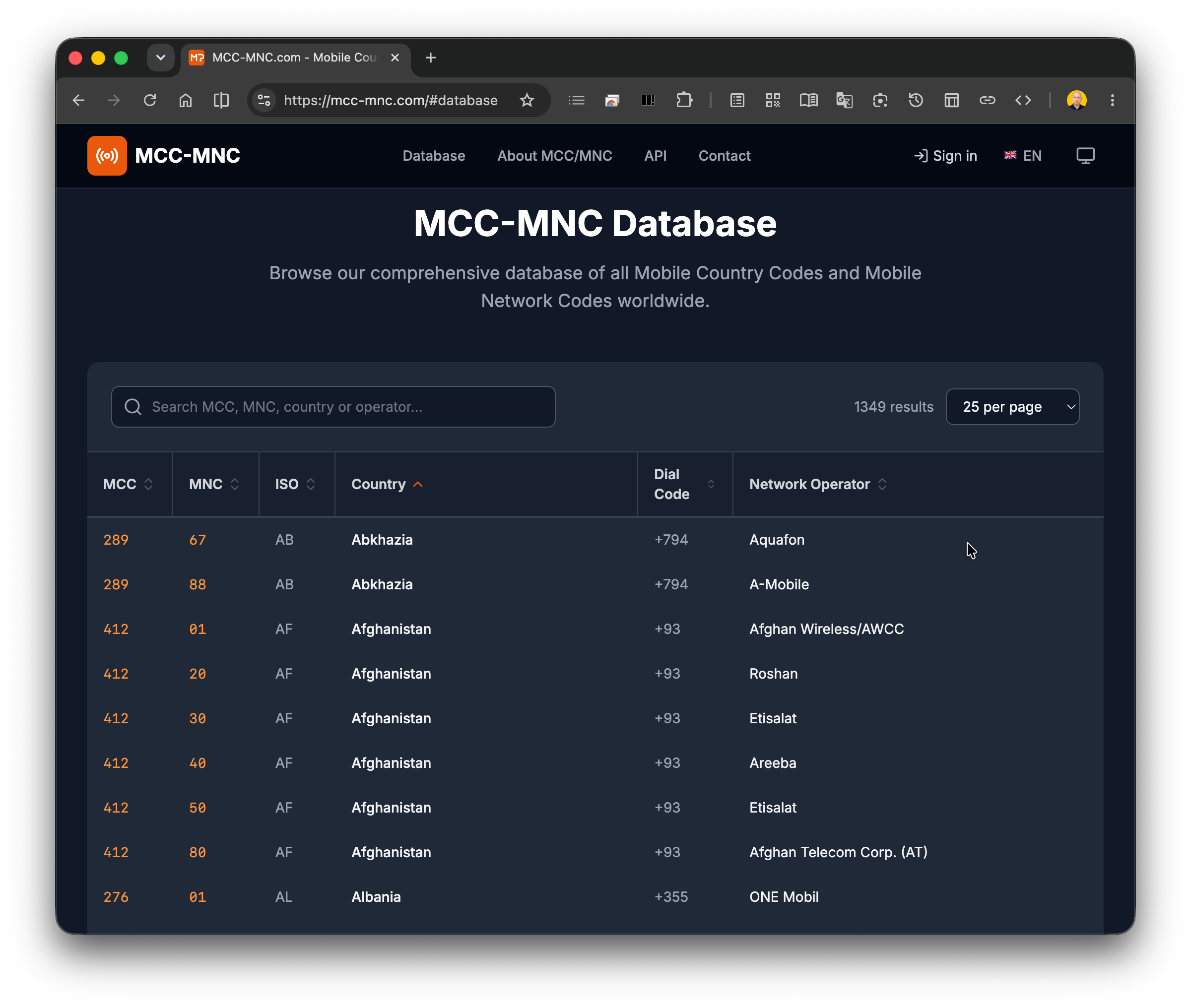
  @mbze430 Follow this guide WiFi Calling Setup first and make sure that you can see „{Your Carrier} Wi-Fi” status on your mobile phone, otherwise your calls go through regular network. Then, to capture calls history, you need to create WiFi Calling Profile in which you provide your carrier(s) ePDG URLs that can be found at your country regulator authority website or some 3rd party websites like MCC-MNC Database. Be also aware that call statistics are not real-time and short calls (let's say under 1 minute) may not be captured in the history at all.

  0  
0
#2
Options
Re:WiFi Calling Summary always empty
Yesterday

  @KrispPL Yes already done all that.  If you read through my post I already said I went through all my DNS log to pull all the MNC URL.  it's been like 7 days and no logs.

  0  
0
#3
Options
Re:WiFi Calling Summary always empty
an hour ago

Hi  @mbze430 


Thanks for reaching out to TP-Link Business Forums.


May I know what's the hardware and firmware version of your EAP773 & EAP725-Wall?

Are they now fully adapted to V6.2 controller?

If you reboot your mobile phone, EAPs and the OC, does it make any difference?

  0  
0
#4
Options