
Can't connect tapo c510w camera to h500 hub!

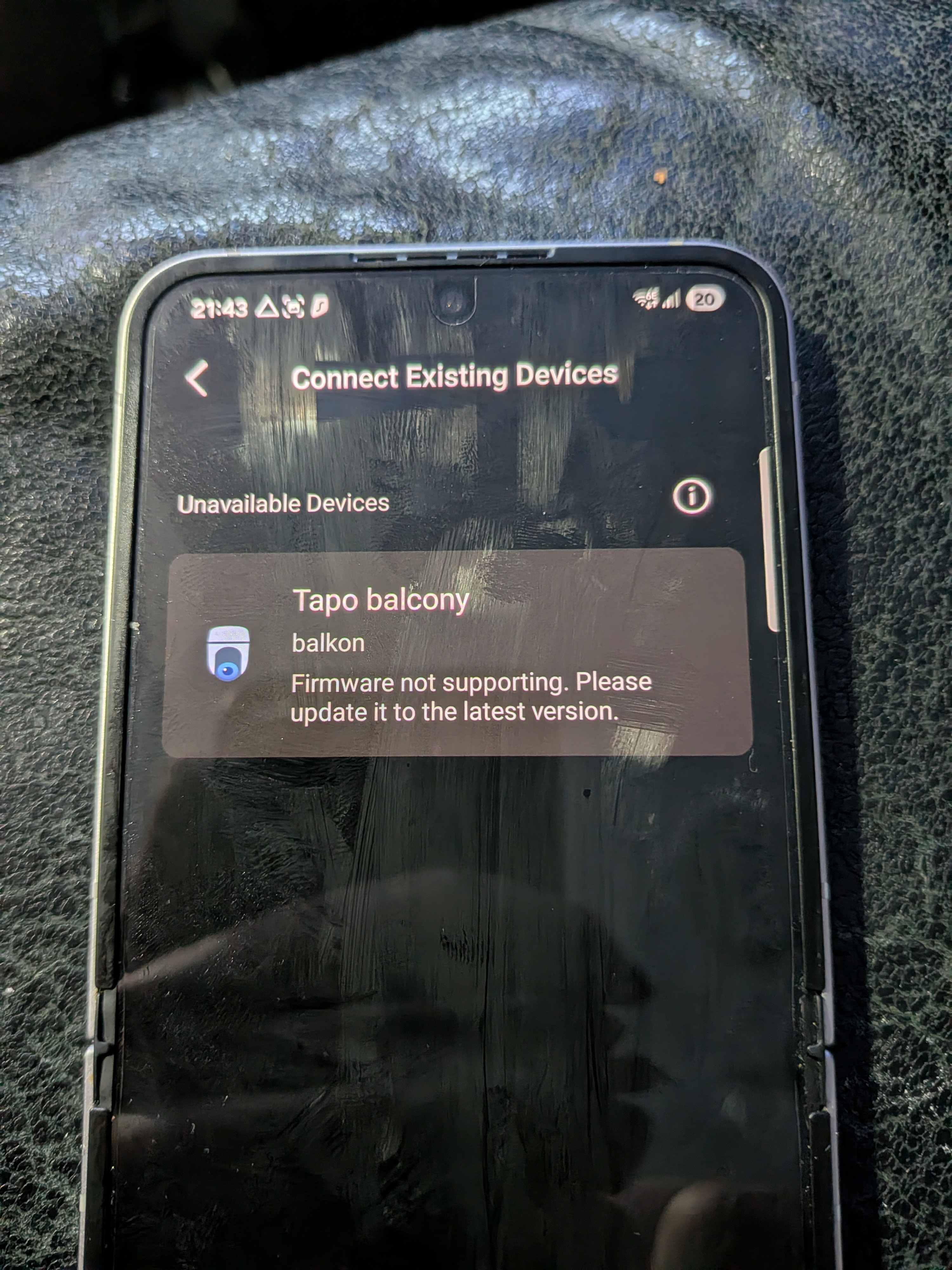
Can I please get help with pairing my c510w to my hub h500.
C510w
Firmware version 1.0.1
Hardware 2.0
I tried to update update Firmware version but I already have the latest version.
- Copy Link
- Subscribe
- Bookmark
- Report Inappropriate Content


Your camera is not on the latest firmware. For a Tapo C510W(EU) V2, the latest firmware is 1.2.1 Build 250919 Rel.39196n.
Please go to camera's Device Settings page, manually check for firmware updates to see if any new versions are available. How to update the firmware of the Tapo devices on the Tapo App
Can you access the camera’s live stream remotely (e.g., using cellular data)? If not, the camera may not be properly connected to the cloud, which could also prevent it from detecting the latest firmware updates. If this is your case, please refer to Case 2 suggestions in this article for troubleshooting first. What should I do if I can't view the Tapo camera?
If the camera's remote control functions correctly but it still can't detect any new firmware, try the following and see if it helps the camera identify available updates.
- Power cycle the camera.
- Reset and reconfigure the camera.
- Reset and configure the camera to another WiFi, such as mobile hotspot.
- Copy Link
- Report Inappropriate Content
Your camera is not on the latest firmware. For a Tapo C510W(EU) V2, the latest firmware is 1.2.1 Build 250919 Rel.39196n.
Please go to camera's Device Settings page, manually check for firmware updates to see if any new versions are available. How to update the firmware of the Tapo devices on the Tapo App
Can you access the camera’s live stream remotely (e.g., using cellular data)? If not, the camera may not be properly connected to the cloud, which could also prevent it from detecting the latest firmware updates. If this is your case, please refer to Case 2 suggestions in this article for troubleshooting first. What should I do if I can't view the Tapo camera?
If the camera's remote control functions correctly but it still can't detect any new firmware, try the following and see if it helps the camera identify available updates.
- Power cycle the camera.
- Reset and reconfigure the camera.
- Reset and configure the camera to another WiFi, such as mobile hotspot.
- Copy Link
- Report Inappropriate Content
The camera always has good wifi reception and has never got trouble with live view.
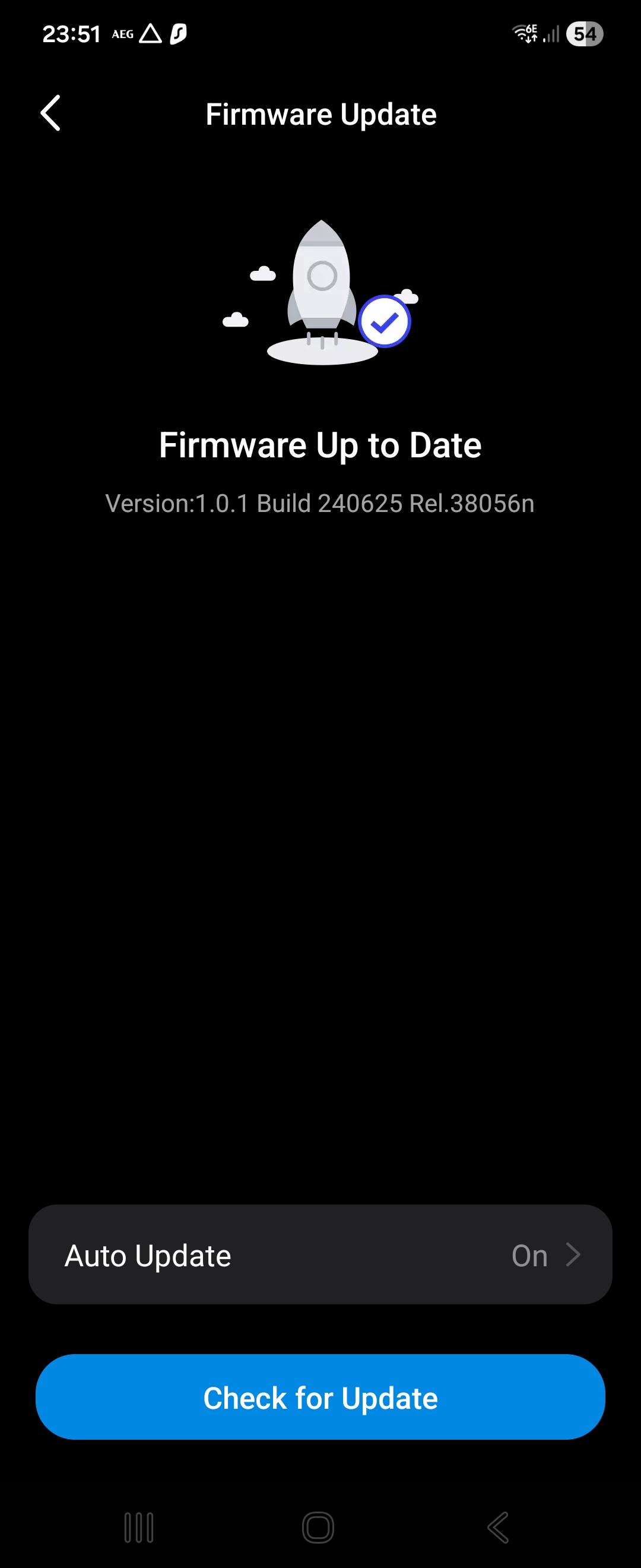
When i update manually i see firmware up to tade, but as you said there is 1.2.1
This is what i did today, removed the cam 3 times from my app and tried 2 times on a mobile Hotspot while the router and repeater were off i tried to update manually and got the report firmware up to date.
1 time i reset the camera by pushing the button on the back and got the same result.
I turned on diagnostic mode butt that didn't work either. Can i do something?
- Copy Link
- Report Inappropriate Content
@Homer030 For the firmware issue, please contact our support team for further assistance. Contact Technical Support
- Copy Link
- Report Inappropriate Content
Information
Helpful: 0
Views: 330
Replies: 3
Voters 0
No one has voted for it yet.