Knowledge Base Understanding Deco App Accounts: Owner vs. Manager


Managing your home Wi-Fi network is simple with the Deco app, which utilizes two primary account types: the Owner Account and the Manager Account. Understanding their roles helps you effectively control and share your network management.
Part I: Differences and Similarities
The fundamental distinction lies in creation authority and permissions. The Owner Account is the primary account used to initially set up and create the Deco Mesh network. It holds full, unrestricted administrative control over every network setting and feature.
In contrast, a Manager Account is an account authorized by the owner to assist with management tasks. Owners can invite multiple other TP-Link ID holders to become managers for the same network. The key characteristics are:
|
|
Owner Account |
Manager Account |
| Basic Requirement |
Both accounts must be valid TP-Link Email IDs registered with the TP-Link Cloud service. |
|
| Number of Accounts |
Accounts: A single Deco network supports one owner but can have multiple managers |
|
| Permissions |
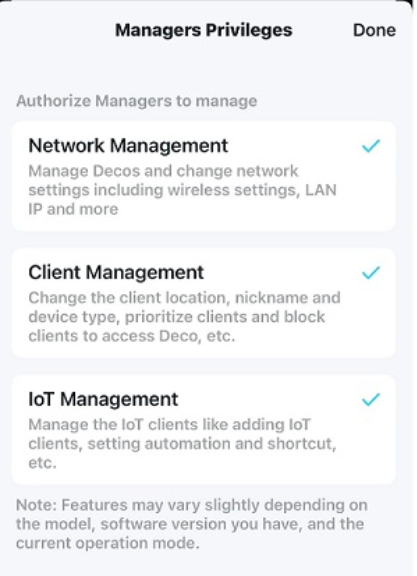
The owner retains all permissions. |
|
Part II: Choosing the Right Account for Sharing Management
Selecting which account type to share depends on your specific scenario:
- Best for the Owner Account: This is ideal for the primary household member or IT administrator in a small office who is responsible for the initial setup, major overhauls (like changing the base network IP range), and overall network security. It should not be shared casually and
- Best for a Manager Account: This is the perfect tool for delegating daily management tasks.
- For Family Members: Grant manager access to other adults in the household. They can help reboot the system, pause kids' devices, or add a new smart plug without needing the owner's credentials.
- For Property Rentals: As a landlord, keep the owner account. You can provide manager access to tenants, allowing them to manage their connected devices and perform basic troubleshooting while you retain ultimate control over the core network infrastructure.
- For Small Business/Co-working Spaces: The business owner holds the owner account. Employees or trusted colleagues can be added as managers to handle client prioritization for video calls or manage guest network settings, streamlining operations without compromising top-level security.
Part III: Frequently Asked Questions
Q: Can I change the owner account for my Deco network?
A: Yes, it is possible to transfer ownership to a different TP-Link ID. For detailed step-by-step instructions, please refer to the official TP-Link FAQ: https://www.tp-link.com/support/faq/2957/.
NOTE:
-
Some Deco models do not support this feature now, and they will support this feature via firmware updates in the future.
-
This feature will only unbind the network you've selected. All other networks associated with your TP-Link ID will remain unaffected.
Q: Will my HomeShield subscription transfer when I change the owner account?
A: No. A HomeShield subscription is tied to the purchasing TP-Link ID and cannot be transferred to a different ID during its validity period. If you are on a continuous subscription plan, you must first unsubscribe from the service using the original account and then re-subscribe using the new TP-Link ID.
Q: After logging in with a manager account, are extra steps needed to see the managed network?
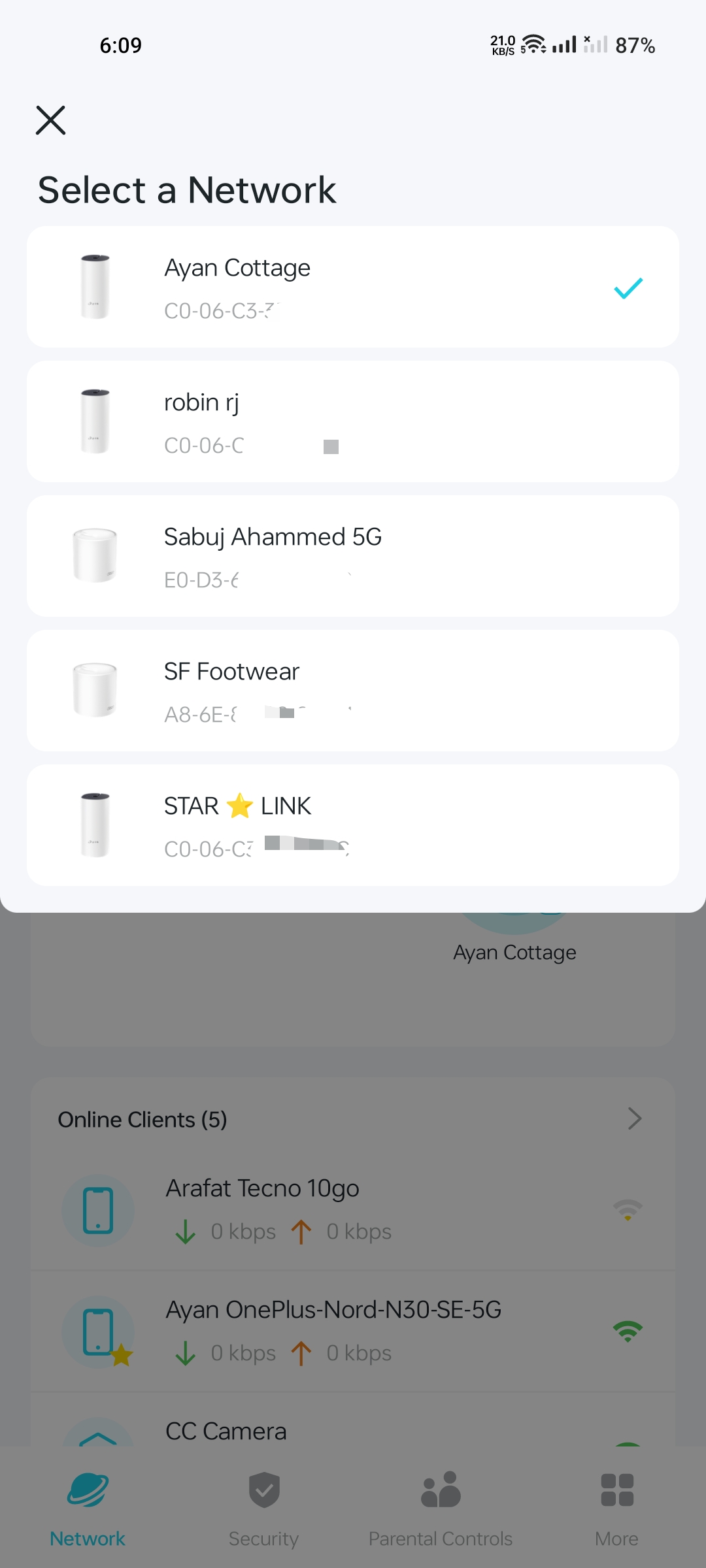
A: No. Once successfully authorized by the owner, the managed Deco Mesh network will appear automatically in the Deco app upon login with the manager account. No additional configuration is required to view it.