PS Portal / Remote Play fails behind Deco X55 mesh

Hello everyone,
For several months I have been trying to use my PlayStation Portal (PS Portal) outside my home network without success. Posting here is my last attempt to find a solution.
When my PS5 is connected to my home Deco X55 Wi-Fi network, the PS Portal works perfectly only when the Portal is also on the same home network.
However, when I try to connect from:
-
Public Wi-Fi
-
Mobile hotspot
-
A friend’s home network
the PS Portal initiates the connection, successfully wakes the PS5 from Rest Mode, but then fails with a connection error.
My Network connection as as follows:
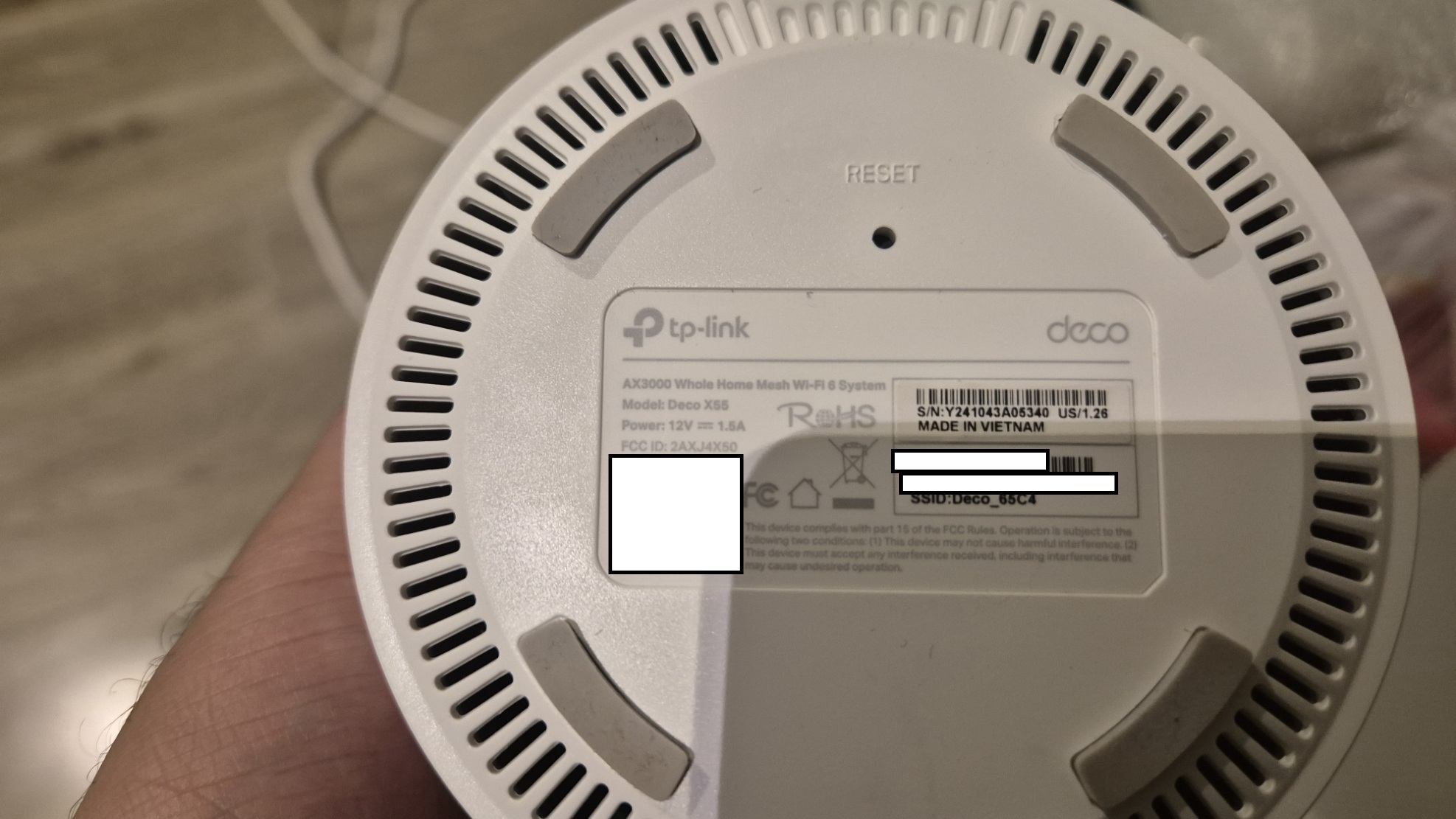
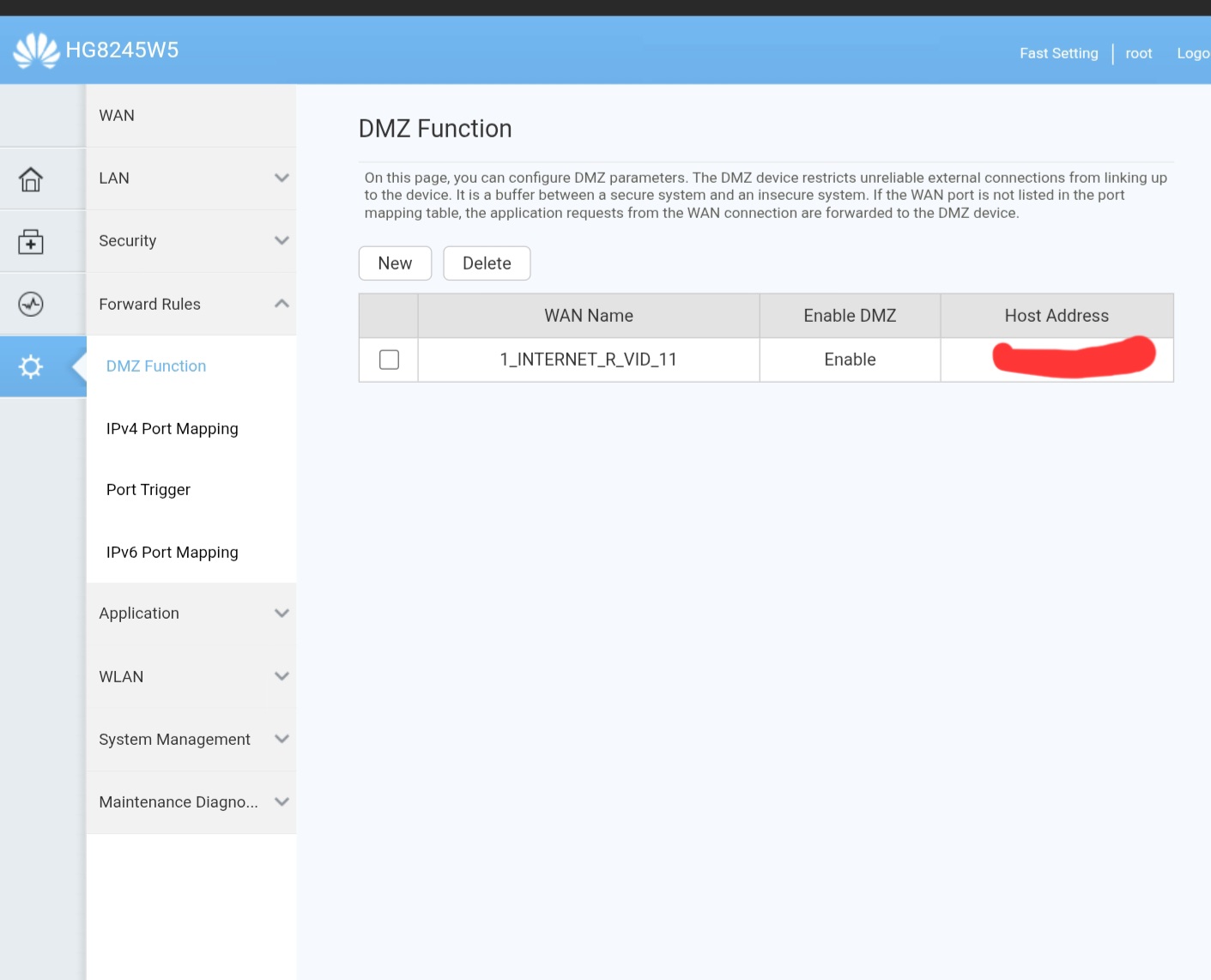
Huawei HG8245W5 (ISP Router / ONT)
│
└── Deco X55 Main Unit (Ethernet)
├── Deco Satellite #1 (Wi-Fi)
└── Deco Satellite #2 (Wi-Fi)
The PS5 is configured to connect only to the Deco X55 main unit.
Troubleshooting Already Attempted
-
Port forwarding on Deco app to PS5 static IP:
TCP/UDP: 987, 8572, 9295–9308
2. Connected PS5 via Ethernet cable directly to main Deco unit.
3. Asked my ISP to remove CGNAT for testing purposes.
None of the above resolved the issue.
When I connected my PS5 directly to the Huawei HG8245W5 router via Ethernet or Wi-Fi,PS Portal connects instantly and i can play normally outside my home network
However, this setup is not practical because my gaming area is far from the ISP router.
As soon as I reconnect the PS5 to the Deco X55 (Wi-Fi or Ethernet), the issue returns.
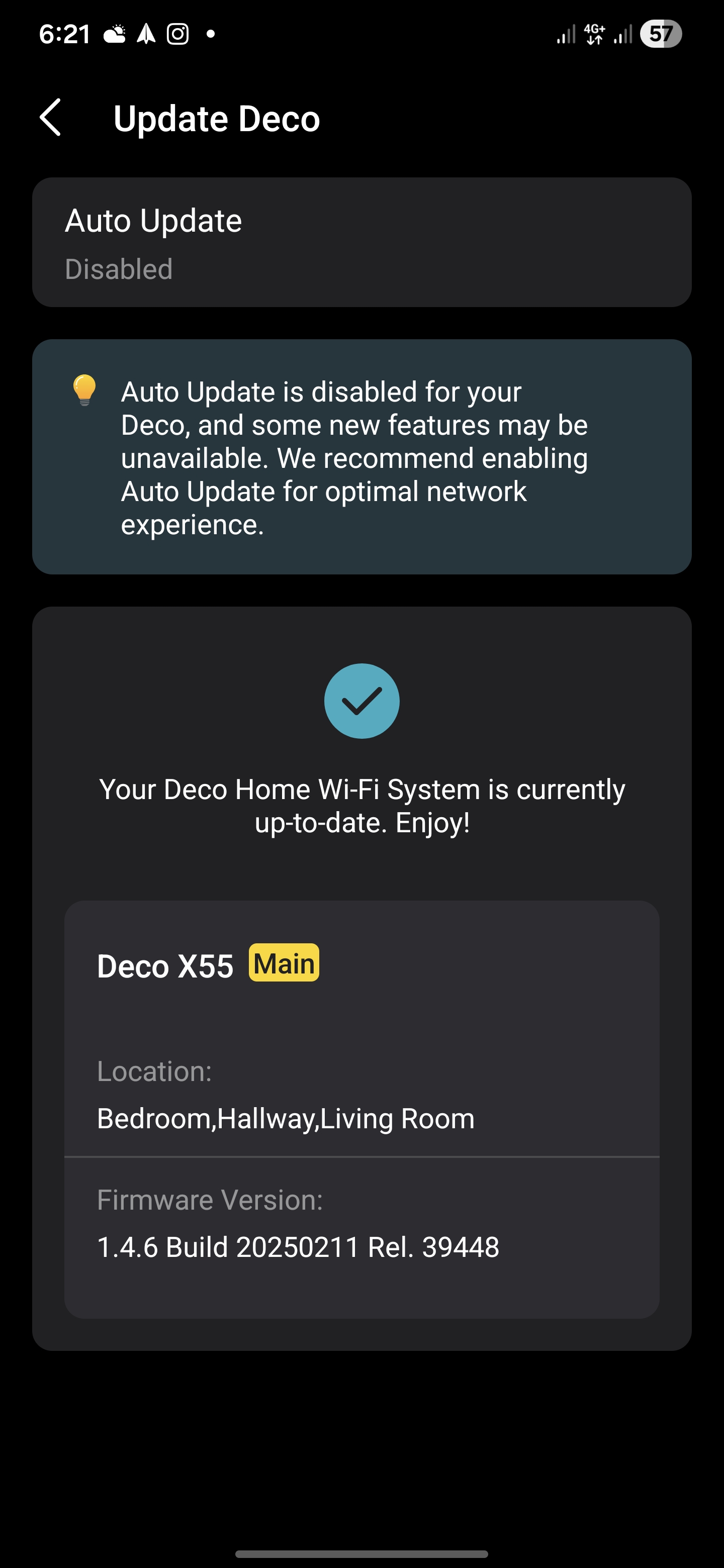
This strongly suggests the issue is caused by the Deco X55 mesh system blocking or interfering with the Remote Play / PS Portal peer-to-peer traffic, even though the PS5 is reachable enough to be woken from rest mode.
Has anyone experienced this issue with Deco X55?
Are there any specific settings (Fast Roaming, QoS, IPv6, NAT filtering, etc.) that could be blocking inbound Remote Play traffic?
Any guidance would be greatly appreciated.