
Robo vac missing corners

I love my new RV30 Max Plus, which we've named Vicky (the vacuum). She does a great job of vacuuming and mopping the floors, (when she wasn't trying to climb up the Christmas tree 😂🎄).
However, she does tend to miss the same spots, particularly when manoeuvreing around corners and small obstacles. She tends to turn a bit too far to the left and then go past the the area before going back right and in towards the edge so leaving a small patch untouched and just out of reach of the outer sweep brush. She will also bump into an edge, turn a little bit too far to the left and then go along the edge in a straight line, but just not quite close enough for the sweep brush, so the whole edge is missed. As this happens at the same spots every time, even if she's set to clean 2 or 3 times, these parts always get missed. Similarly, if there's a 90' right hand corner followed by a 90'left hand corner, she'll go around a 90' right hand corner, then head about 45' degrees left across to the edge and completely miss the 90' left hand corner. Surely the Lidar should pick up that there's an area there that has been missed?
I'm wondering if this could be tightened up in a future firmware update and maybe even add in an 'intricate clean' or 'nooks and crannies' mode to try and get into those areas. I often put Vicky into remote controls mode and manually do those areas myself and I'll spin right and left to get the sweep brush right into the corners.
I hope this can be fixed in updates.
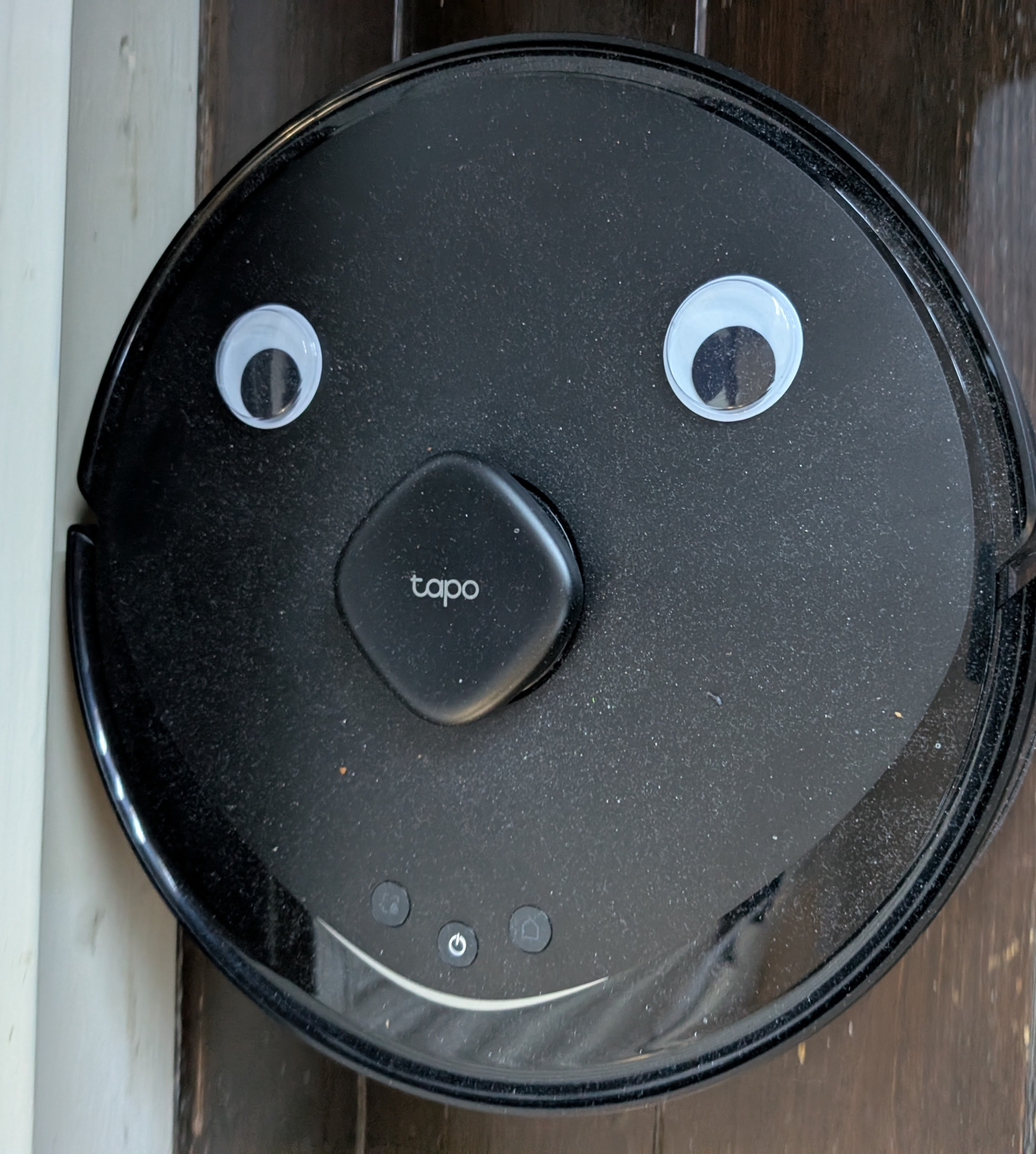 Vicky the Vacuum

