
Doorbell stuck with blue/cyan bell LED

Doorbell stuck with blue/cyan bell LED

Doorbell stuck with blue/cyan bell LED
2 weeks ago - last edited 2 weeks ago
Model: Tapo D205  
Hardware Version: V1
Firmware Version: latest

greetings


my mini doorbell stopped working and I tried resetting it but now it's stuck on a light blue/cyan LED

I tried holding the reset button for 5 seconds but it would not reboot. 

I tried holding the reset button for 30 seconds but it would not reset, either. 
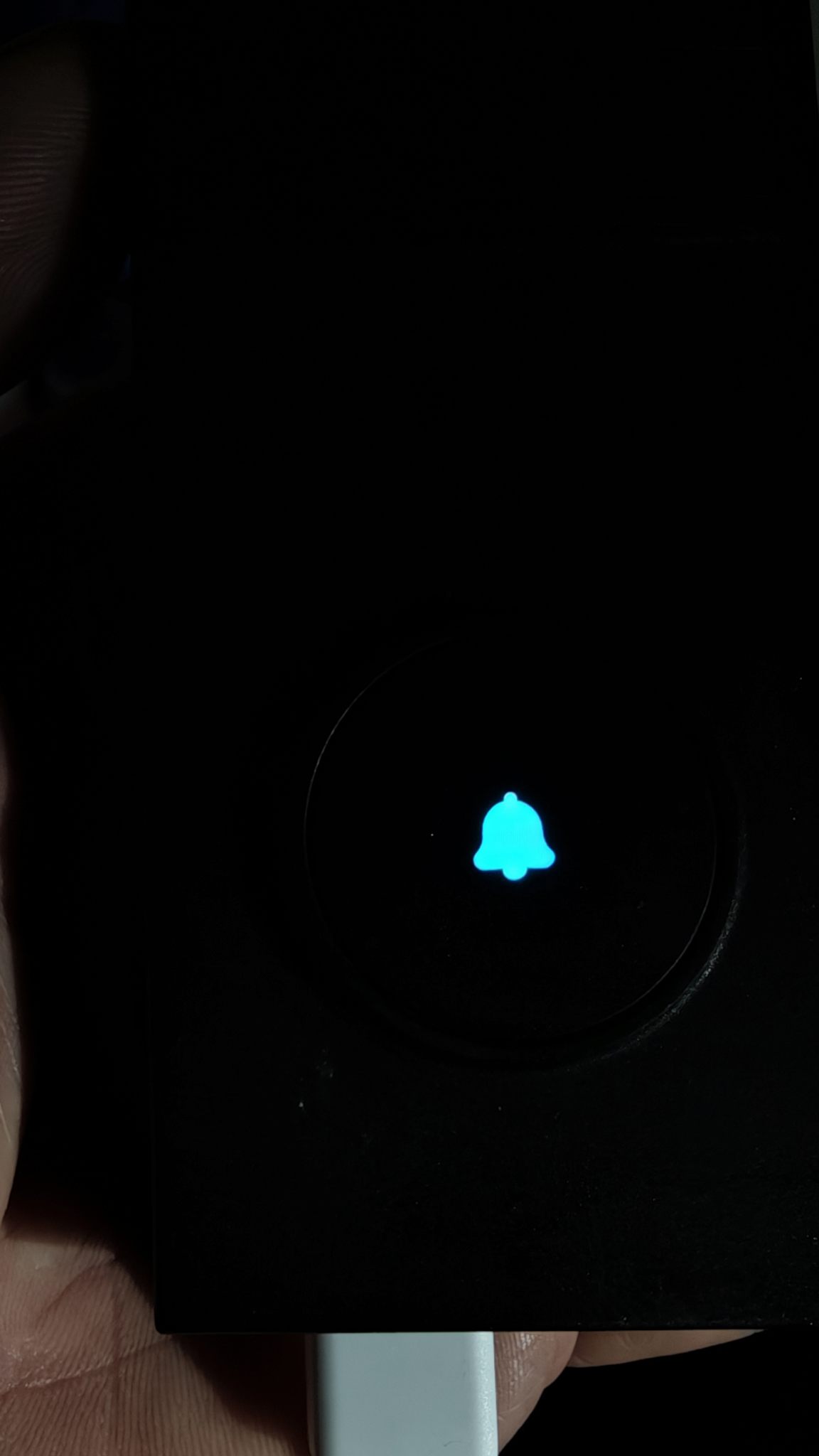
 

doorbell with blue bell


any idea what's going on and how I can fix it?


thank you

regards


Andreas

  0      
  0      
#1
Options
2 Reply
Re:Doorbell stuck with blue/cyan bell LED
2 weeks ago - last edited 2 weeks ago

so I played with the buttons and pushed them all and held them for a while.


currently the status of the LED is:


- red blink (1x)

- blinking amber fast

- red slow blink 2x

- steady amber (3 sec)

- white steady (~5 sec)

- blue/red flash

- amber fast blink

- red blink (2x)

- amber steady

- quick red flash

- white steady


and repeat


seems to be stuck


when I push the reset button at the right time, it goes back to cyan/blue


  0  
  0  
#2
Options
Re:Doorbell stuck with blue/cyan bell LED
2 weeks ago

  @AndreasR42 


Try to press the Ring and Reset buttons at the same time, wait until the LED goes off, then release the Reset button, 2 seconds later, release the Ring button.


If the LED status returns to normal, you can reset it again or reconfigure it directly if it is already in onboarding mode -- led blinking red and green.

CES 2026 Meet TP-Link AI Assistant and More New Products!
  0  
  0  
#3
Options
