
Pet tracking also tracks person

I set specific activity tracking to pet tracking only yet the camera also detects and tracks person
- Copy Link
- Subscribe
- Bookmark
- Report Inappropriate Content


Hi,
Please check your current settings to make sure Motion Tracking is set to follow “Pet” only.
Also, kindly review your Detection Settings — is only Pet Detection enabled, while Person Detection is turned off? If both are enabled, the camera may still detect and track people.
If the issue continues after confirming and adjusting these settings, it would be helpful to provide:
1. A video showing the problem
2. A screenshot of your Motion Tracking settings
For faster and more direct assistance, you can also contact the support team with the above information.
Best Regards,
- Copy Link
- Report Inappropriate Content
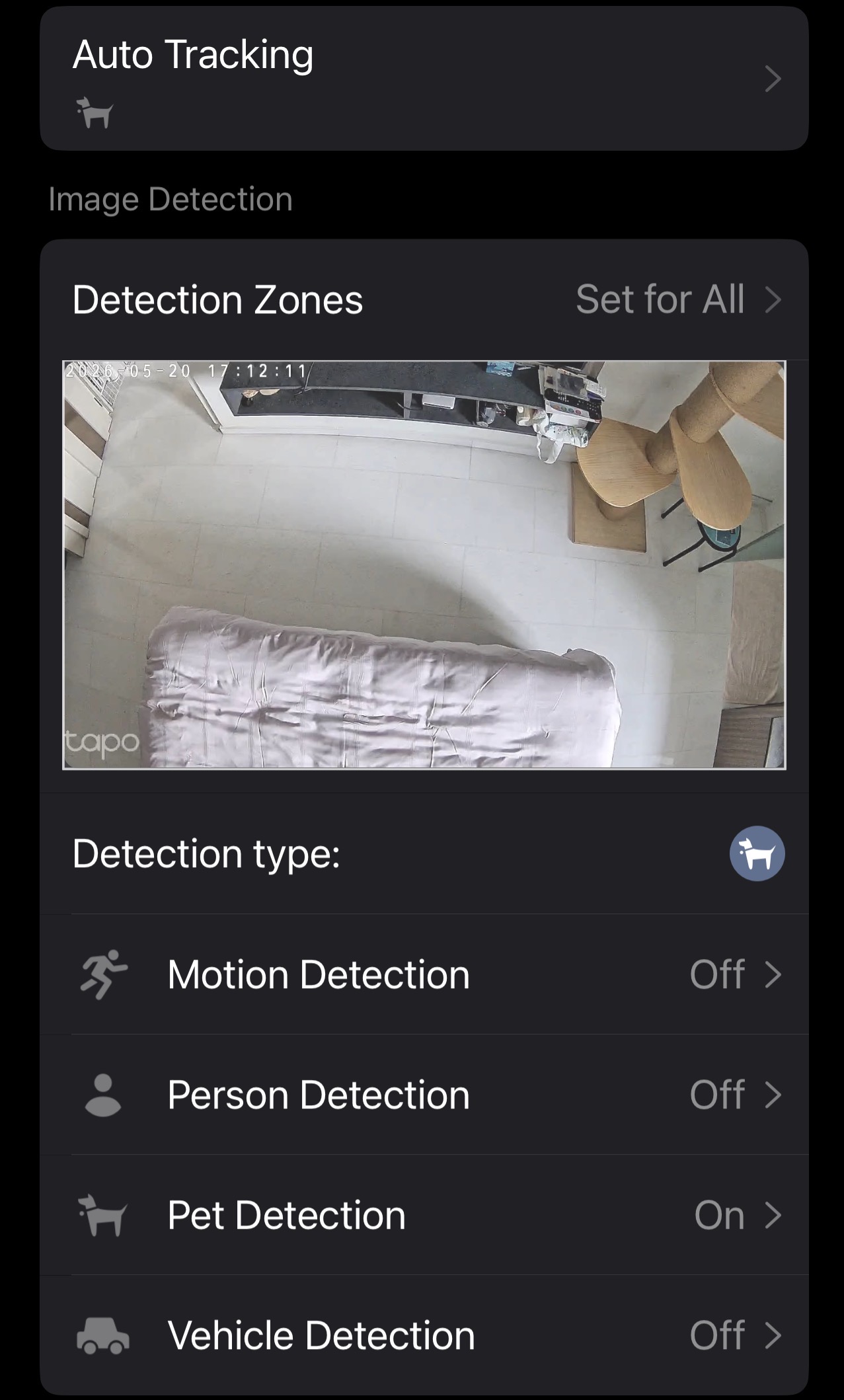
yes, as mentioned, settings to track pets only
- Copy Link
- Report Inappropriate Content
Hi,
Thank you for providing the details.
When Pet Tracking is enabled, the camera will start tracking after it identifies an object as a pet. However, in a usage angle like yours, it can be challenging for the camera to clearly distinguish between a person and a pet—especially when a person passes close to the lens or within a similar height/field of view. In such scenarios, misidentification may occur, which can lead to the camera tracking a person as well.
To help improve the accuracy, we recommend adjusting the installation position or viewing angle of the camera. For example:
1. Placing the camera at a lower position (e.g., on a table)
2. If ceiling-mounted, tilting it to better match the typical movement height of pets
These adjustments can help the camera better differentiate targets within your specific environment.
Best Regards,
- Copy Link
- Report Inappropriate Content
Information
Helpful: 0
Views: 70
Replies: 3
Voters 0
No one has voted for it yet.